 Billboard
Add free photography from Unsplash
Search millions of free, high-resolution photos from inside your dashboard and drop them straight into a gallery. They cost you no storage.
Last updated 28 November 2026
Billboard has Unsplash built in, so you can put good photography on a screen before you've taken any of your own. It's free, it's high resolution, and it doesn't touch your storage allowance.
Turn the Unsplash app on
- Choose Apps in the sidebar.
- On the Unsplash card, turn the switch on.
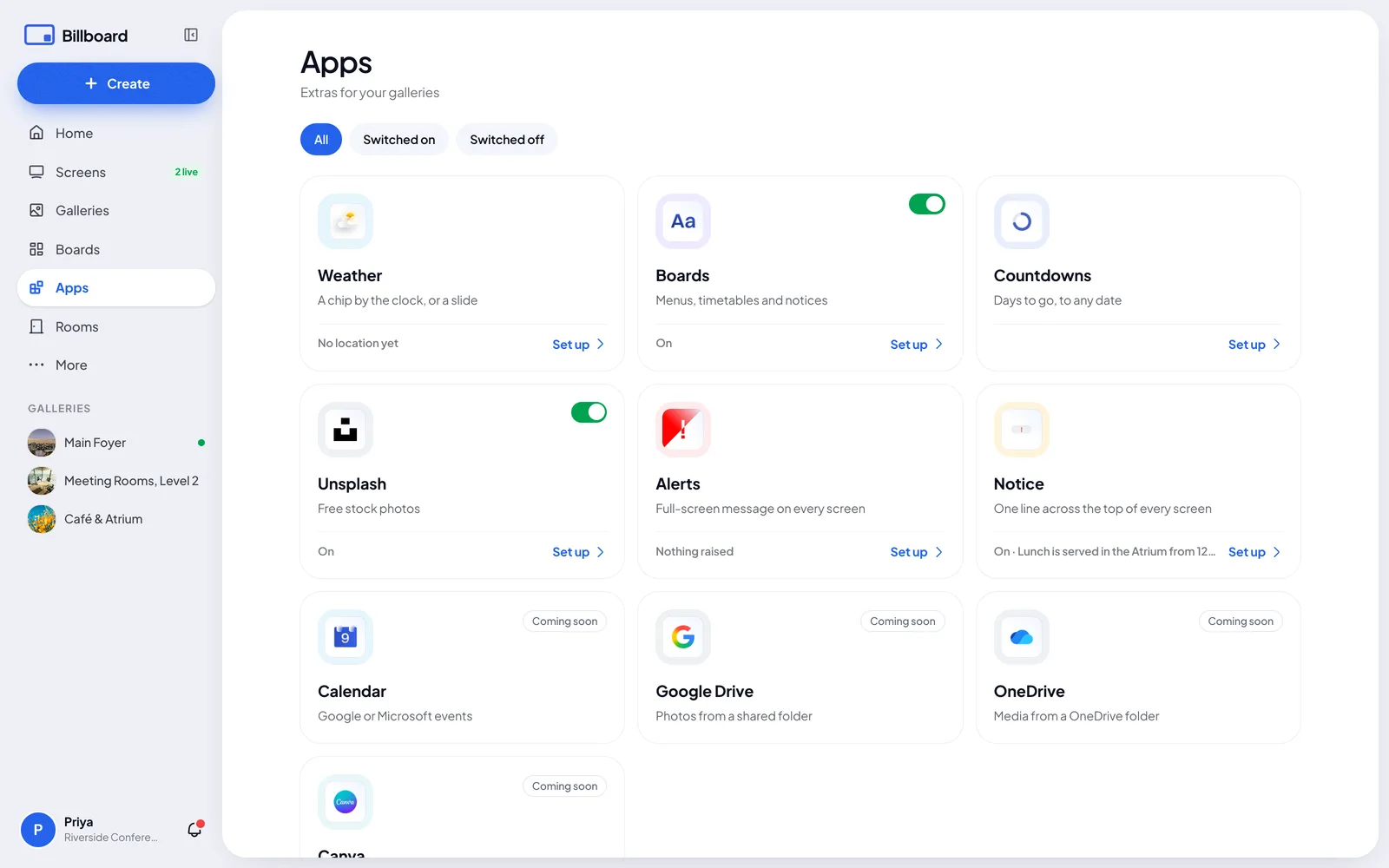
The same switch is in Settings → Apps.
Add a photo to a gallery
- Open a gallery and choose Add content.
- Choose Search Unsplash.
- Search for what you want. Try a place, a mood or a subject: "autumn campus", "quiet library", "coffee".
- Tap the photos you want. Your picks are kept if you search again.
- Select Add. They go on the end of the gallery, in the order you picked them.
From there it behaves like any other item. Drag it to reorder, add a caption, or remove it.
It costs you nothing
Unsplash photos are played straight from Unsplash rather than copied into your account. That means:
- No storage used. They don't count towards your plan's allowance, however many you place.
- Nothing to tidy up. Removing one from a gallery is instant, with no file left behind.
- They keep working if you switch the app off. Turning Unsplash off hides it from the picker, but photos you've already placed keep playing.
Good to know
- Your screens need to reach Unsplash. Because the photos aren't copied into your account, a screen behind a very restrictive firewall may not be able to load them. See Network requirements for the addresses to allow.
- Photographers get credited automatically. Unsplash's licence asks for attribution, and Billboard handles it for you.
- Good for filling gaps. A new screen looks finished on day one, and you can swap in your own photography as you take it.
Was this page helpful?
Related articles
Upload and organise mediaAdd images and video to a gallery, reorder the running order, and remove items. iPhone (HEIC) photos and screen framing are handled for you.Storage and original photosSee how much space your media uses, understand the original photos kept for re-cropping, and reclaim space by deleting originals or unused media.Design a boardBuild a menu, a timetable or a set of notices in the browser and drop it into any gallery. Edit it once and every screen showing it catches up.
Didn't find what you needed? support@getbillboard.app