 Billboard
Drop in a photo. It's on the wall.
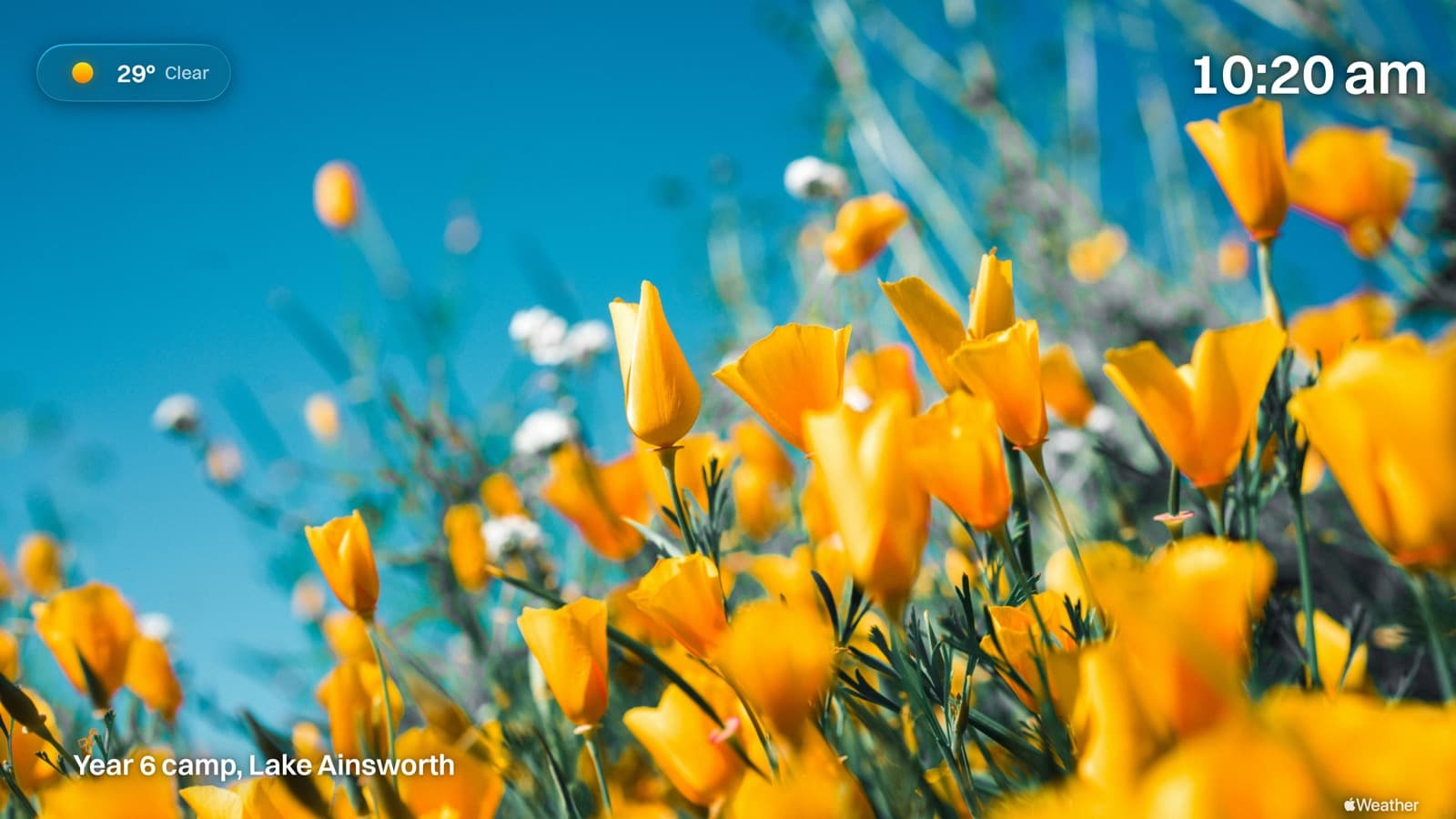
Your own pictures and video, or free ones from Unsplash, cut to fit the screen.
See photos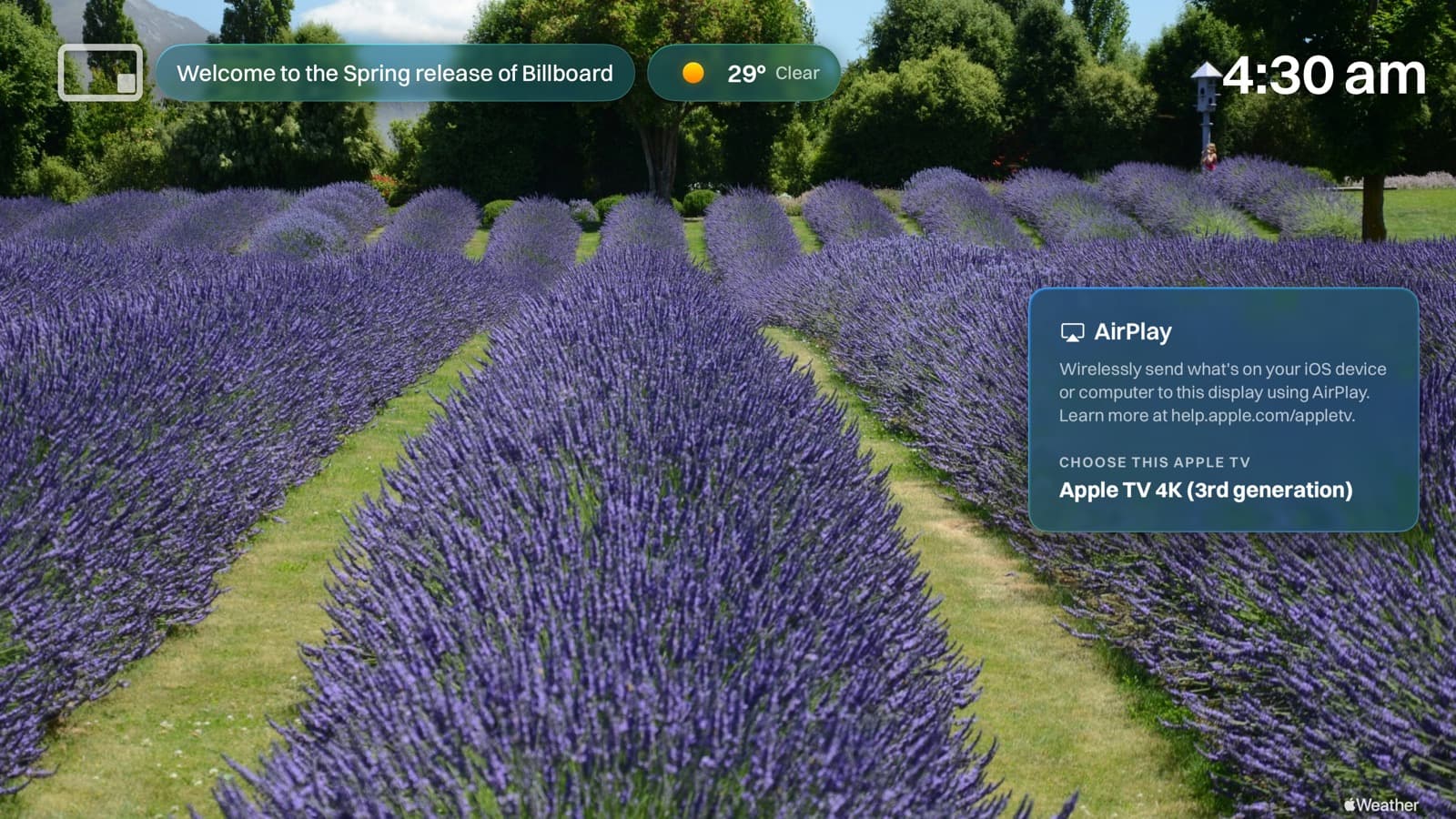
Digital signage for Apple TV
Scroll to see it on a screen
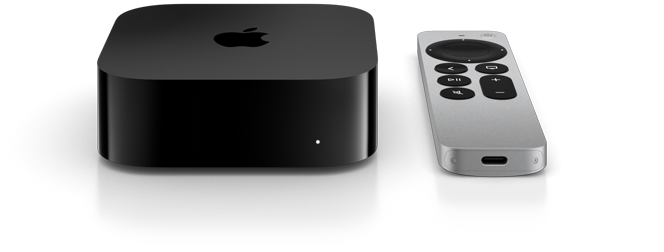
Photos, menus, notices and more on every Apple TV you own, from one tab. AirPlay still works.

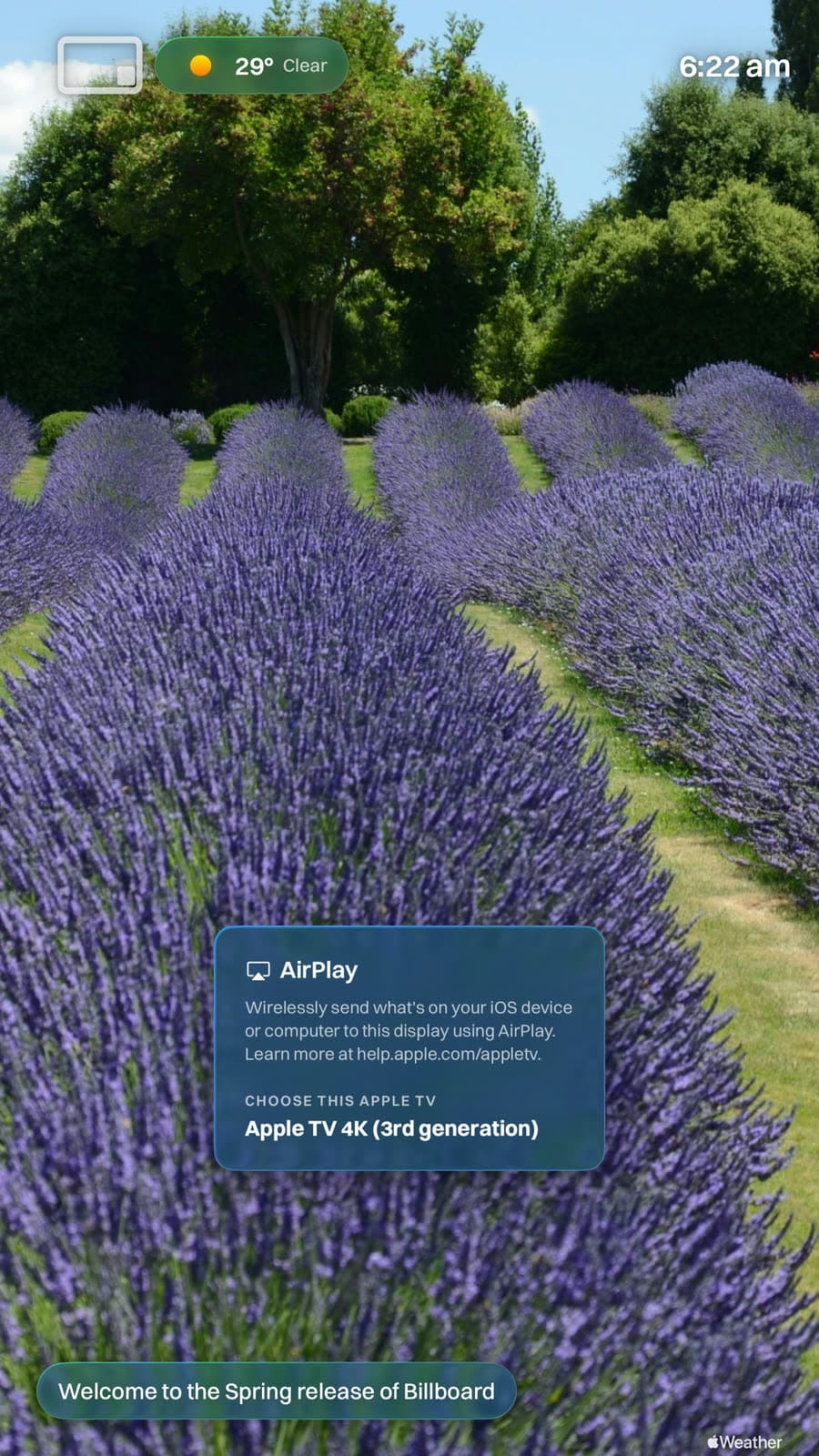
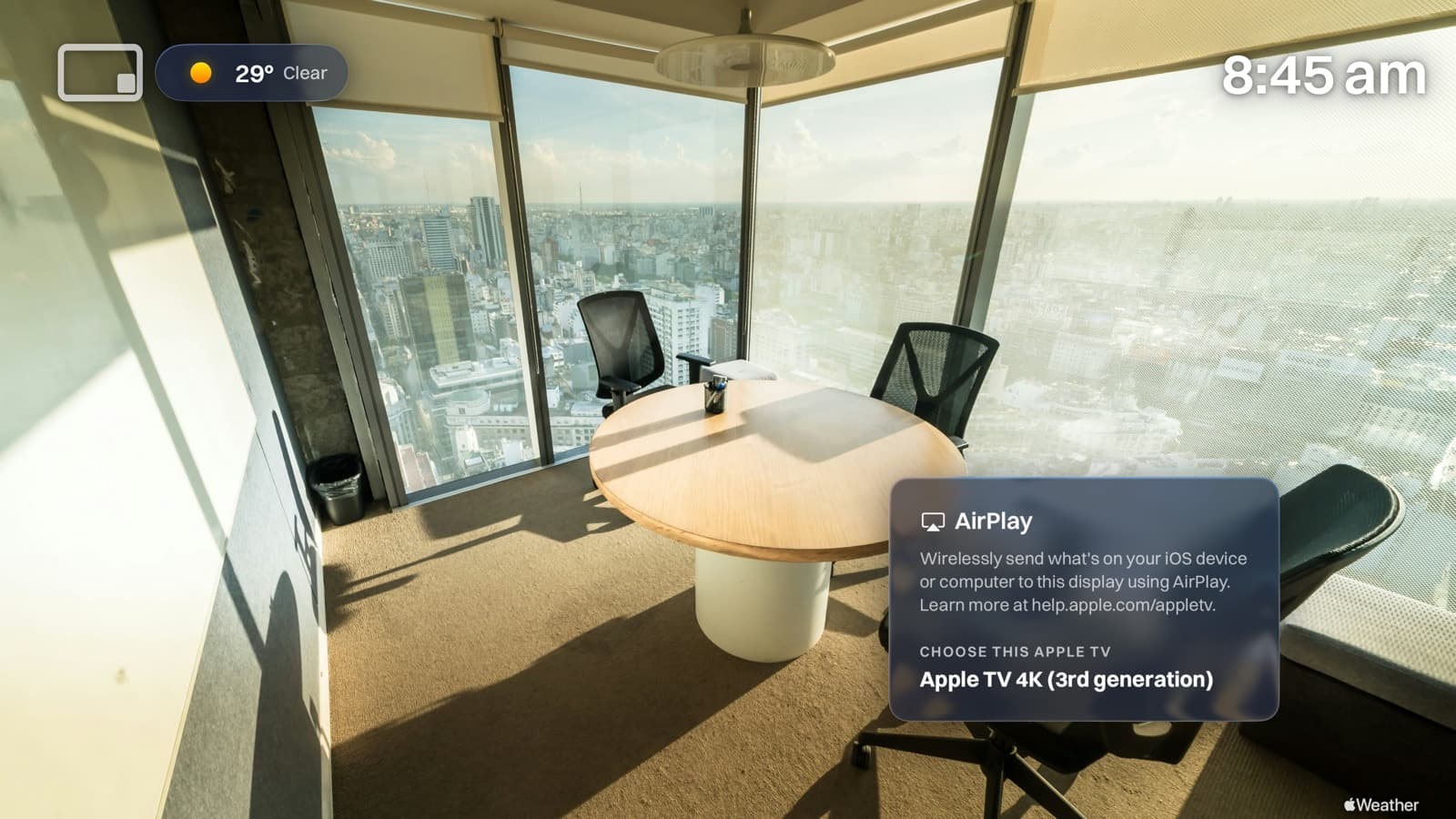
Conference Mode shows a blank screen so people can cast to it. Billboard shows your content and keeps the same one-tap panel in the corner. Walk up with a laptop or an iPad, tap, and you're on the screen.
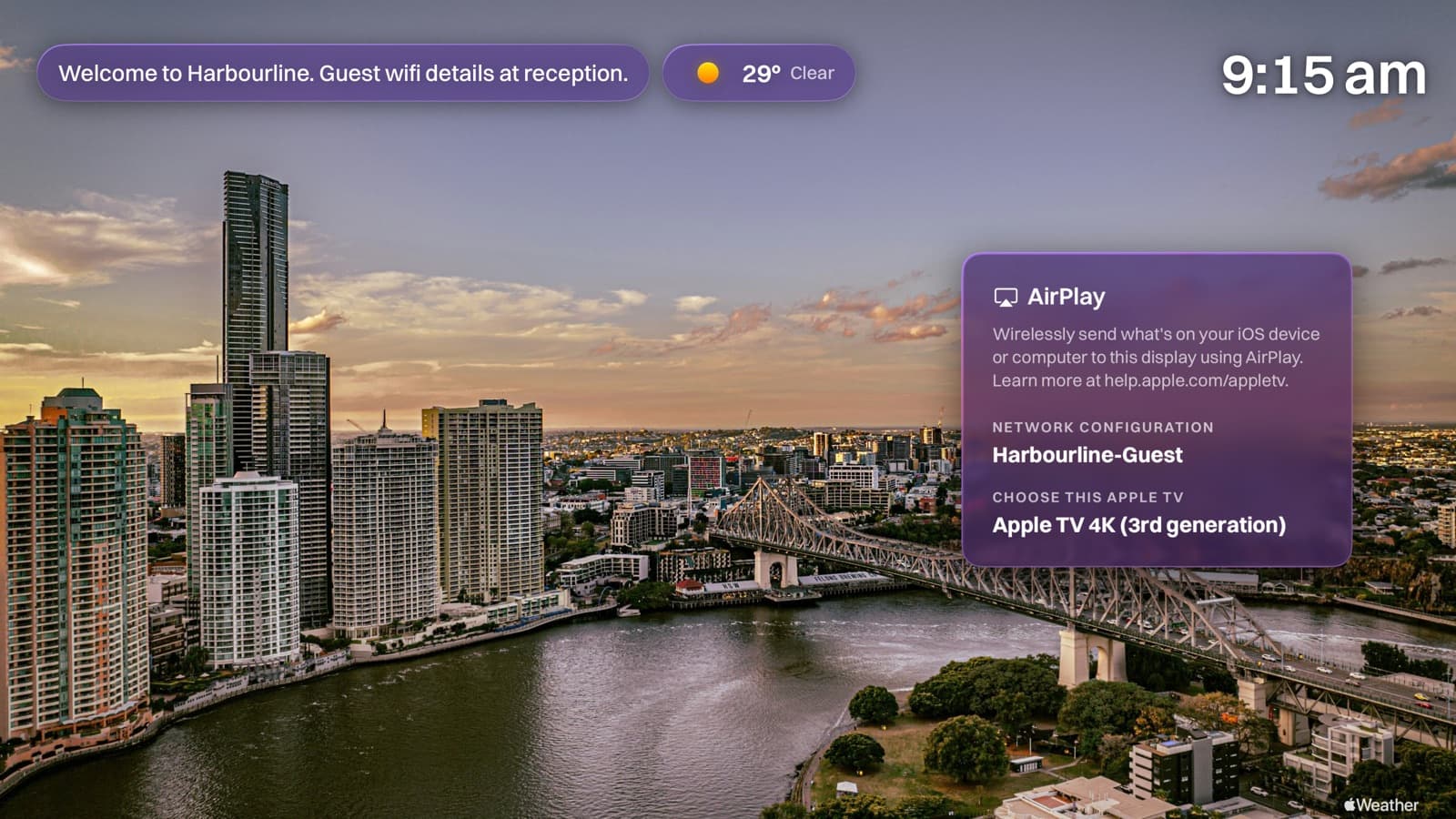
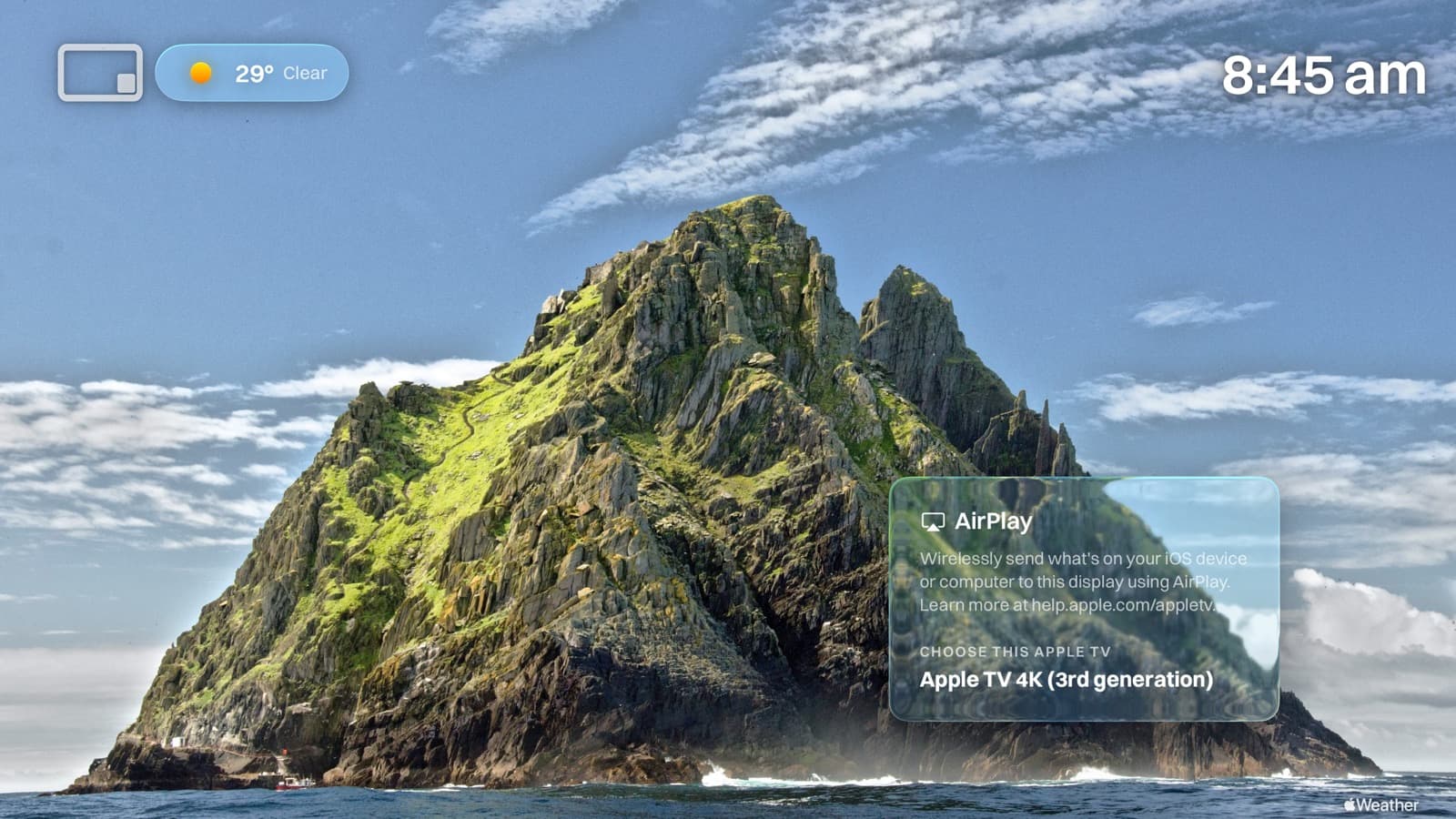
Wirelessly send what's on your iOS device or computer to this display using AirPlay.
Choose this Apple TV
Apple TV 4K
Same panel, same tap
Anyone who could cast before can cast now. Nothing to learn, nothing to install.
It steps aside
The moment somebody connects, your content gets out of the way. When they stop, it comes back.
Yours to word
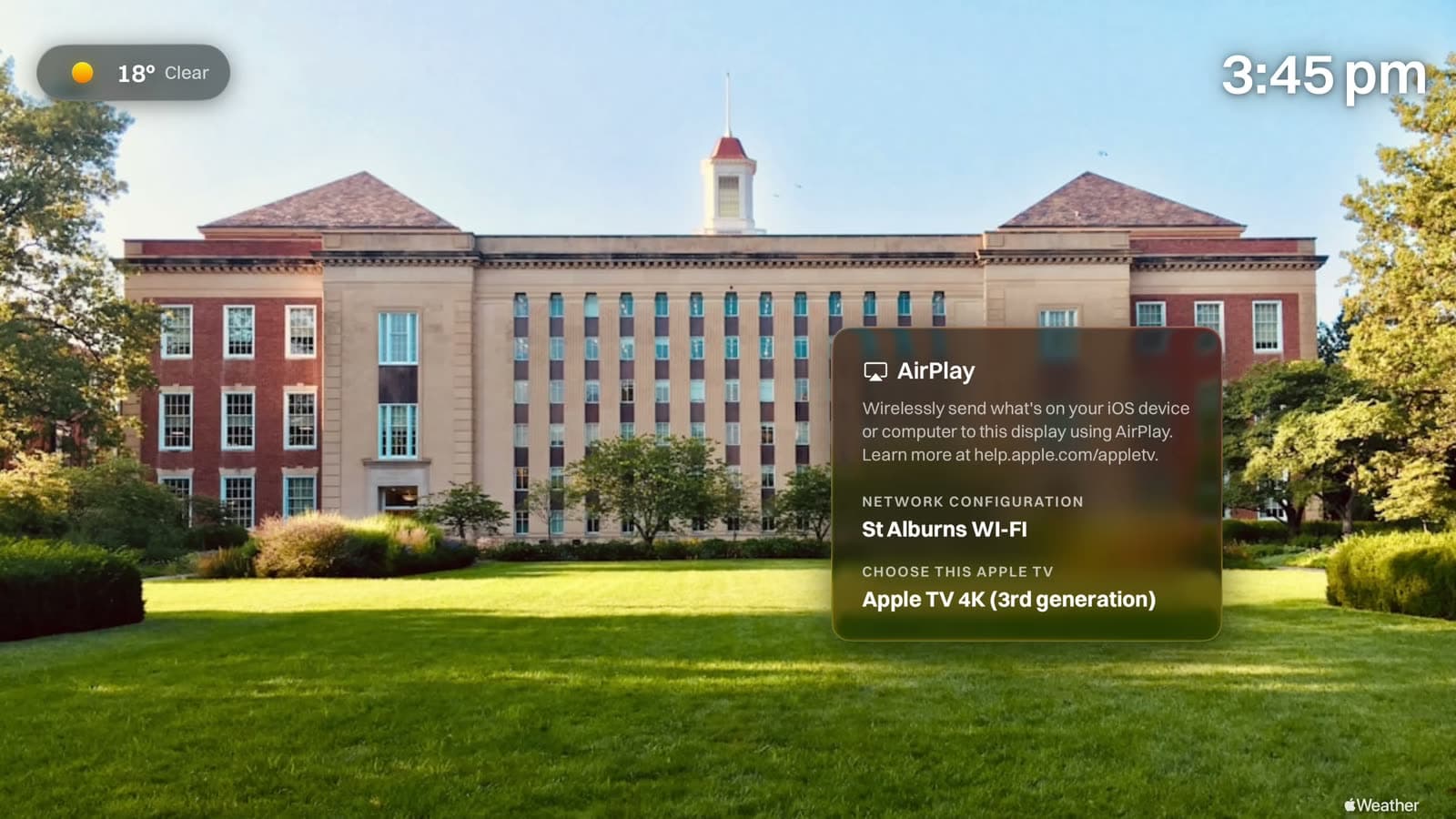
Device name, a line of help, the guest Wi-Fi. The panel reads how you want it to.
Over a photo, a board or a menu. In the corner it was always in.
The panel over the house photo, with the school's guest Wi-Fi.
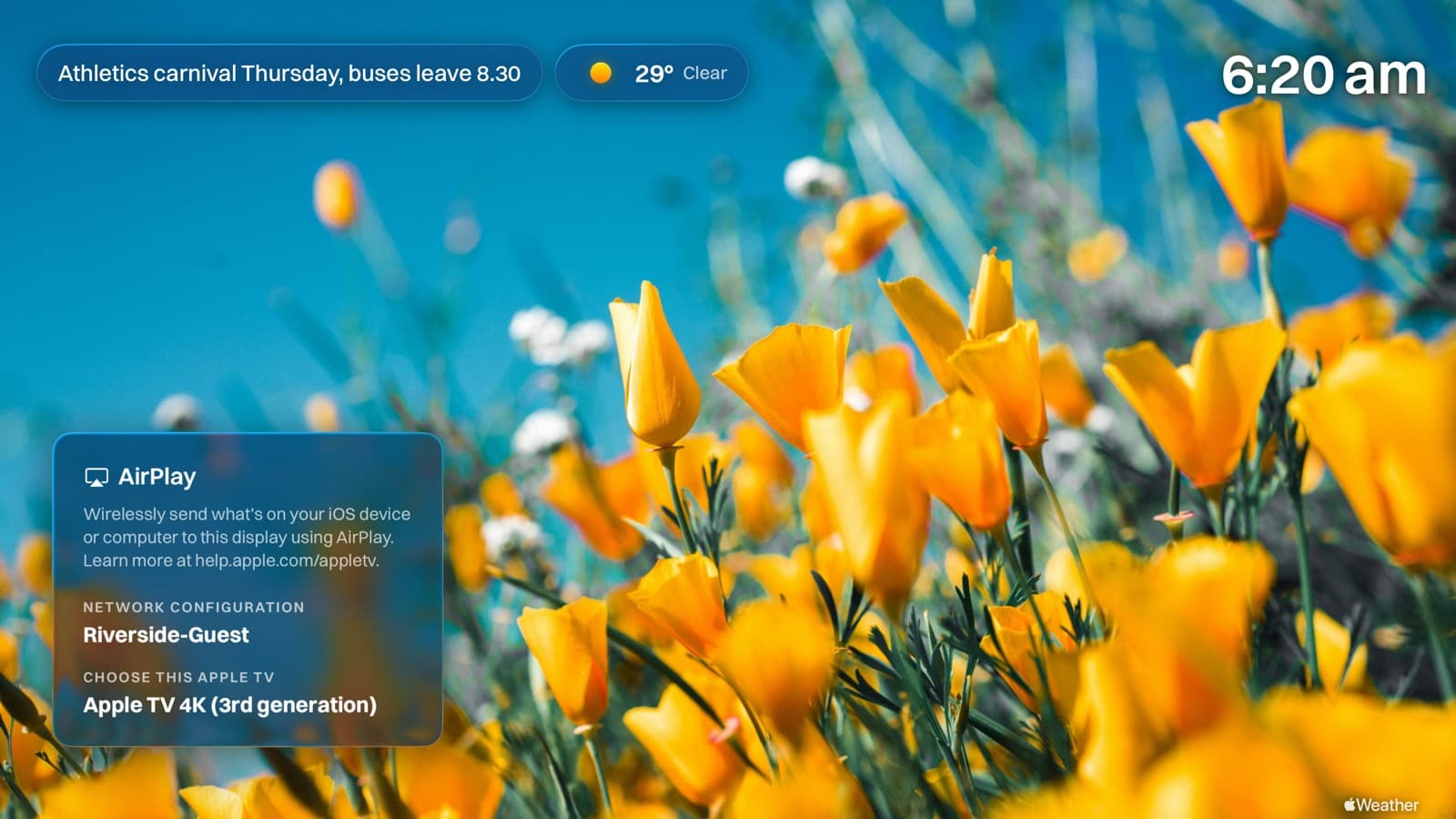
Your own pictures and video, or free ones from Unsplash, cut to fit the screen.
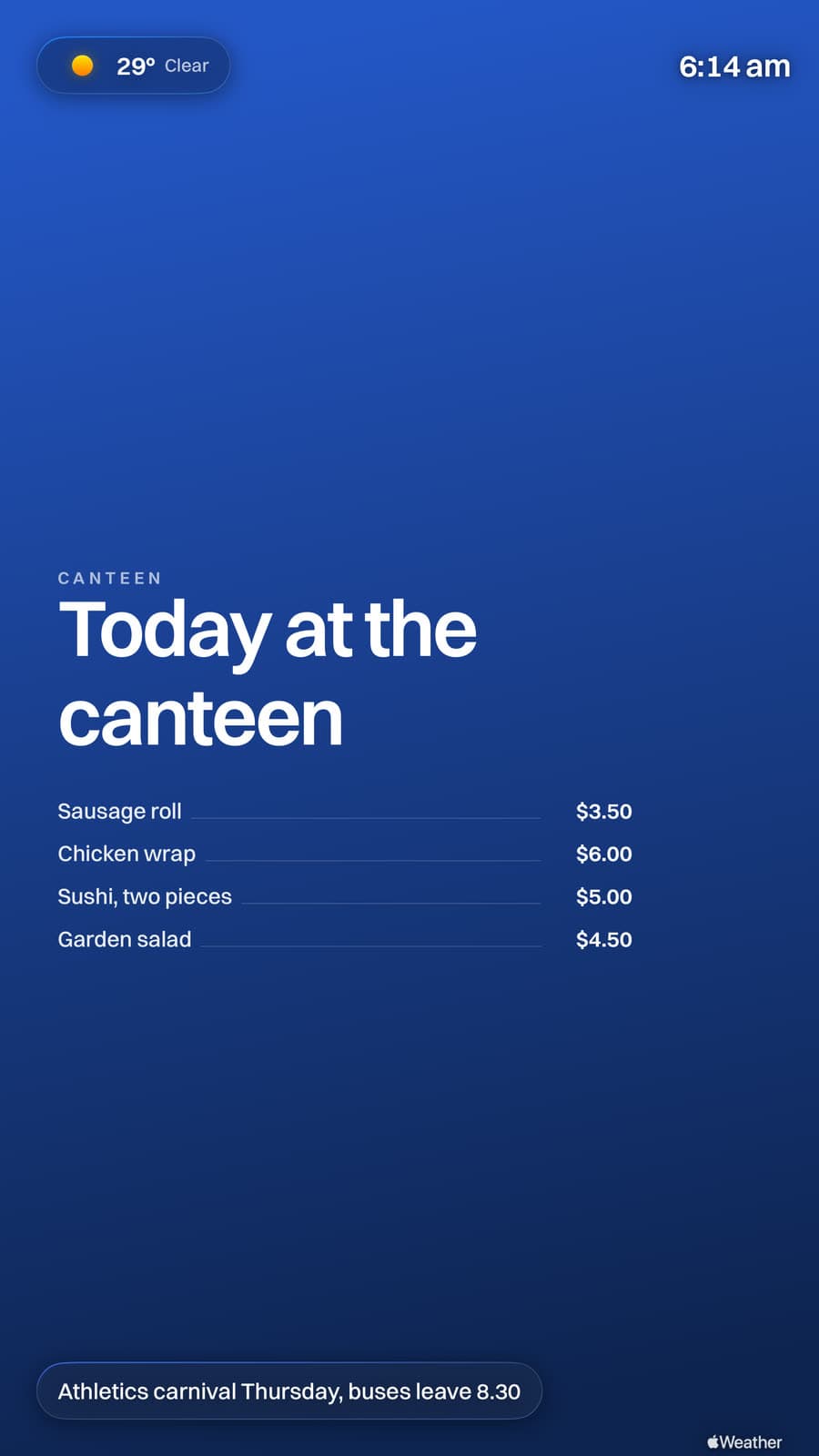
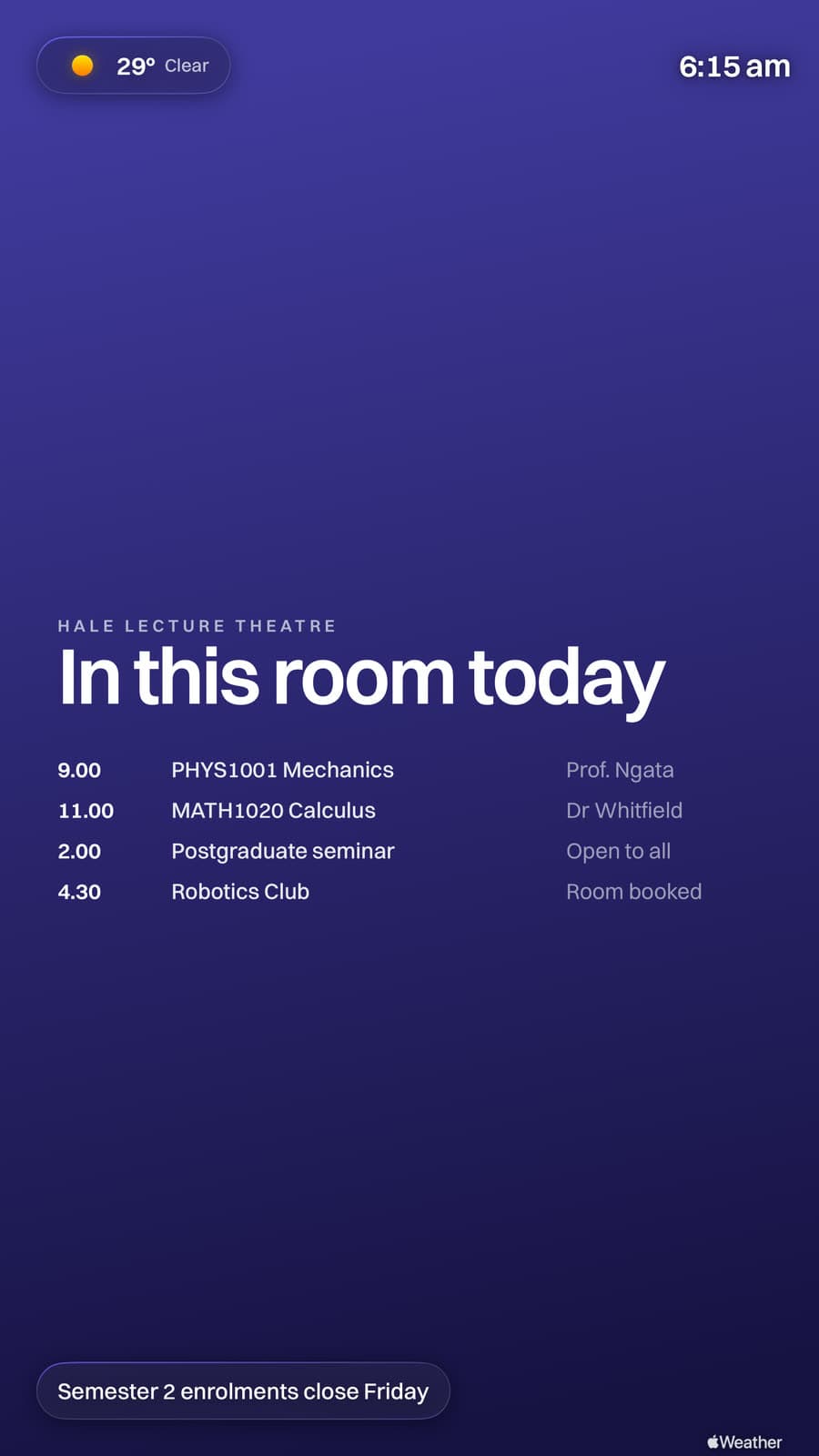
See photosMenus, timetables, notices, listings. No design tool, no export.
Explore boards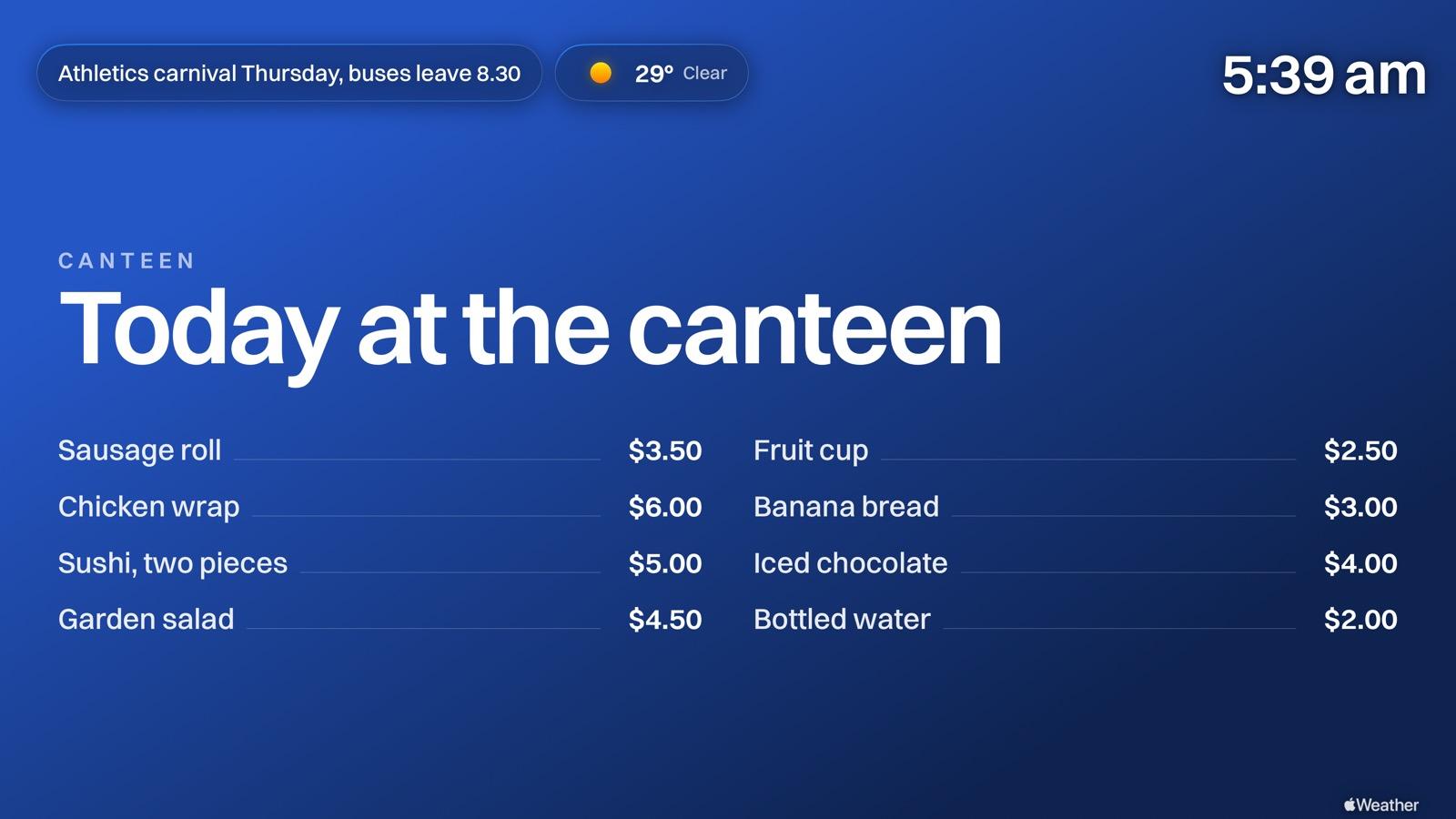
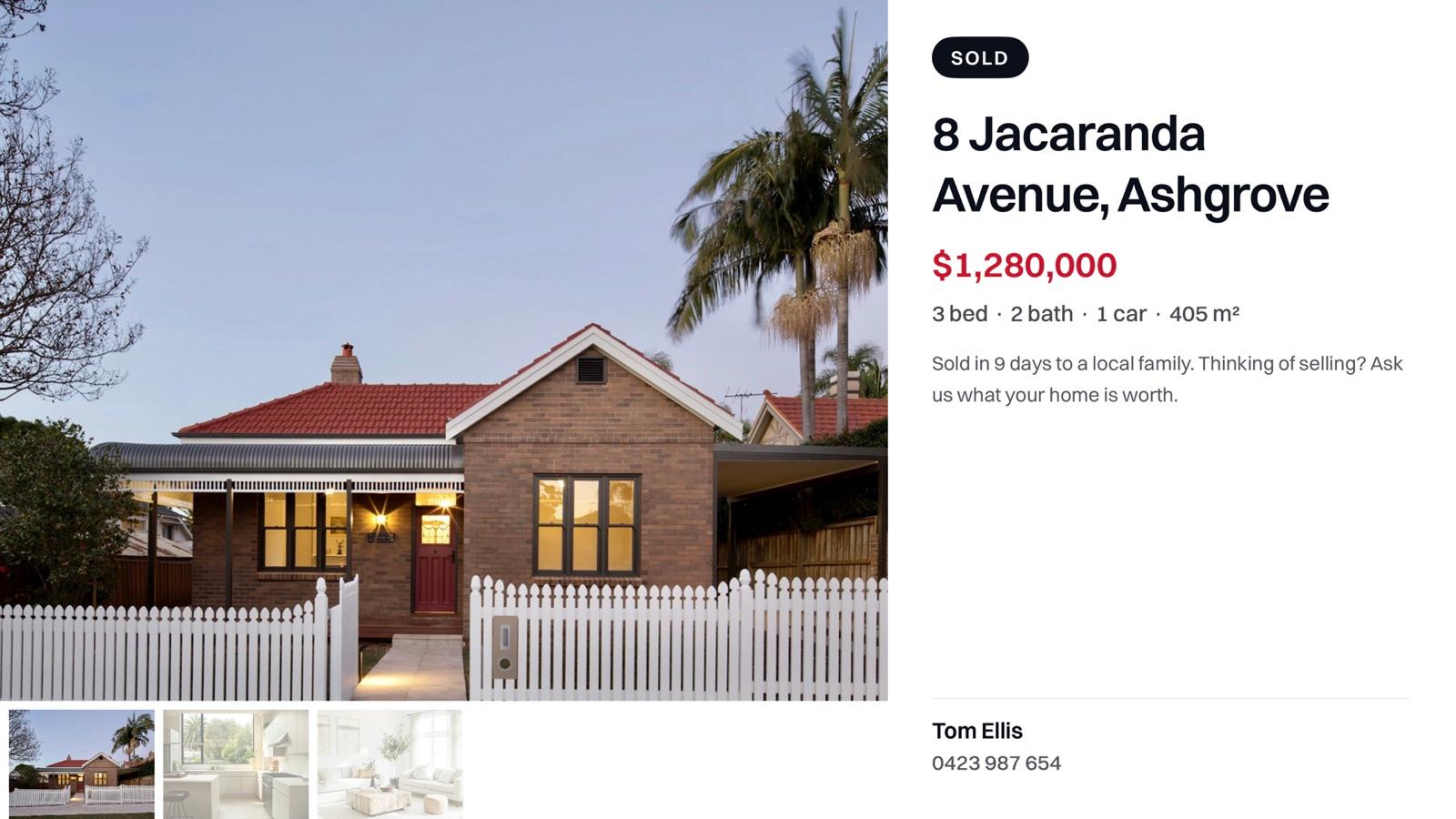
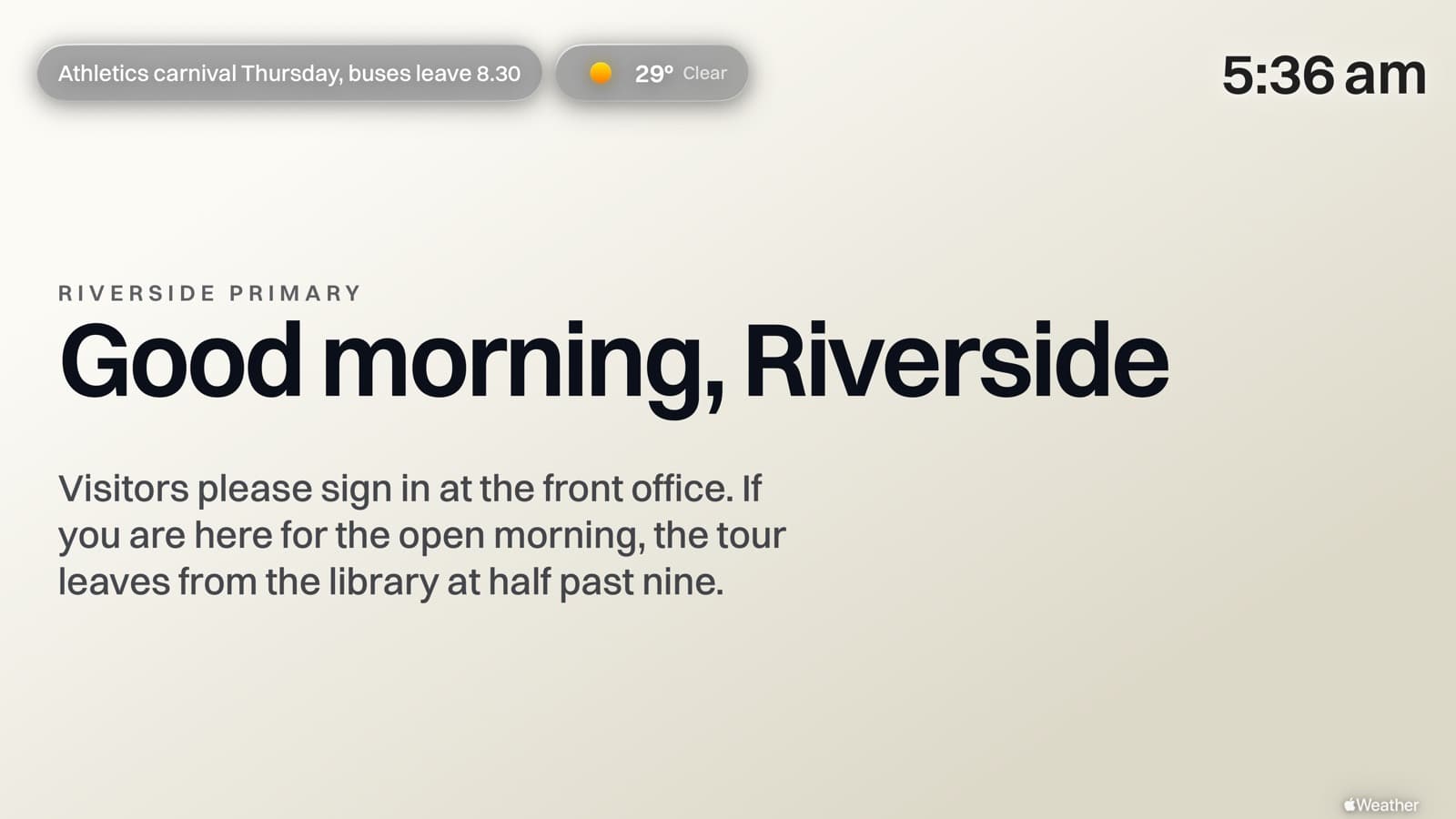
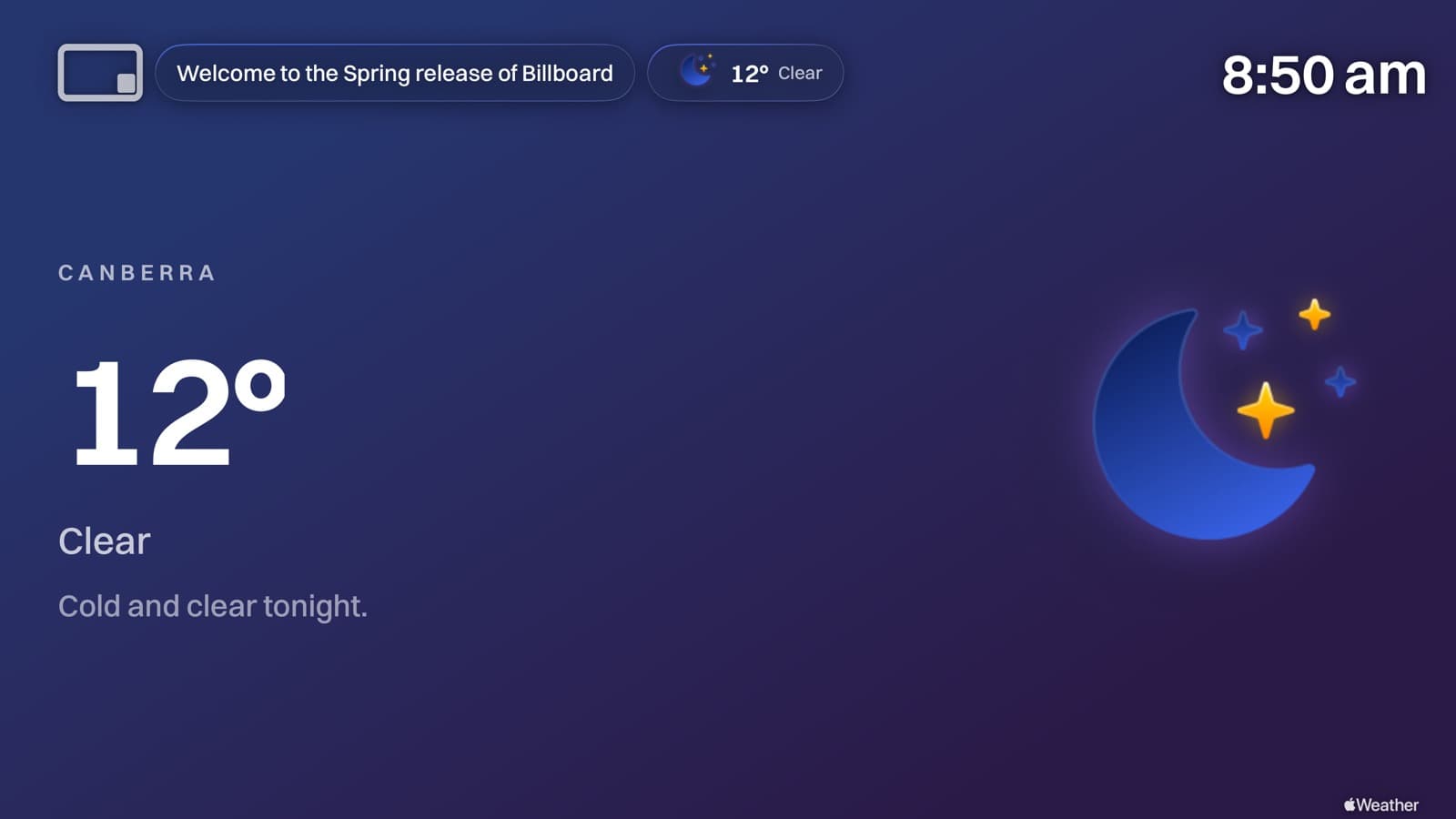
Apple Weather beside the clock, or as a full slide. In the degrees your people read.
See weather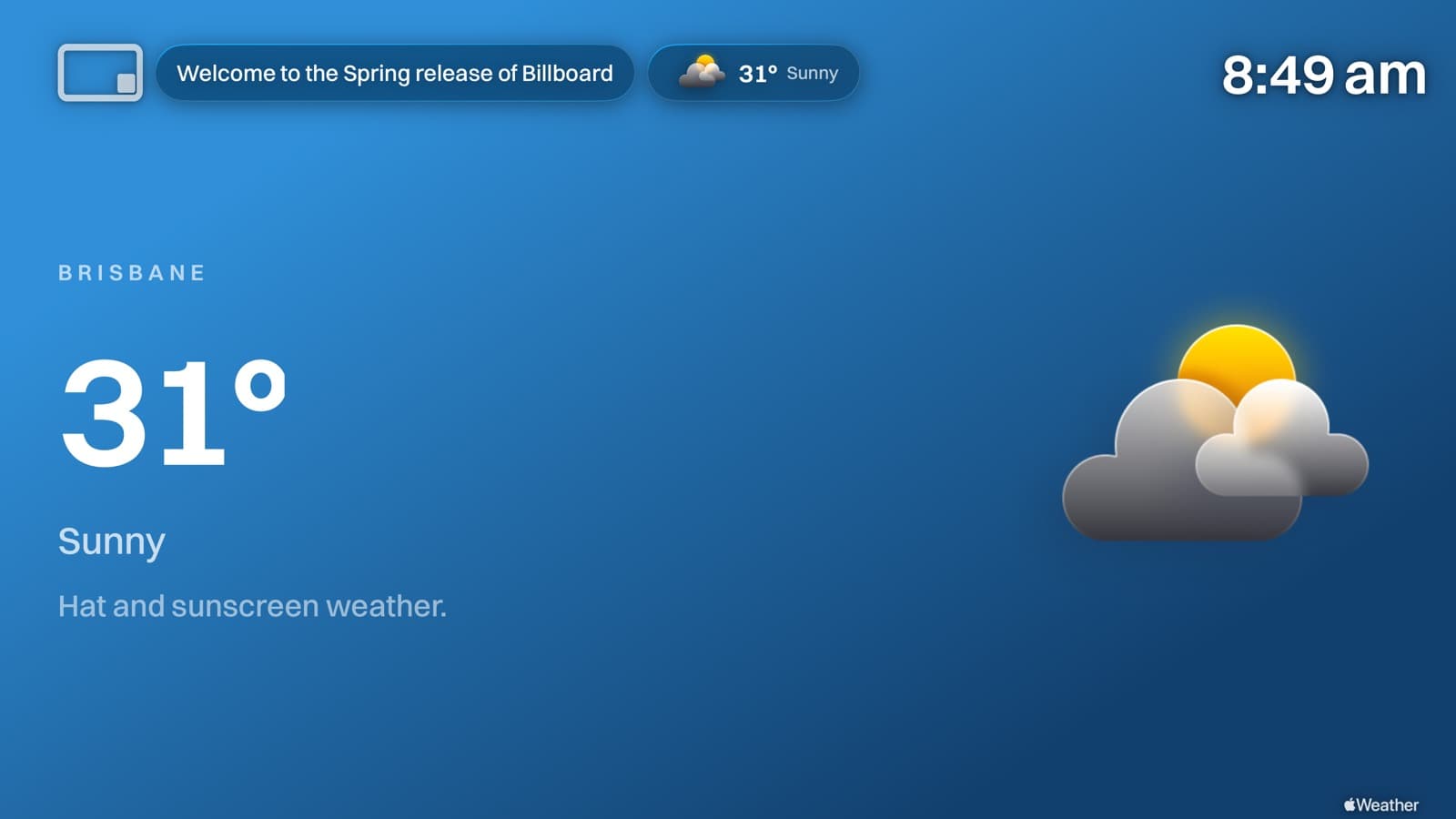

A ring that fills as the day gets closer, then a tick. In the corner or as a whole board.
Try countdowns


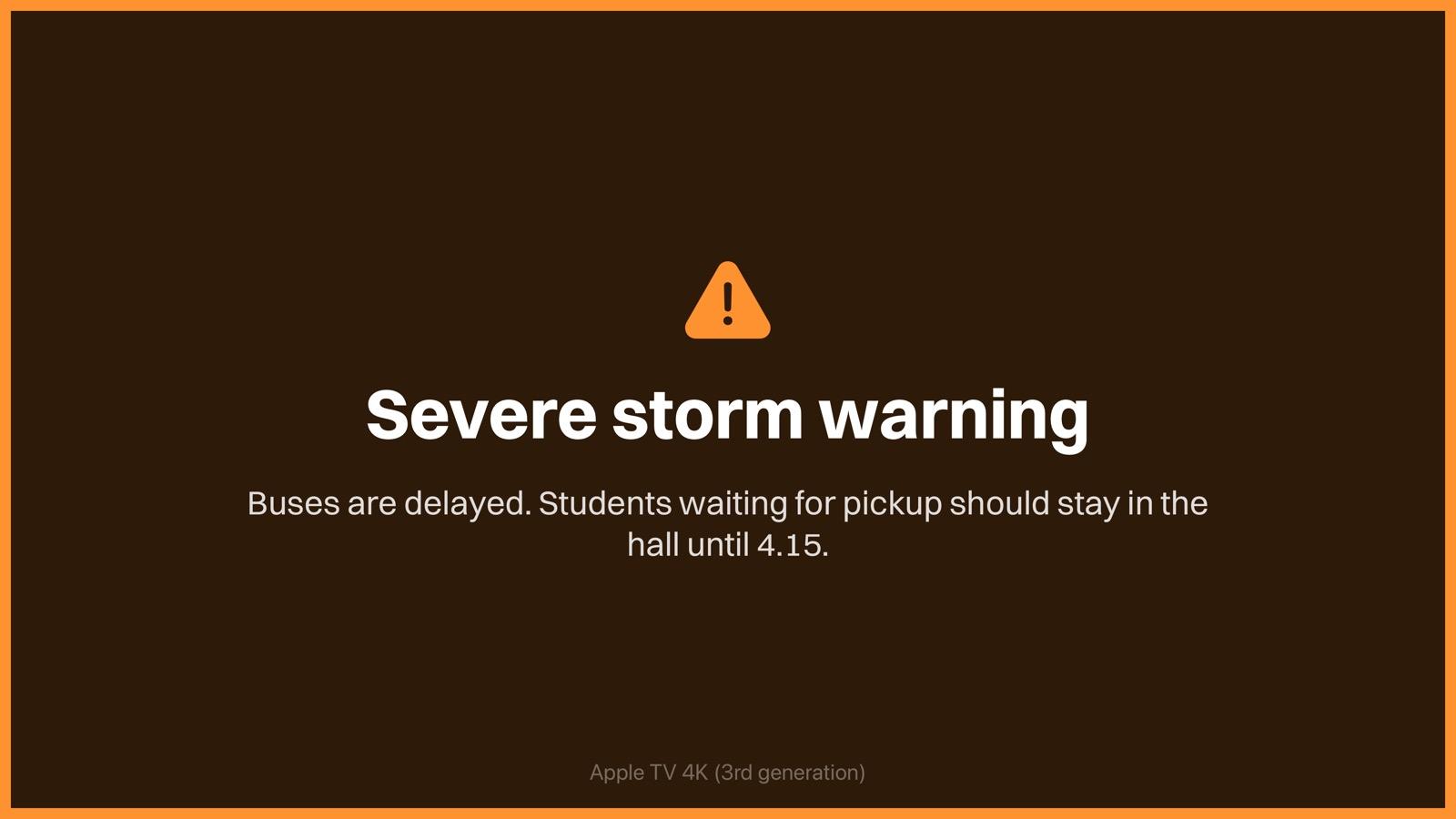
Raise it and it shows over everything until you clear it. Red, amber or blue.
See alerts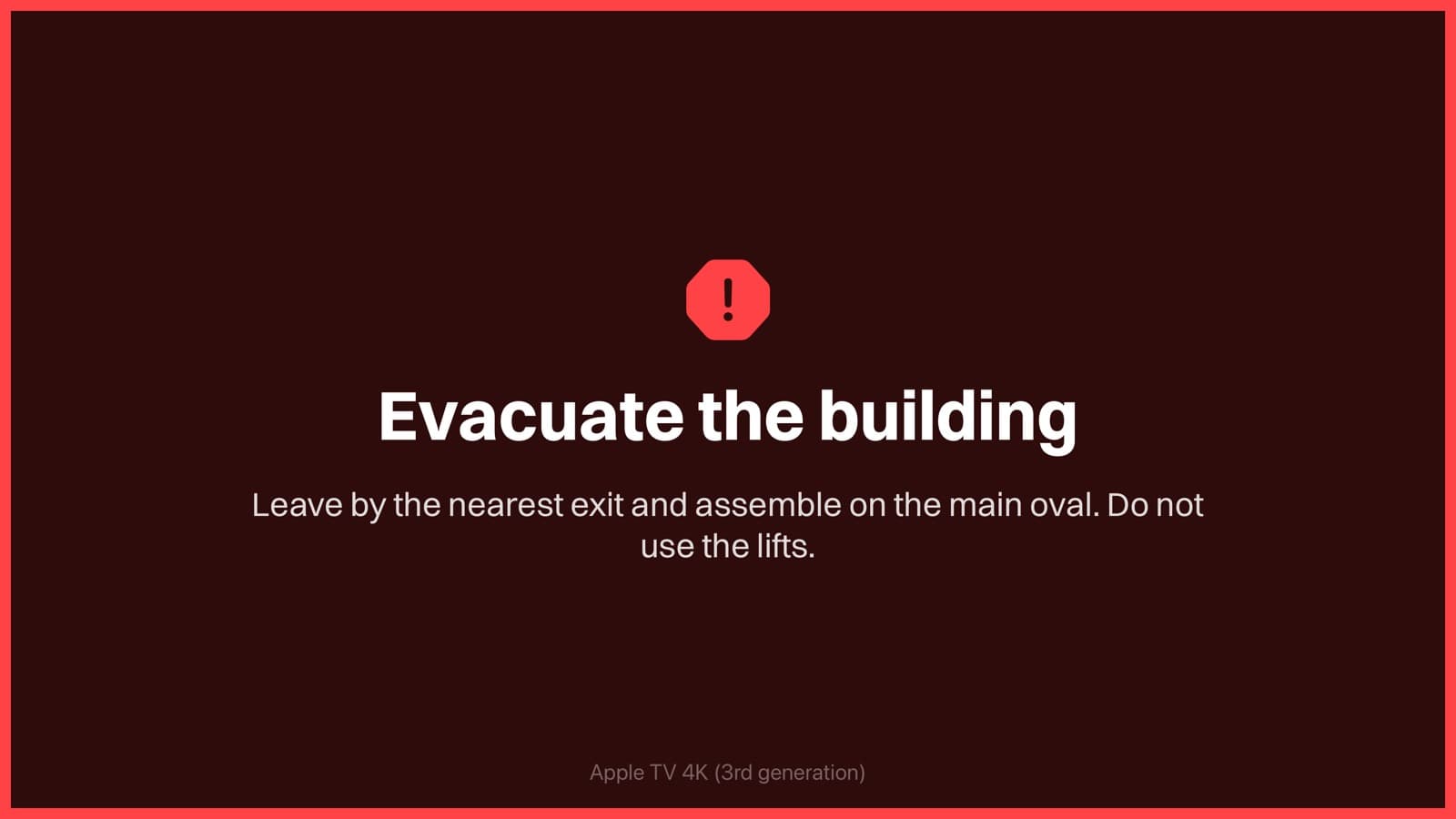

An iPad by every door, synced to the calendar you already keep. Walk up, tap, take it.
Meet Rooms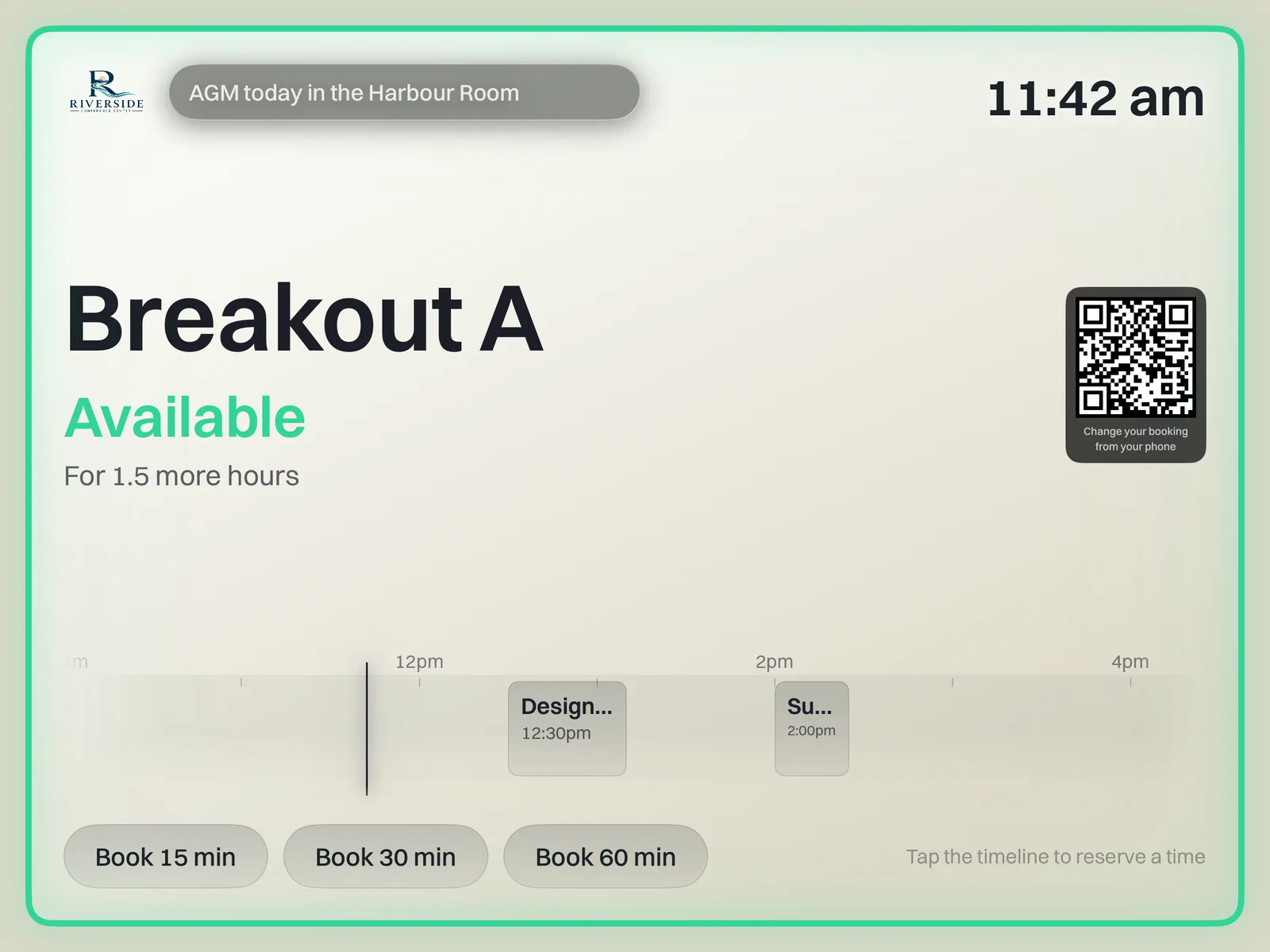
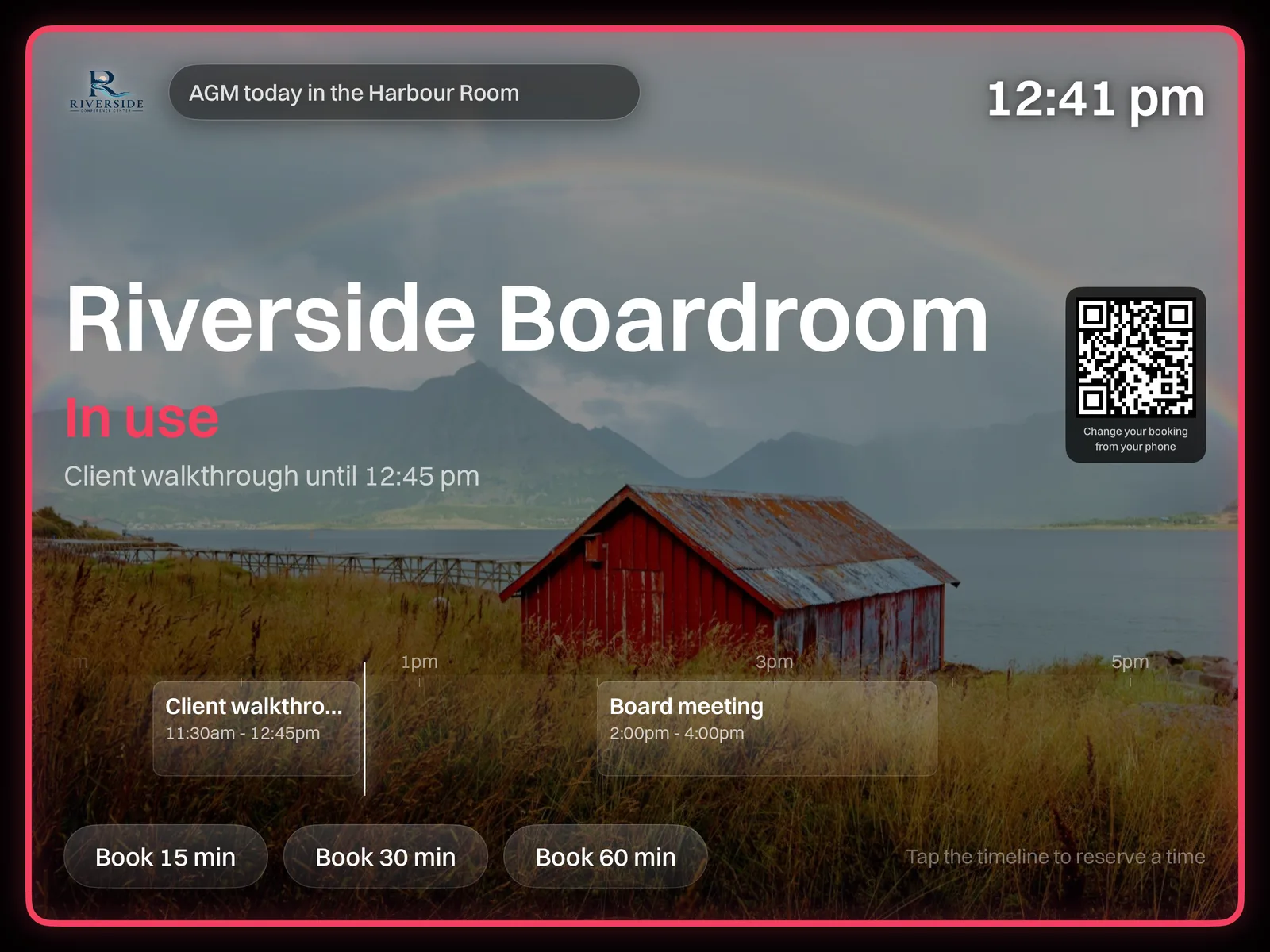
Your colours, your logo, your font, your wording. Tap a swatch and the screen changes. Every one is a real capture.
Any colour you like, over any photo. The clock, the notice and the weather chip follow.
Twelve fonts, your logo on every screen, and the AirPlay panel says what you want it to. Everything you can change
Drop in a photo, write a board, set a date. Every screen picks it up on its next refresh.
Open the dashboard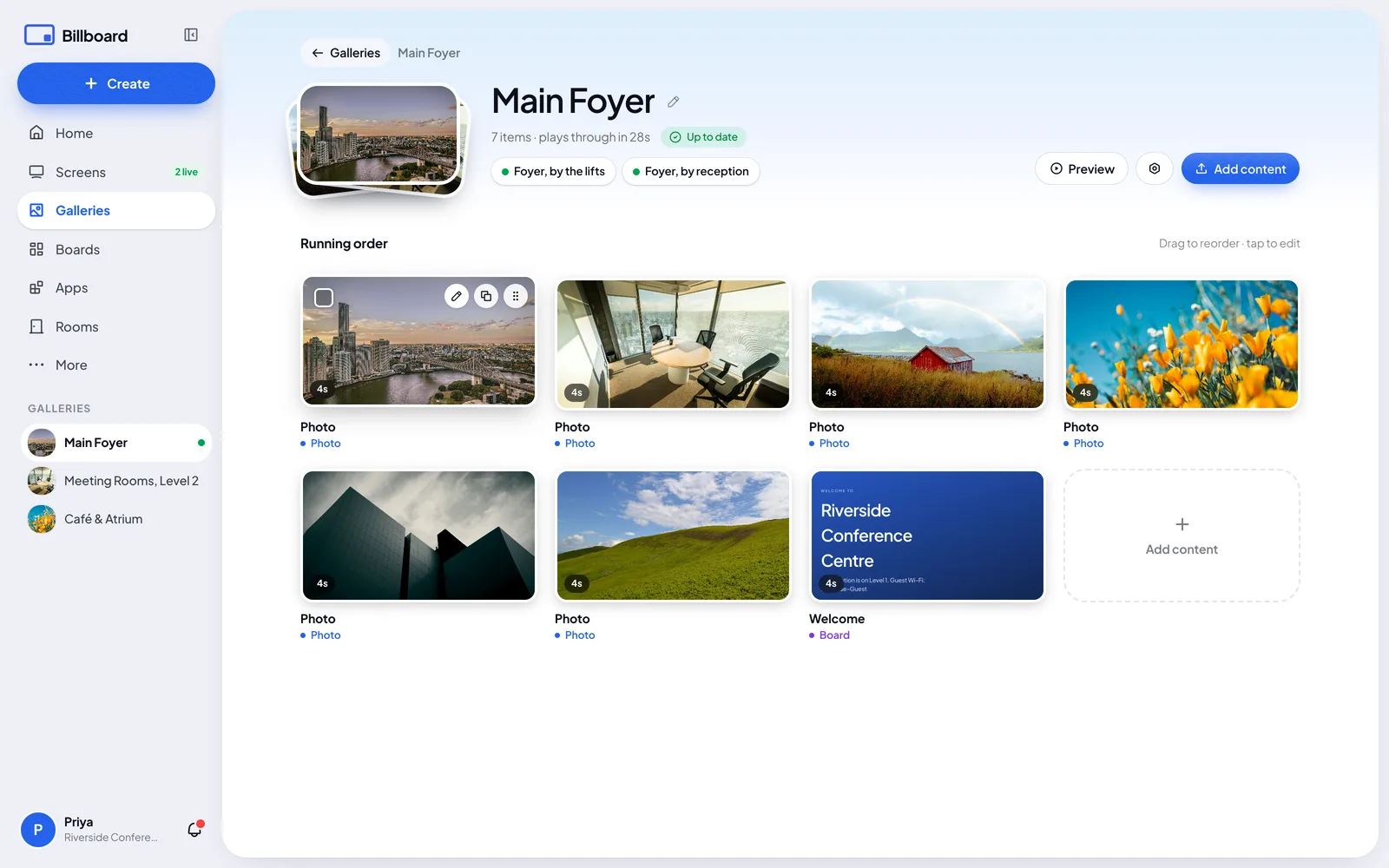






A screen on a wall is only useful if nobody has to think about it. So Billboard doesn't ask them to.
Wi-Fi drops? It keeps playing.
Everything it has is already on the Apple TV. It picks up changes when the network is back.
Updates land overnight.
The app updates itself through the App Store, like any other app. Conference Mode never could.
Push it with your MDM.
Jamf, Mosyle, Intune, Kandji and more. Each Apple TV finds its own gallery on first launch.
Teams, not a shared login.
Marketing, the office, the tuck shop. Each looks after its own screens.
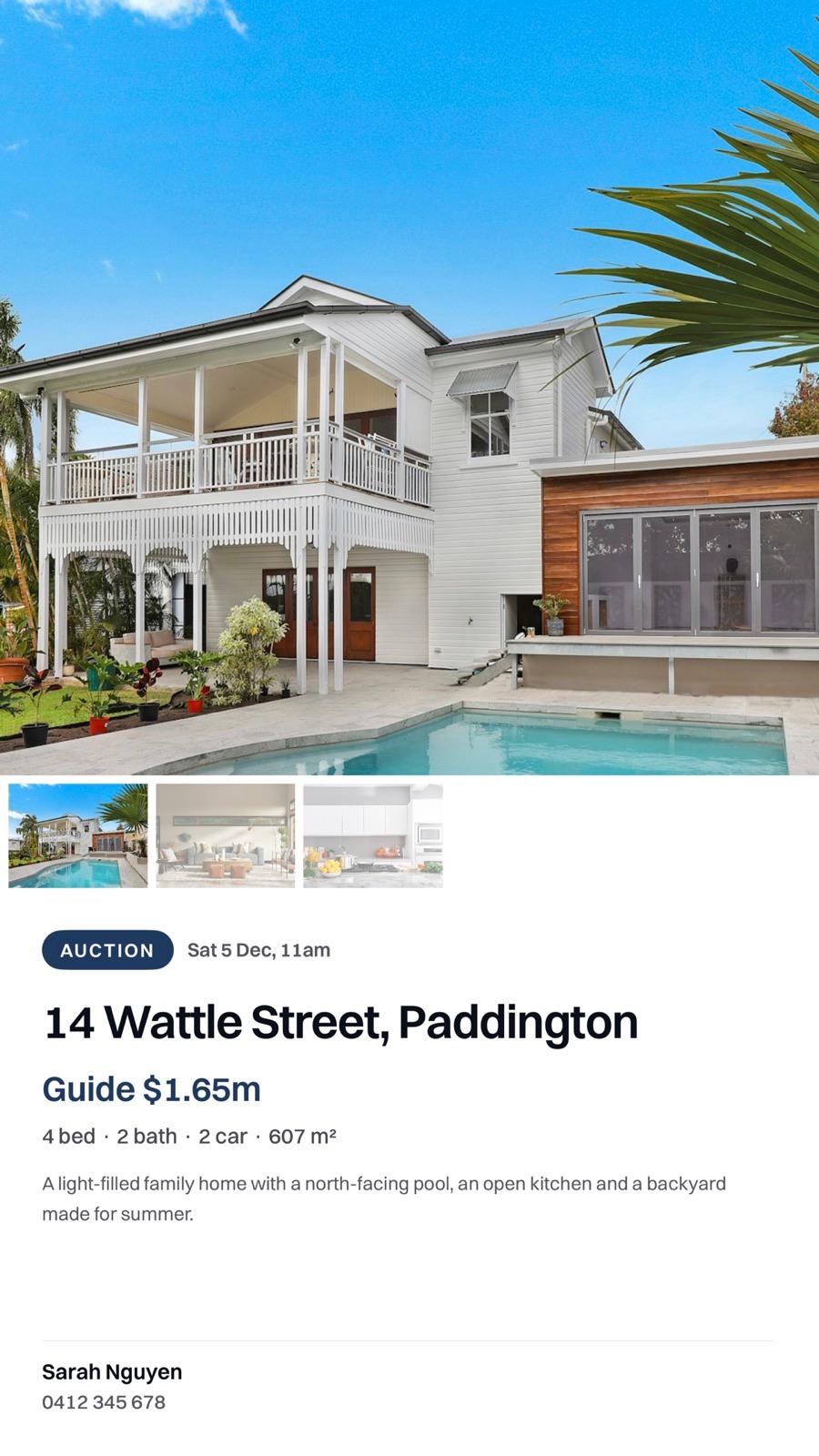
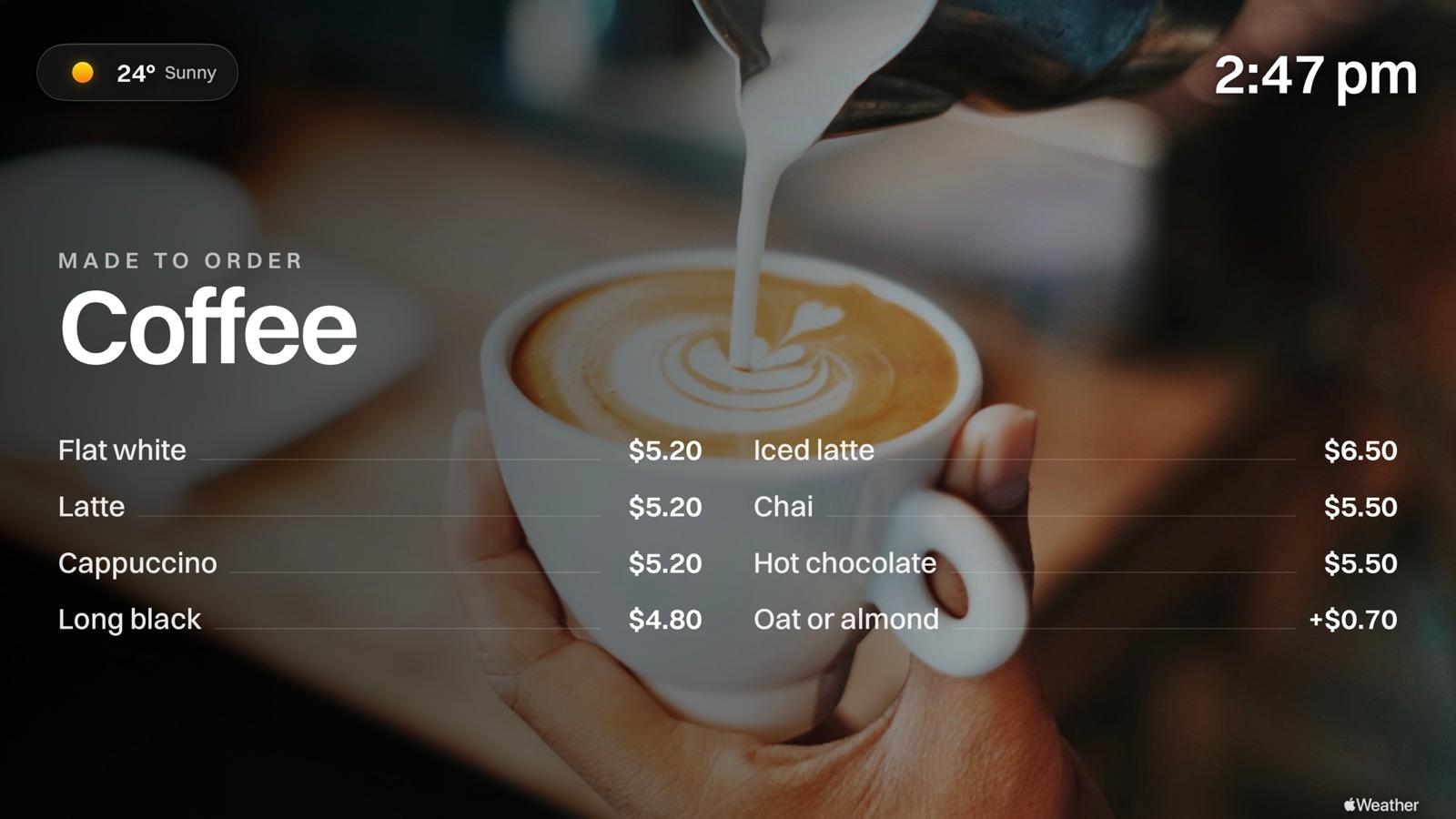
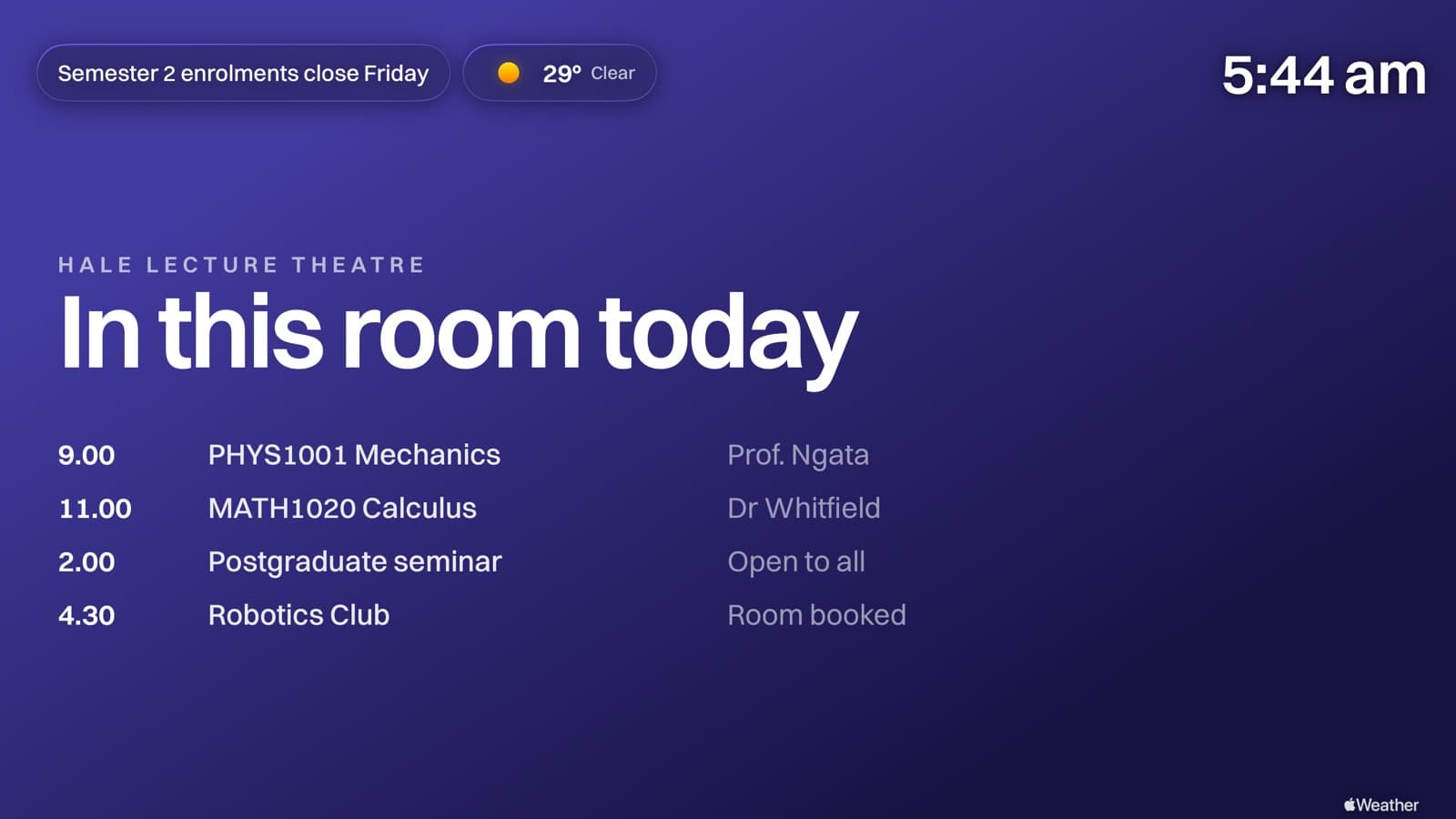



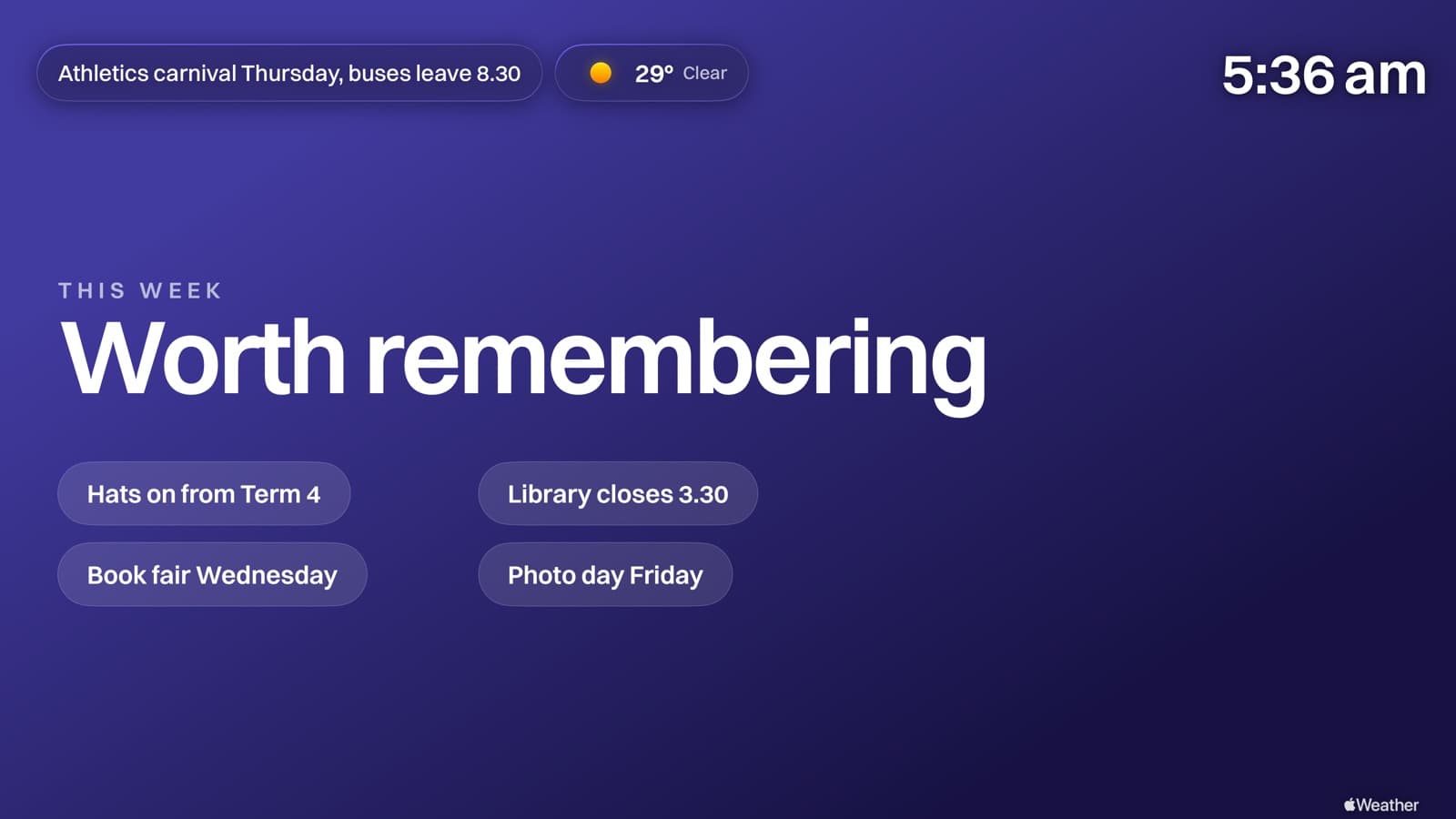
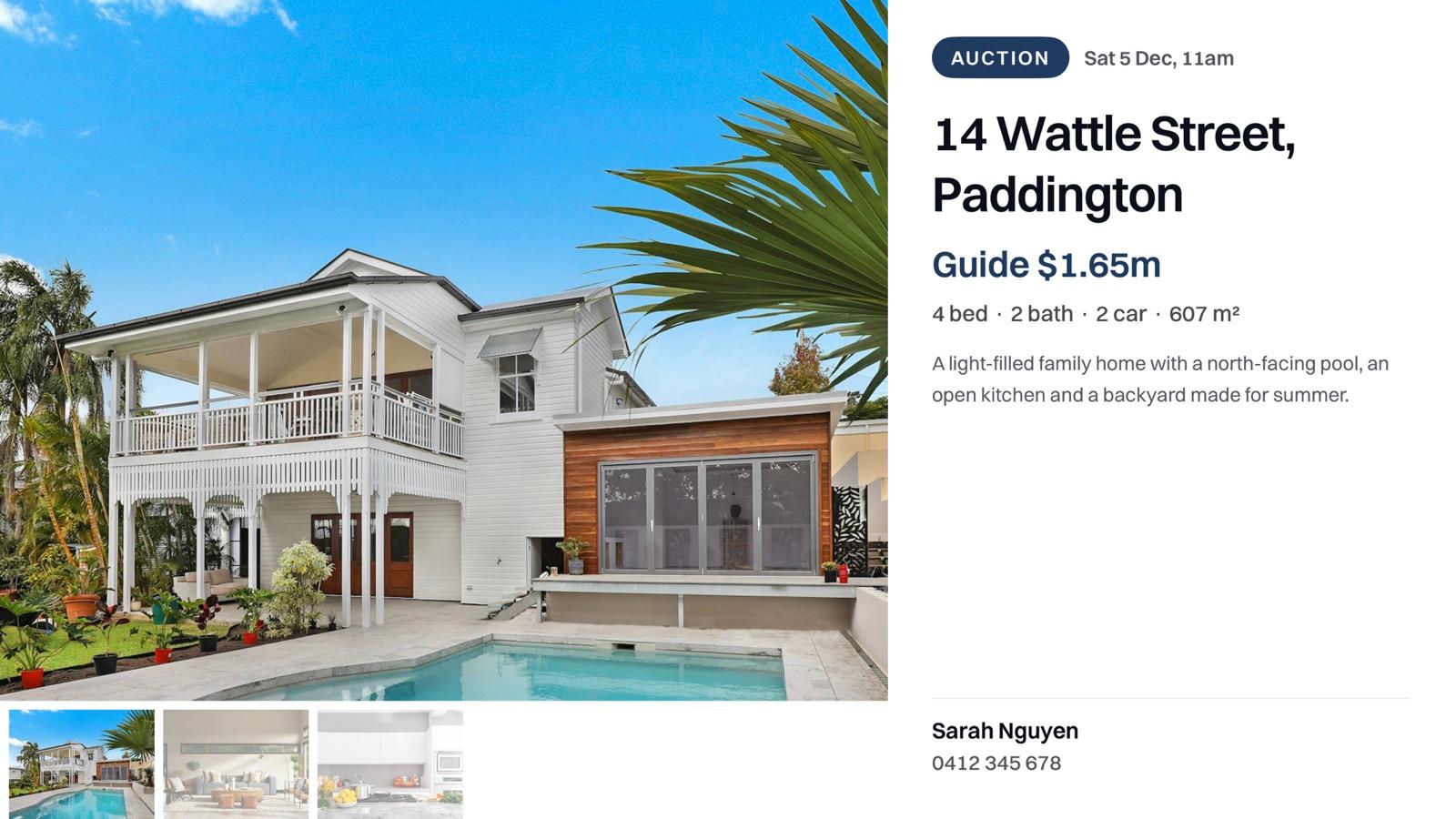
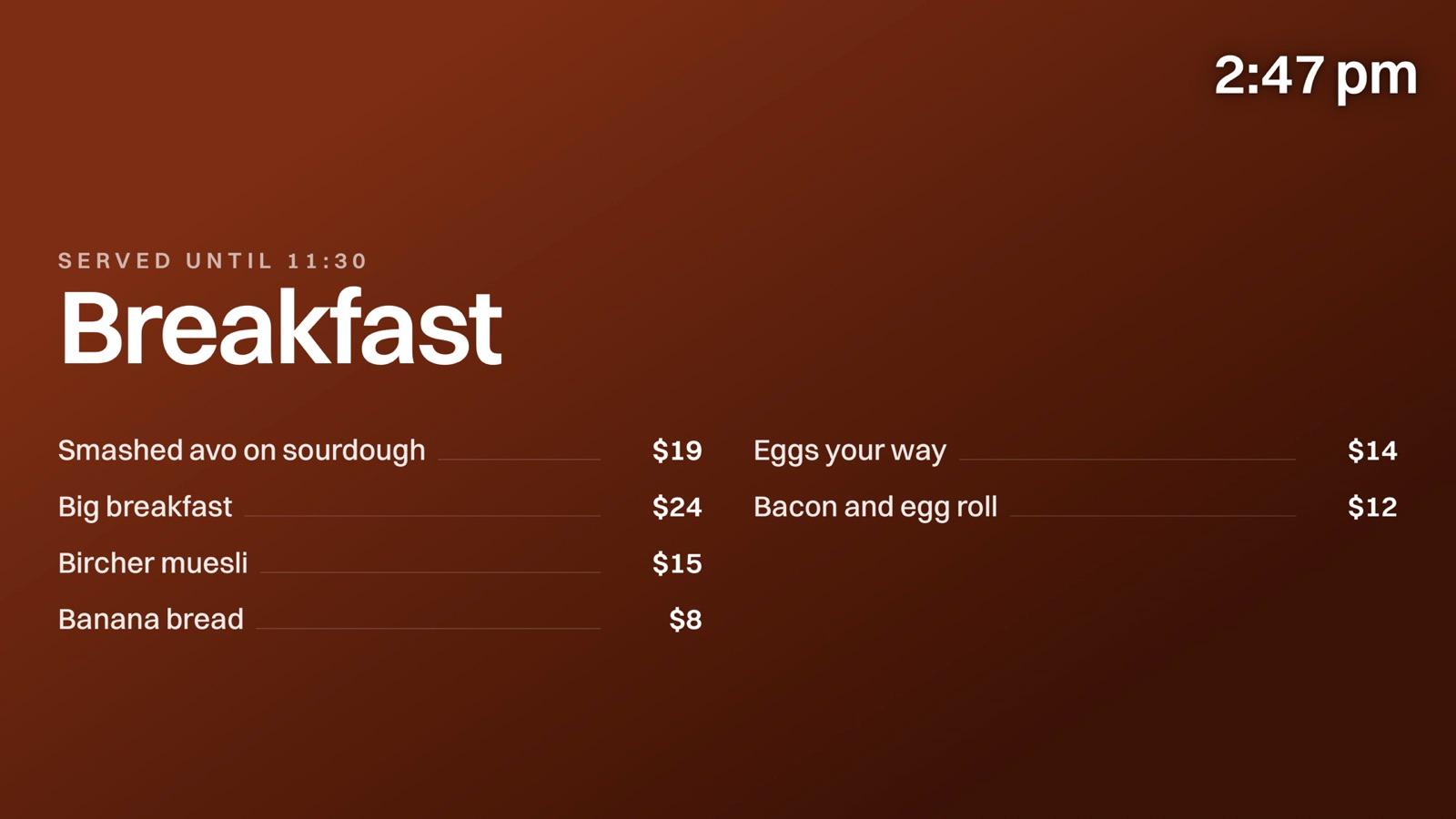

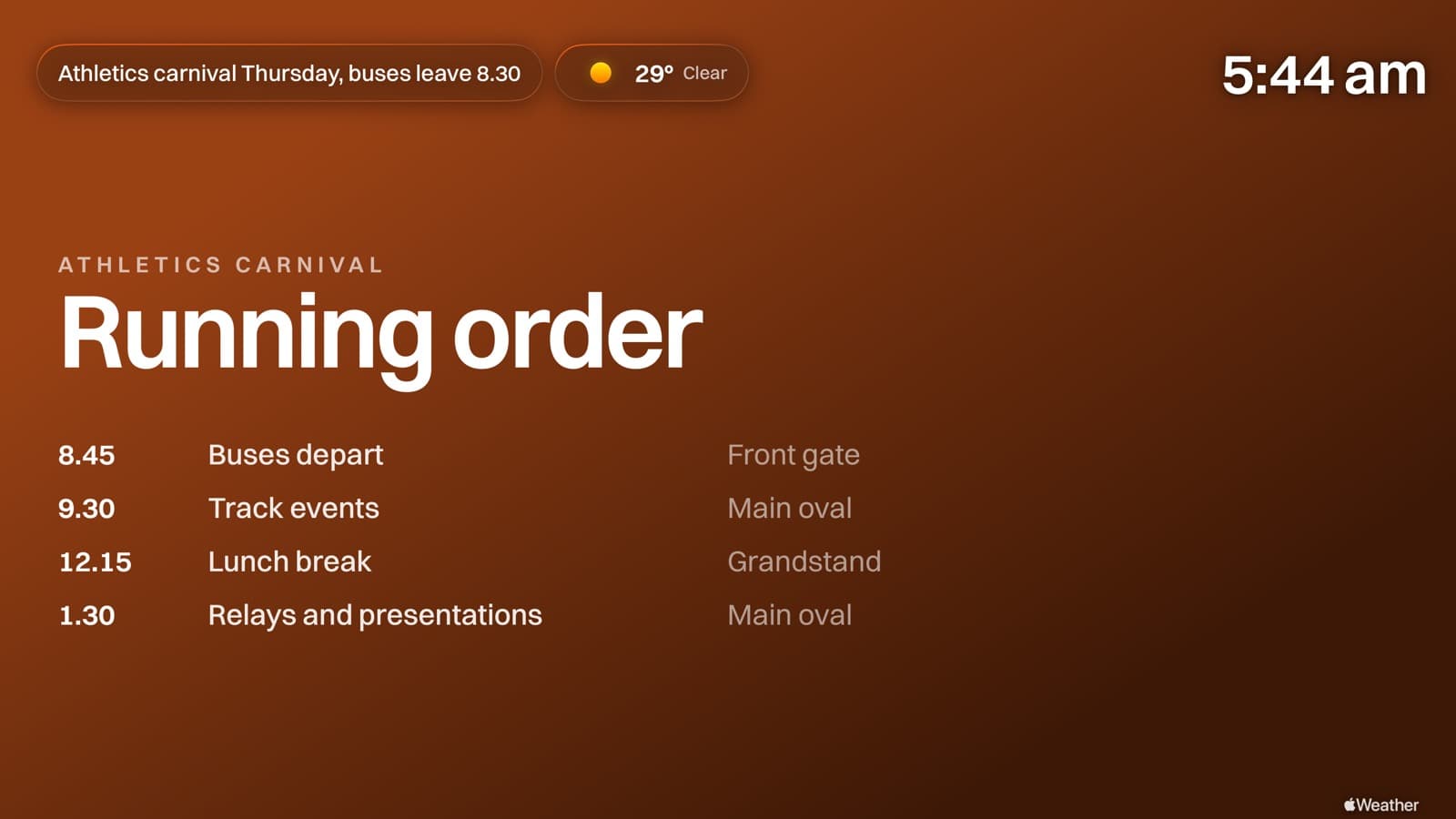


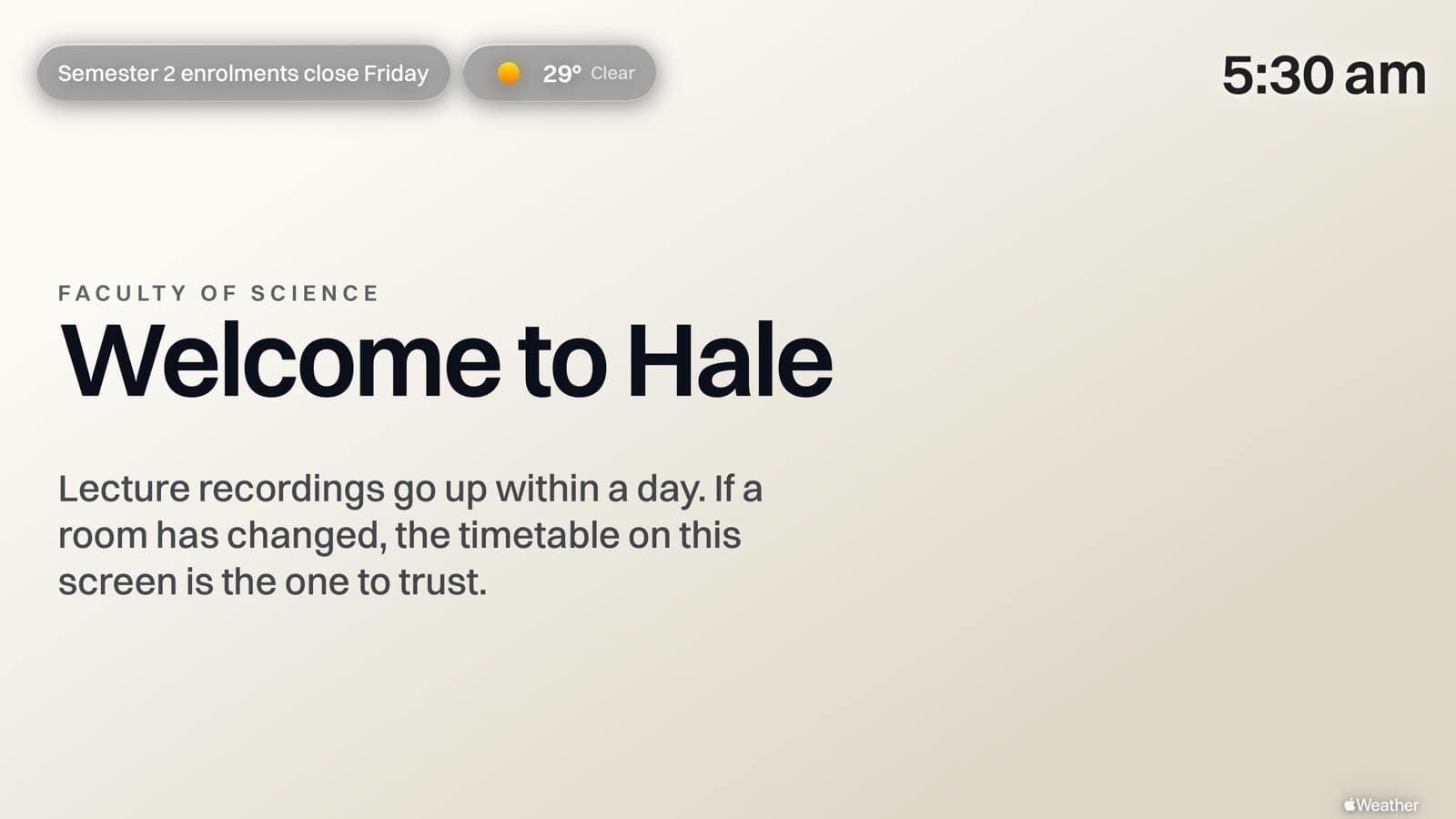


Every frame is the Apple TV app, captured. Nothing here is a mock-up.
Never per screen. Plans start at A$10 a month for up to 20 Apple TVs, and adding a TV doesn't move the bill.
Free
A$0
2 Apple TV screens, free forever.
Starter
A$10/mo
Up to 20 screens
It's a Conference Room Display alternative for Apple TV. It turns any Apple TV into signage that plays your own images and video, branded how you want, and keeps one-tap AirPlay working exactly like Conference Mode.
Yes. Anyone can AirPlay to the screen in one tap, exactly like Conference Mode. Lessons and meetings never skip a beat.
Free on two Apple TVs, forever. Paid plans are one flat price by screen count, not per screen, starting at A$10 a month. A whole site can cost less than a handful of screens priced individually elsewhere.
Billboard runs on Apple TV (tvOS). You manage everything from any browser, and the Apple TV app is free on the App Store.
Yes. Roll out across hundreds of Apple TVs with Jamf, Mosyle, Intune or Apple Configurator. Enter a code, or push it as managed config through Apple School Manager.
Create a free account, upload images and video to a gallery, then open the Billboard app on your Apple TV. It shows a short code you enter in the dashboard to connect that screen. You can be live in a few minutes.