 Billboard
Know which room is free before you walk to it
An iPad outside every meeting room, showing what's on now and what's next from the calendar you already keep. Walk up, tap, take it.
The iPad app is on the App Store. The browser panel needs no app at all.
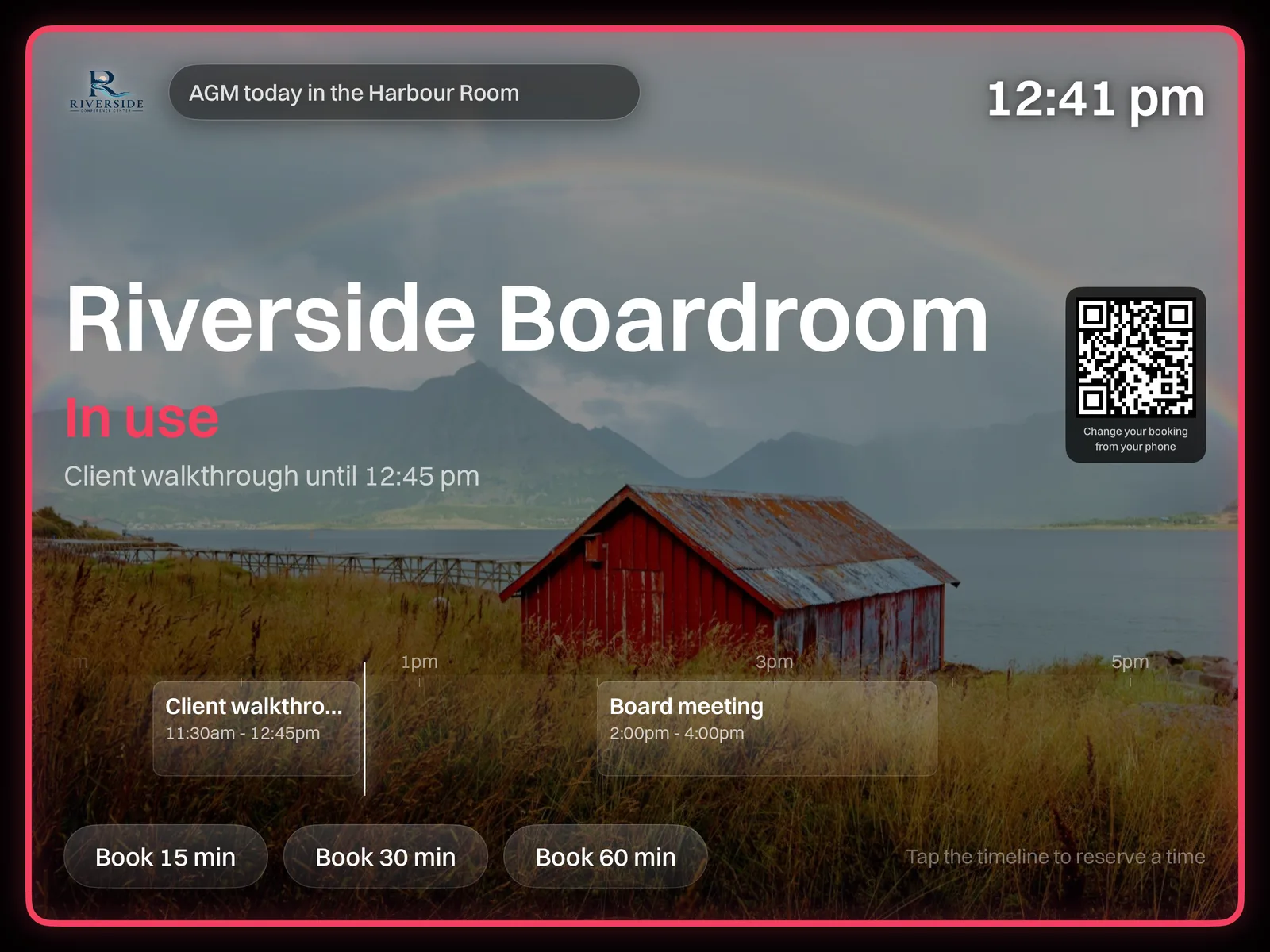
Mount an iPad, or use the browser
On an iPad
Billboard Rooms from the App Store, mounted by the door. Built to sit on one screen for months and wake when somebody walks up.
In a browser
An old tablet, a spare laptop, any screen with a browser. The quickest way to cover a room today, and the same panel either way.
Booked at the door
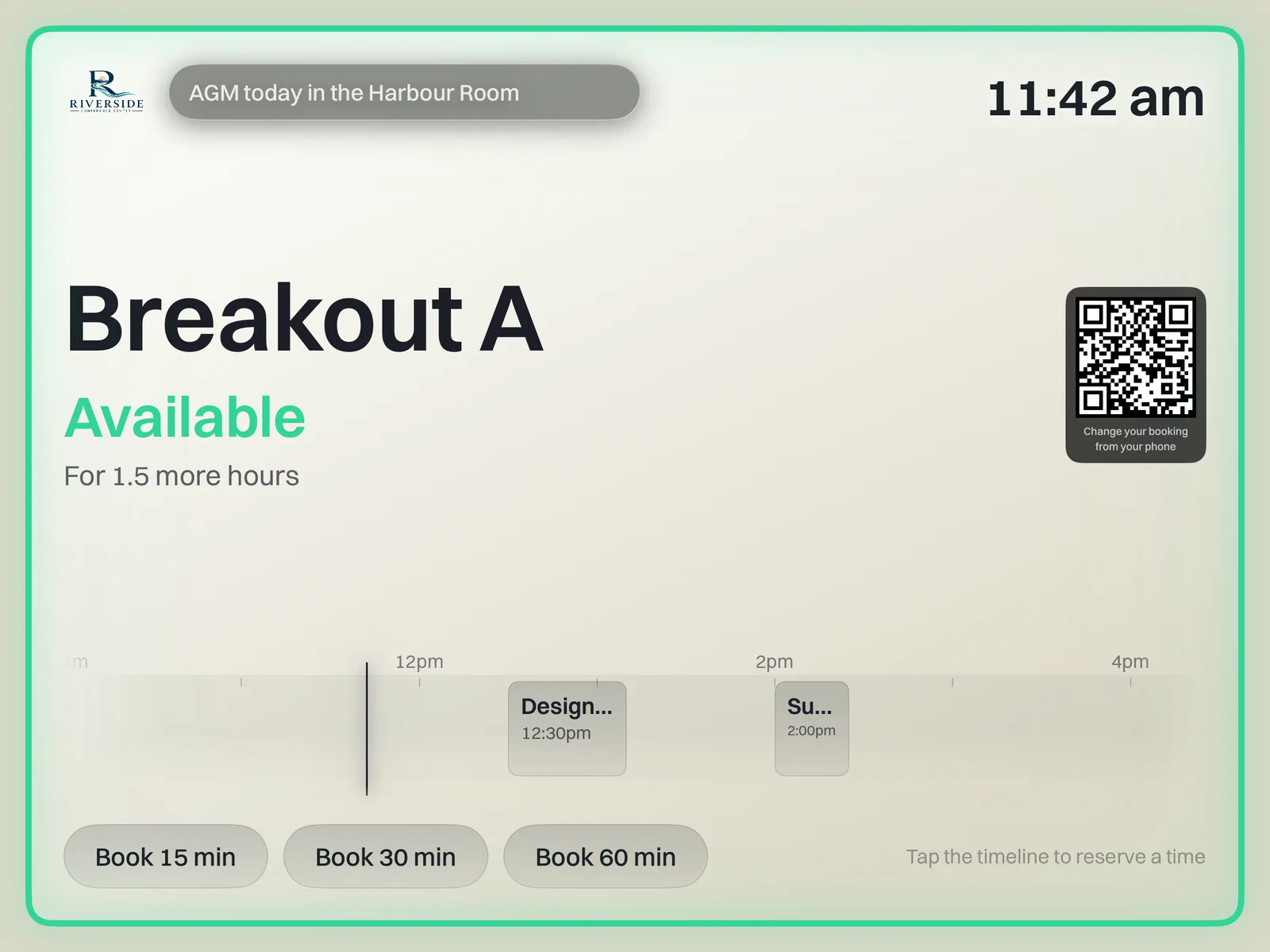
Book from the panel
Tap an empty stretch of the day, pick a length, confirm. Every other panel knows within seconds.
Only yours to change
A booking made at the door comes with a six-digit code. It's the only thing that can extend or cancel it.
Hours it won't break
Opening hours and a ceiling on one booking, per room. The panel only offers lengths that fit before closing.
A code, not a name
It has to work that way
Tap a booking and the panel asks for the six digits it issued when the room was taken. Until that's right it shows you the meeting and lets you change nothing.
A panel hangs in a corridor and anybody can touch it, so being the panel that made the booking proves nothing. Neither does a name.
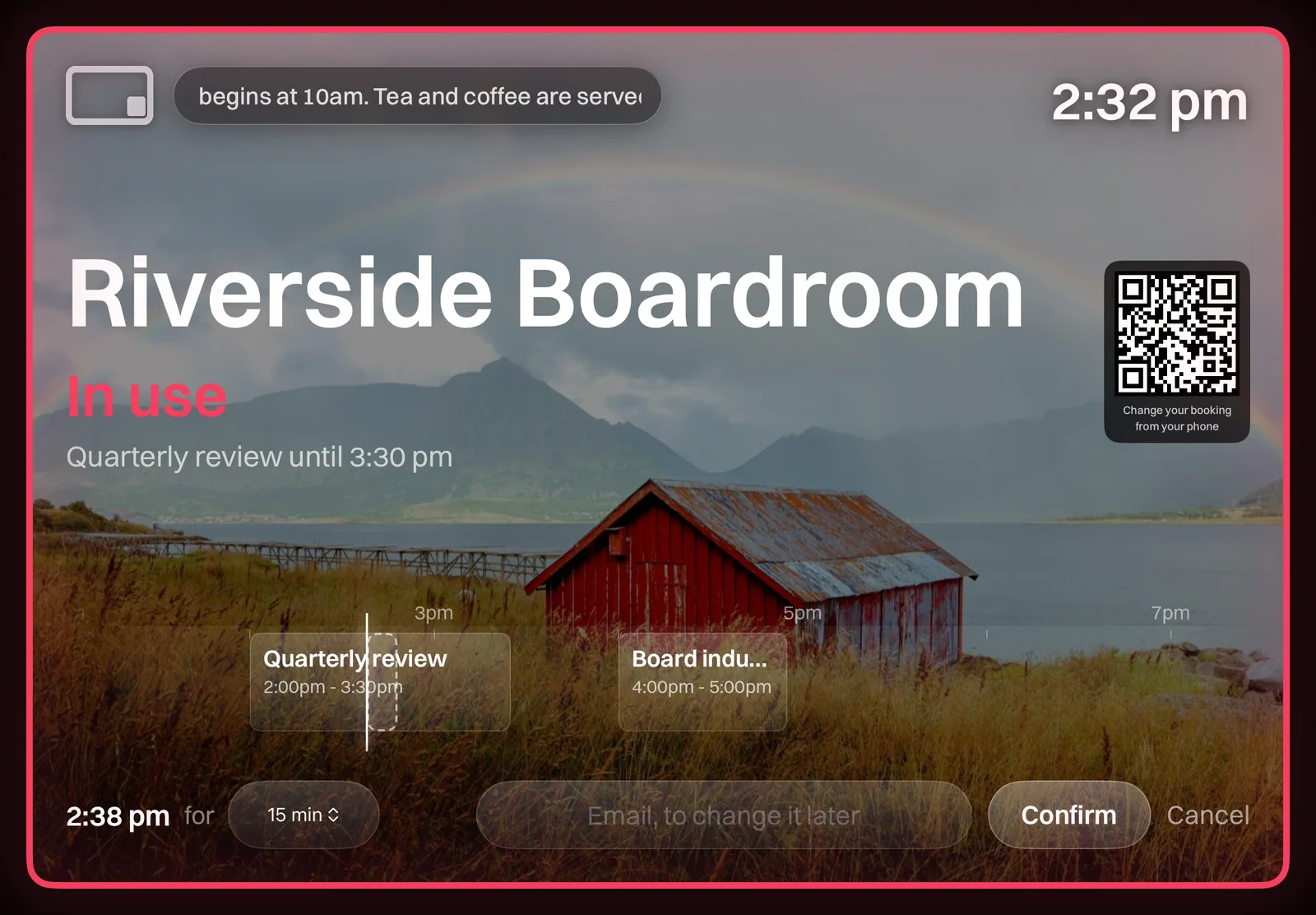
It should look like the building it's in
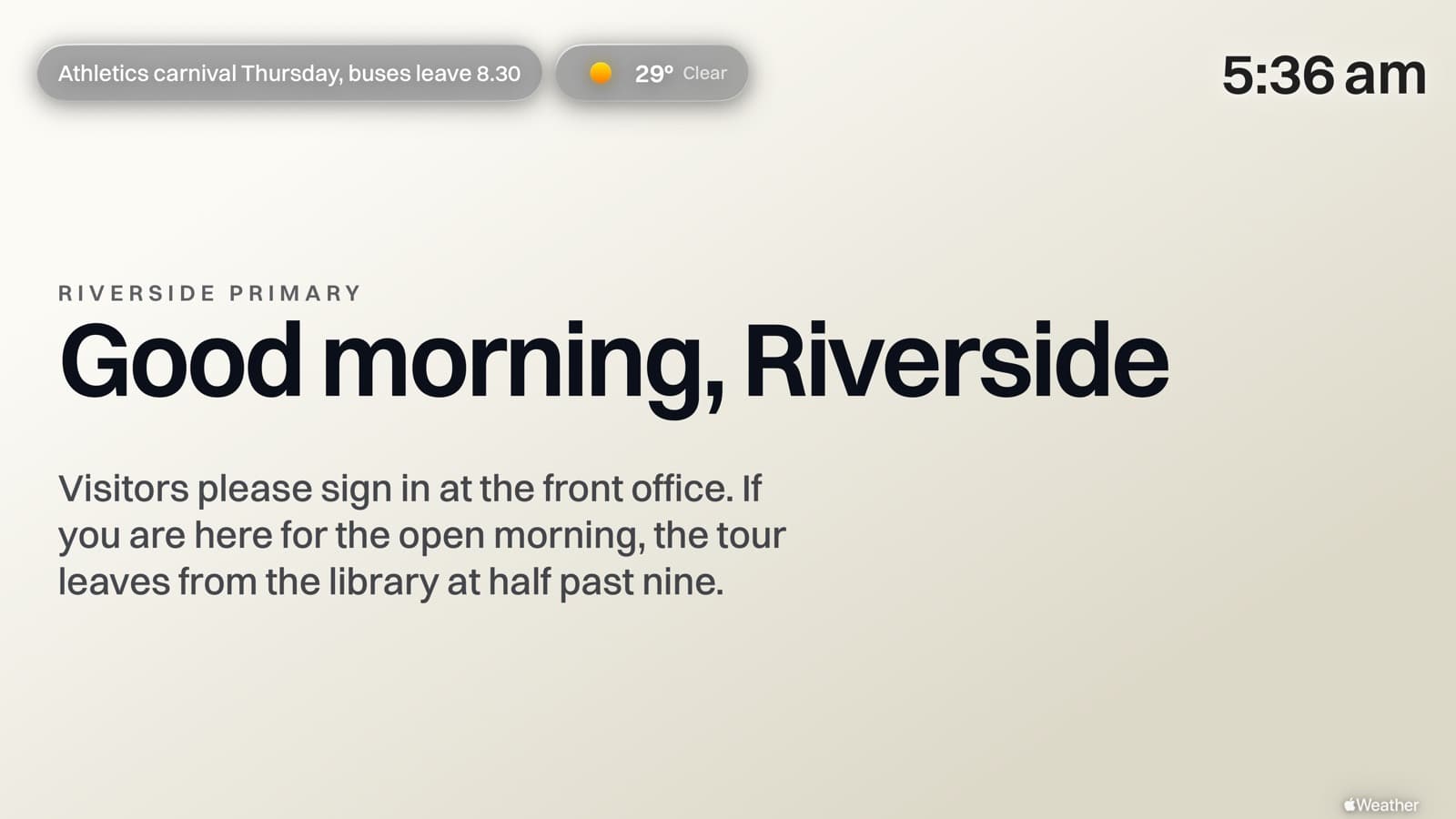
A photo of the room, or a plain preset, light or dark. Your logo in the corner, the clock, a notice for everyone walking past. The same design language as Billboard on your screens, on purpose.
A screen, running Billboard
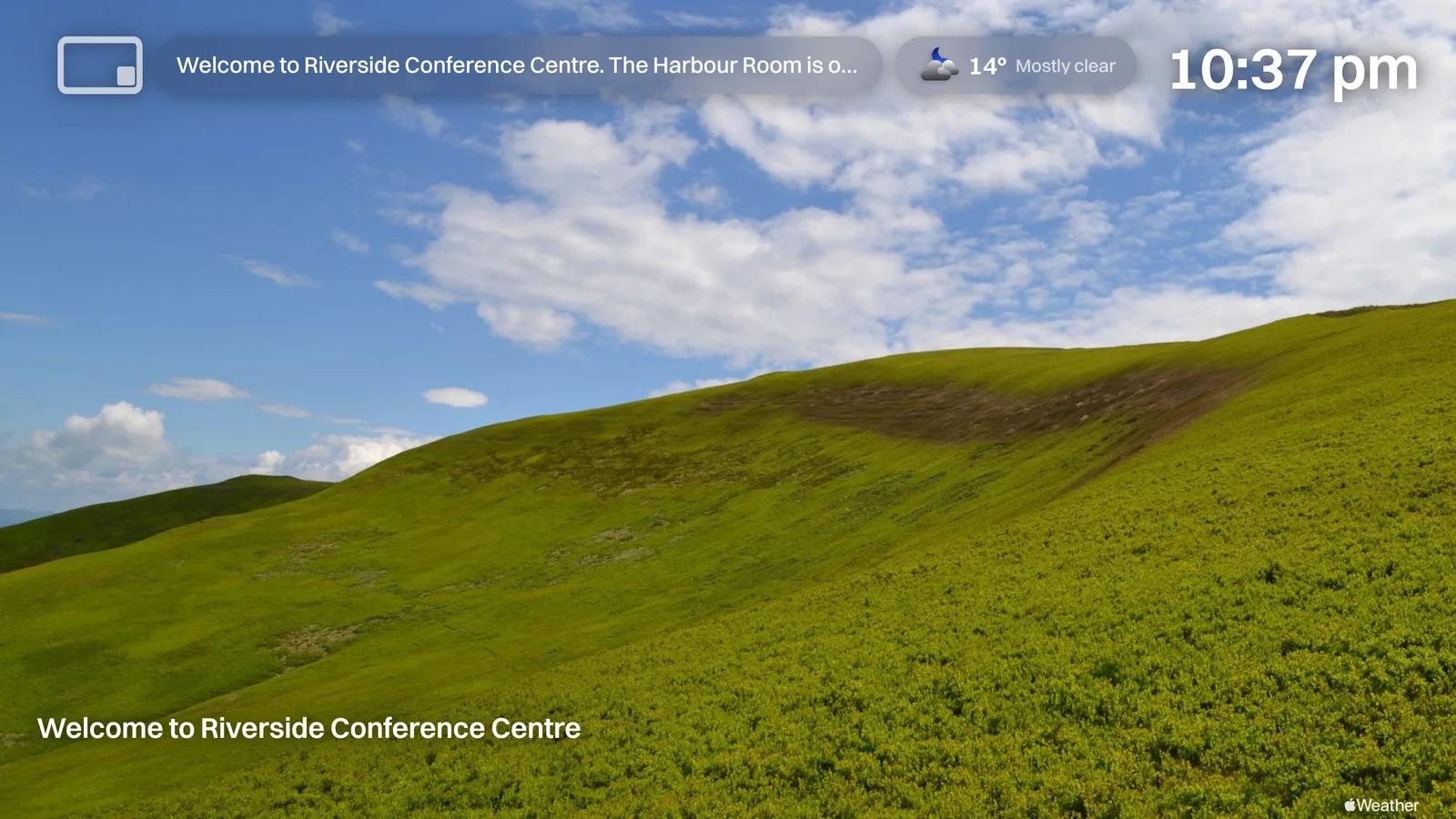
A panel, running Billboard Rooms
It behaves like something screwed to a wall
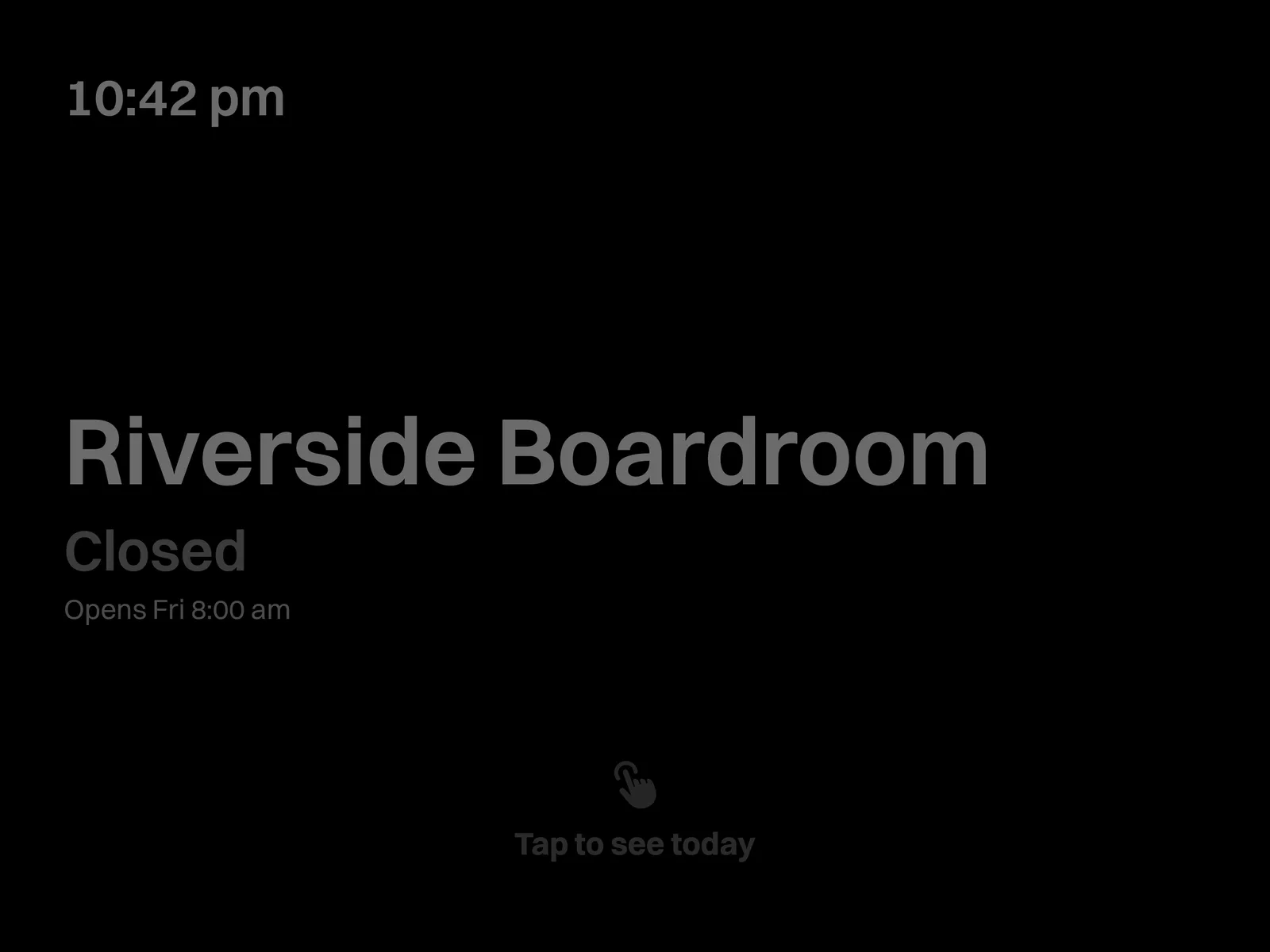
Quiet at night
Outside working hours it drops to the room, its state and the clock on black. Touch it and it comes back for a couple of minutes.
Rooms that free themselves
Ask people to check in and the ones who never turn up hand the room back on their own.
Sorted from a phone
A code beside the room name opens your booking on a phone, so a meeting can be extended on the way to it.
A corridor at two in the morning
On for years, not for a demo
Overnight it dims to almost nothing, easier on the display and the power bill, and still answers the only question anybody has at that hour.
The rest of the day the border breathes in the room's colour, green or red, so you can read a panel from the far end of a corridor.
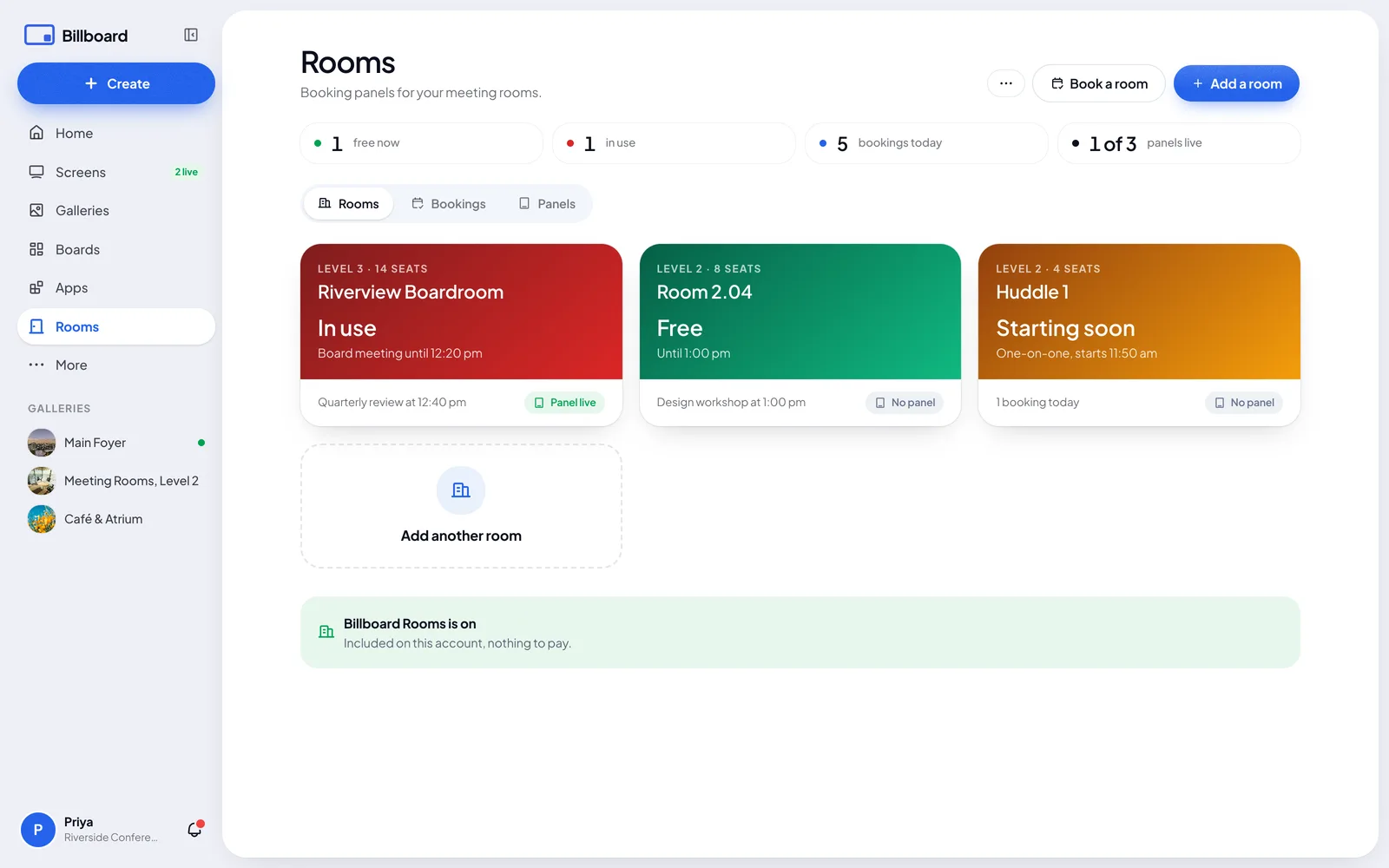
Every room on one page
Which rooms are free, which are in use, today's bookings and which panels are live. Add a room, connect a panel to it, and leave it alone.
Priced per building, not per door
Room booking panels, priced like the rest of us
An iPad outside each door showing whether the room is free, and taking a booking on the spot. Hang as many panels as you like at no extra cost, and they never count against the screens on your plan.
Added to any paid plan. Half price, because you are already a customer.
As many rooms as your plan has screens. 20 on Starter, 50 on Growth.
Rooms without the screens. Add a plan later and it drops to A$15.
Unlimited rooms. There is no plan to read a number from.
- Unlimited panels, never per screen
- Panels don't use your screen allowance
- Book, extend and end at the door
- Runs on an iPad, or any screen with a browser
- Booking links that need no account
Subscribing inside the iPad app costs A$35 a month, which covers Apple's commission. Buying here is cheaper and works on the same panels.
Put a panel by every door.
A$15 a month on any paid plan, or A$30 on its own.
Questions, answered.
What do I put outside the door?
An iPad with the Billboard Rooms app, or any screen with a browser. The iPad locks to the app with Guided Access, or Single App Mode under an MDM.
Which calendars does it read?
Google Workspace and Microsoft 365 room calendars. Connect once in the dashboard and every panel follows.
Can people book at the door?
Yes. Tap an empty stretch, pick a length, confirm. The booking gets a six-digit code, and only that code can change it.
What if a meeting never shows up?
Ask people to check in and the ones who don't hand the room back on their own.
What does it cost?
One flat price, never per door. A$15 a month on top of any paid plan, or A$30 a month on its own. See the pricing page for how many rooms each plan covers.