 Billboard
Photos and video
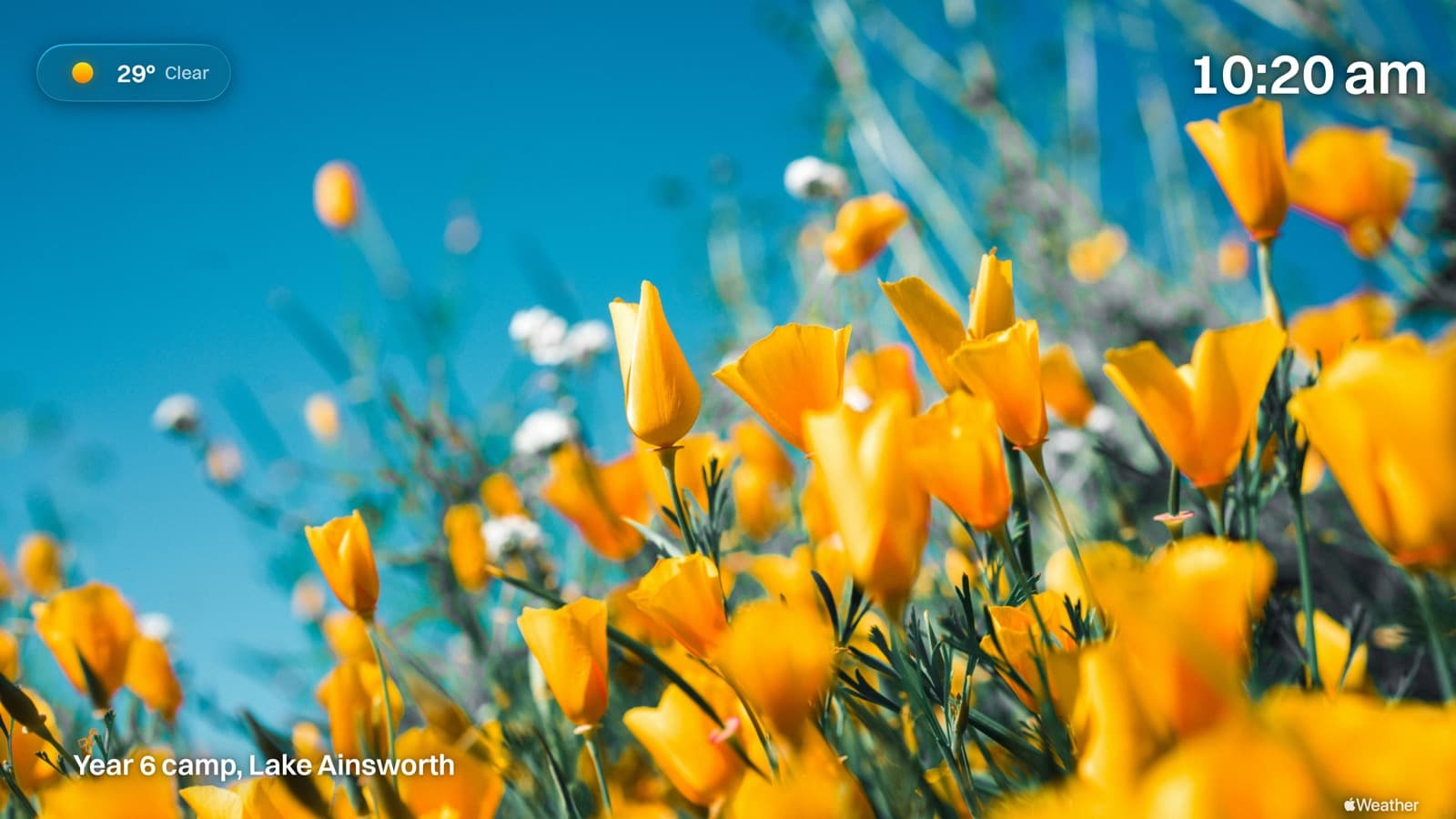
Fullscreen, crossfaded, mixed freely. Video plays in full or cut to a length you set, with or without sound.
Your photos, video and boards on every Apple TV in the building. AirPlay keeps working, the fleet runs from one tab, and the price is flat.
Every frame here is a capture from the Apple TV app. What you set is what goes on the wall.
Fullscreen, crossfaded, mixed freely. Video plays in full or cut to a length you set, with or without sound.
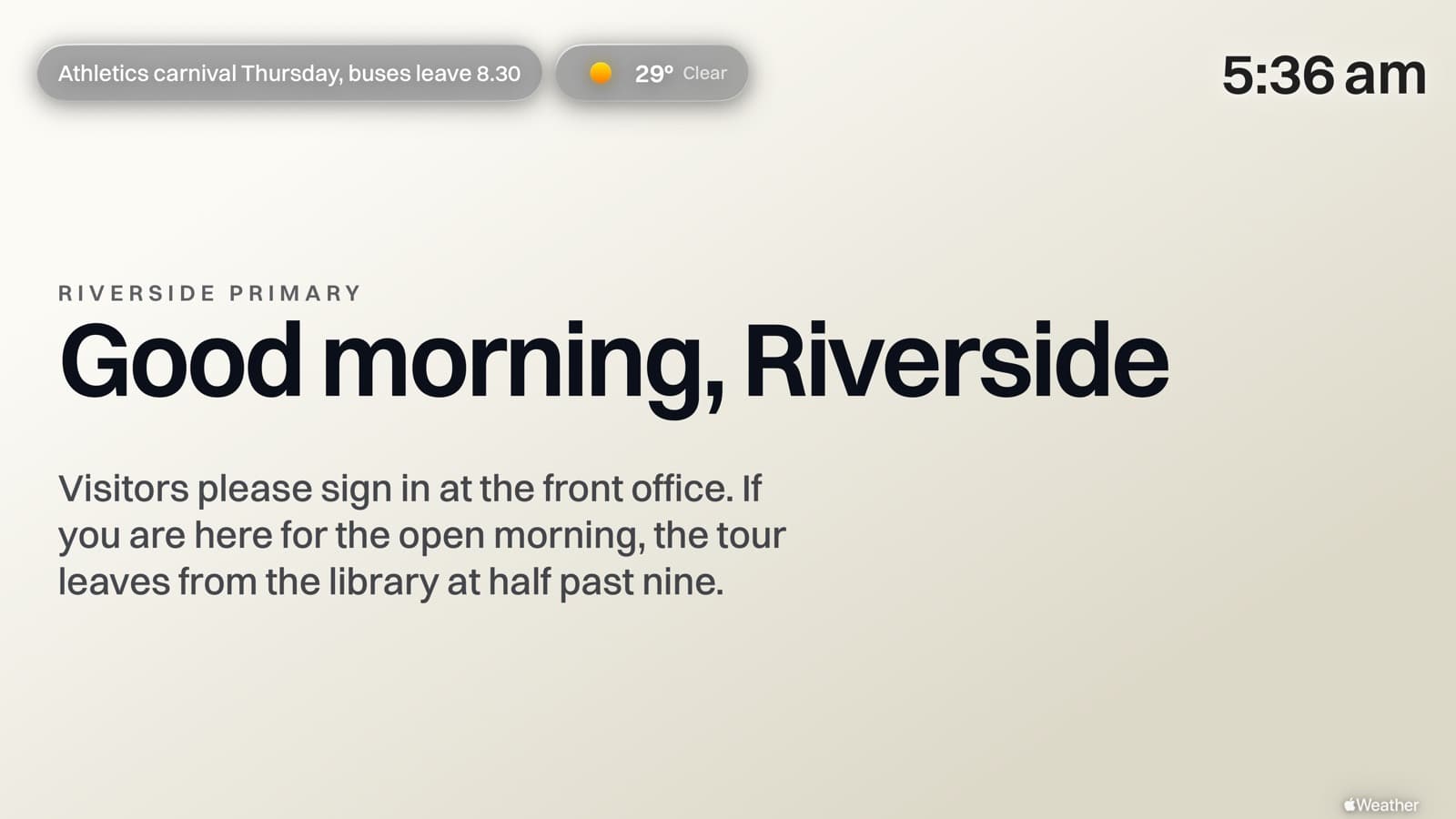
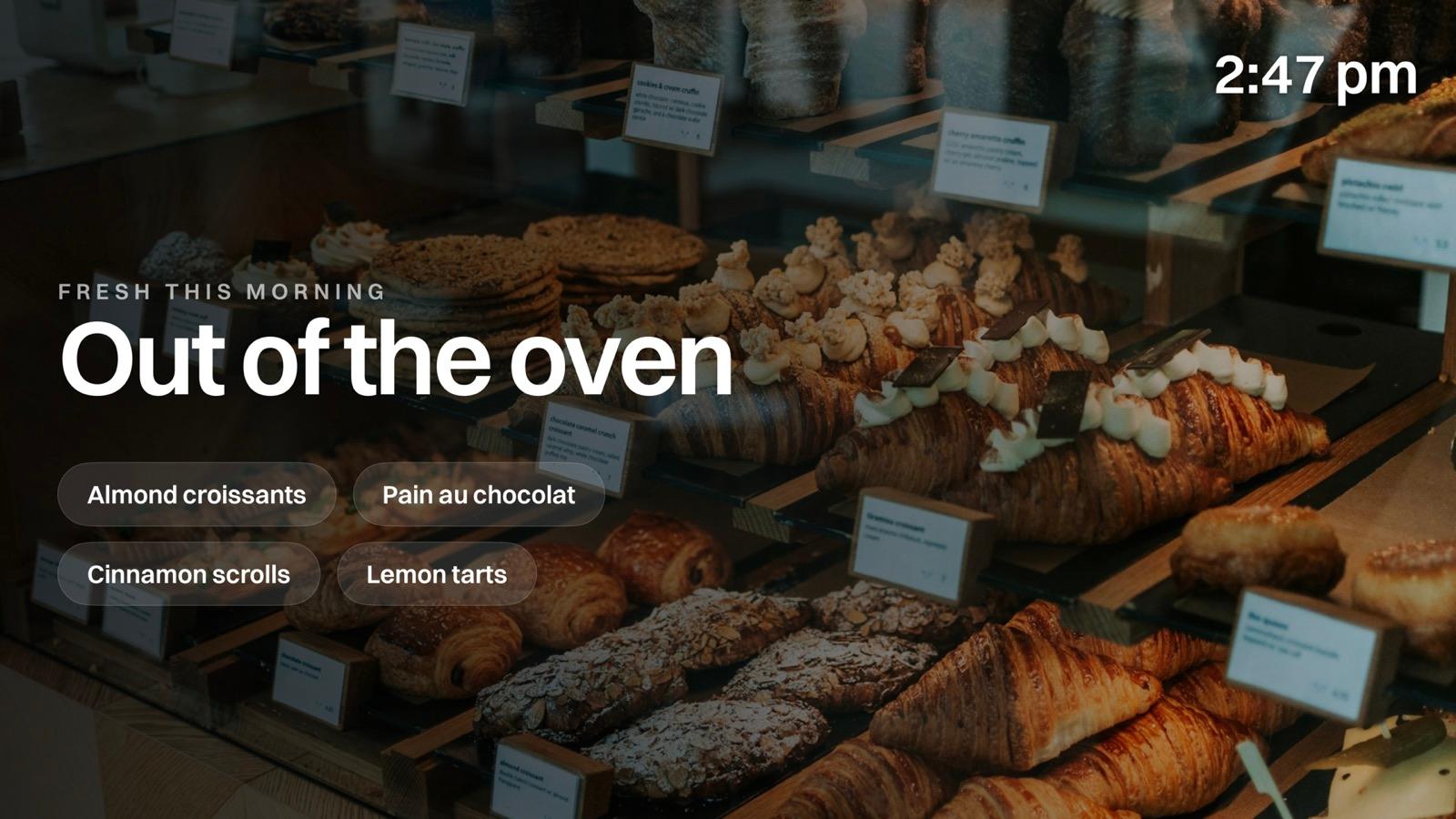
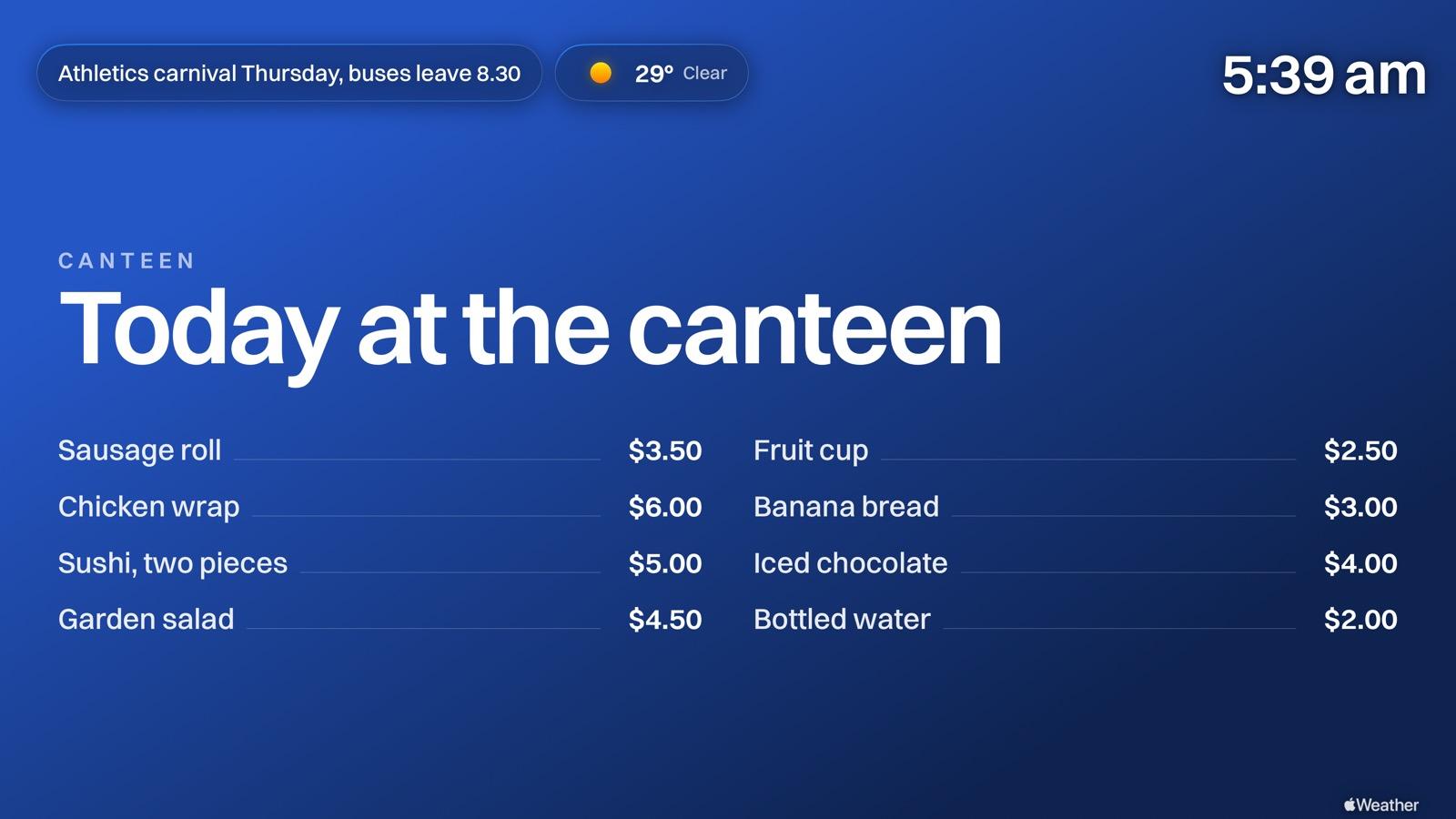
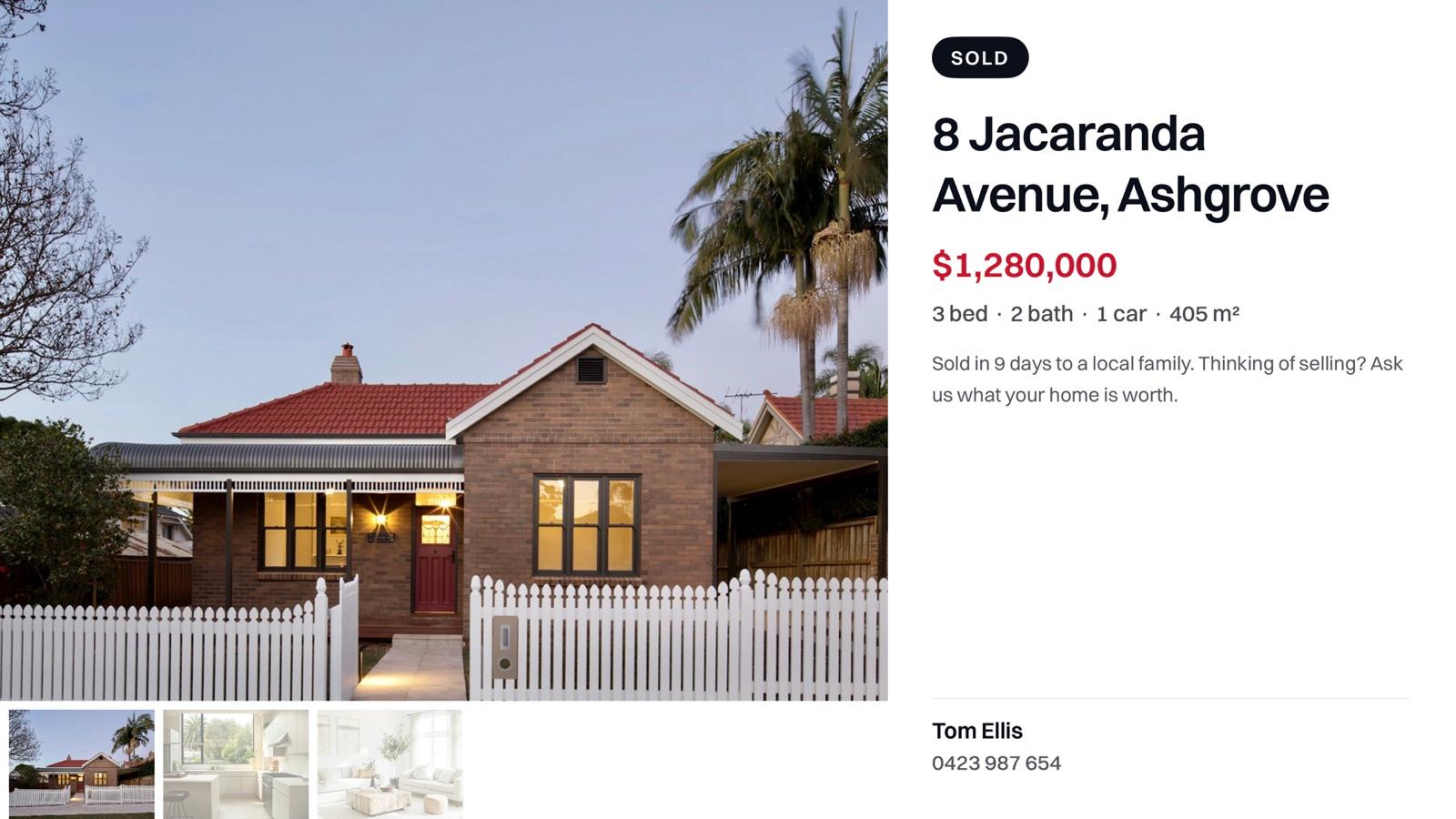
Menus, timetables, notices, listings, countdowns. Written in the browser, drawn by the TV in your font and colours.
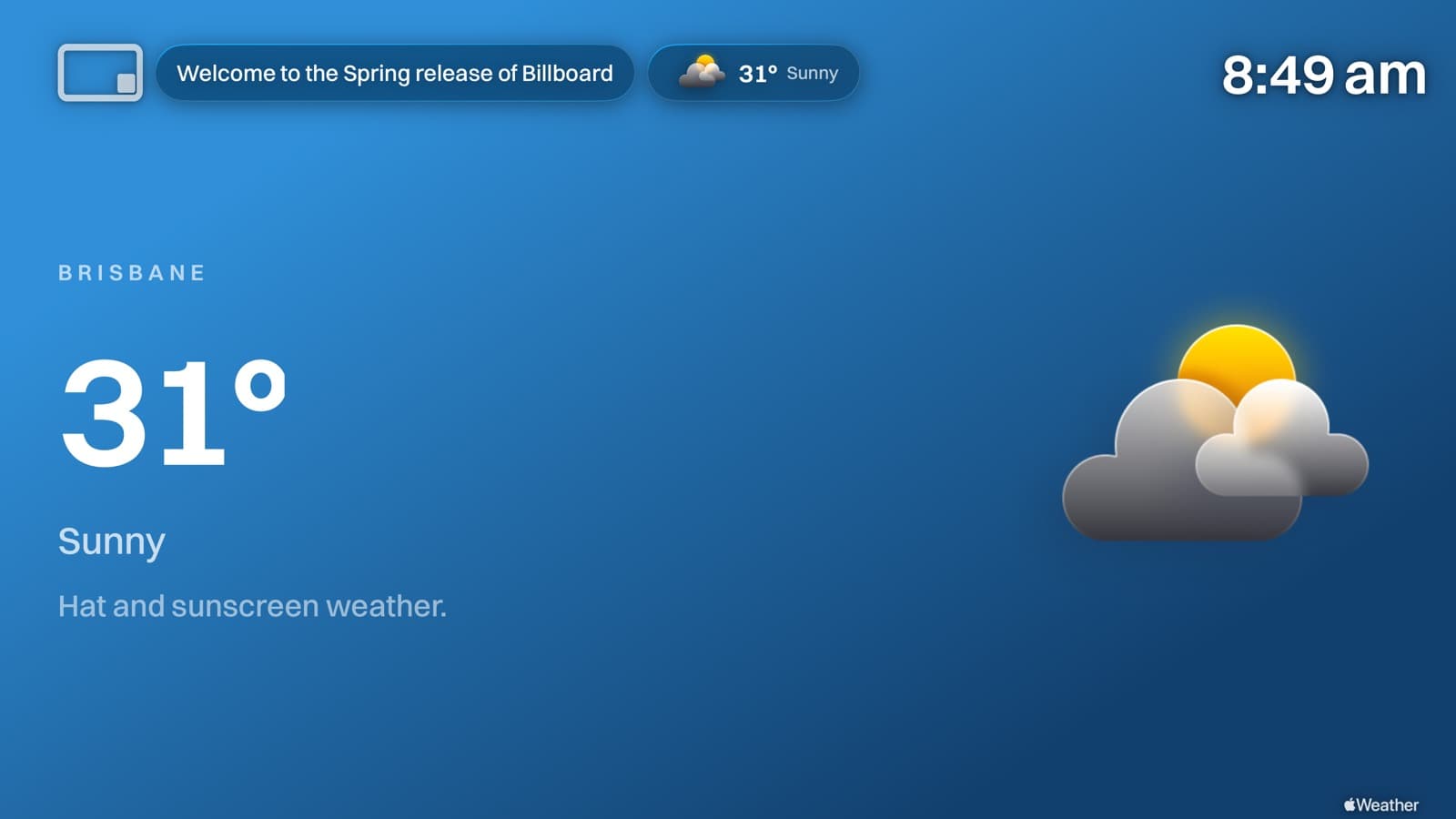
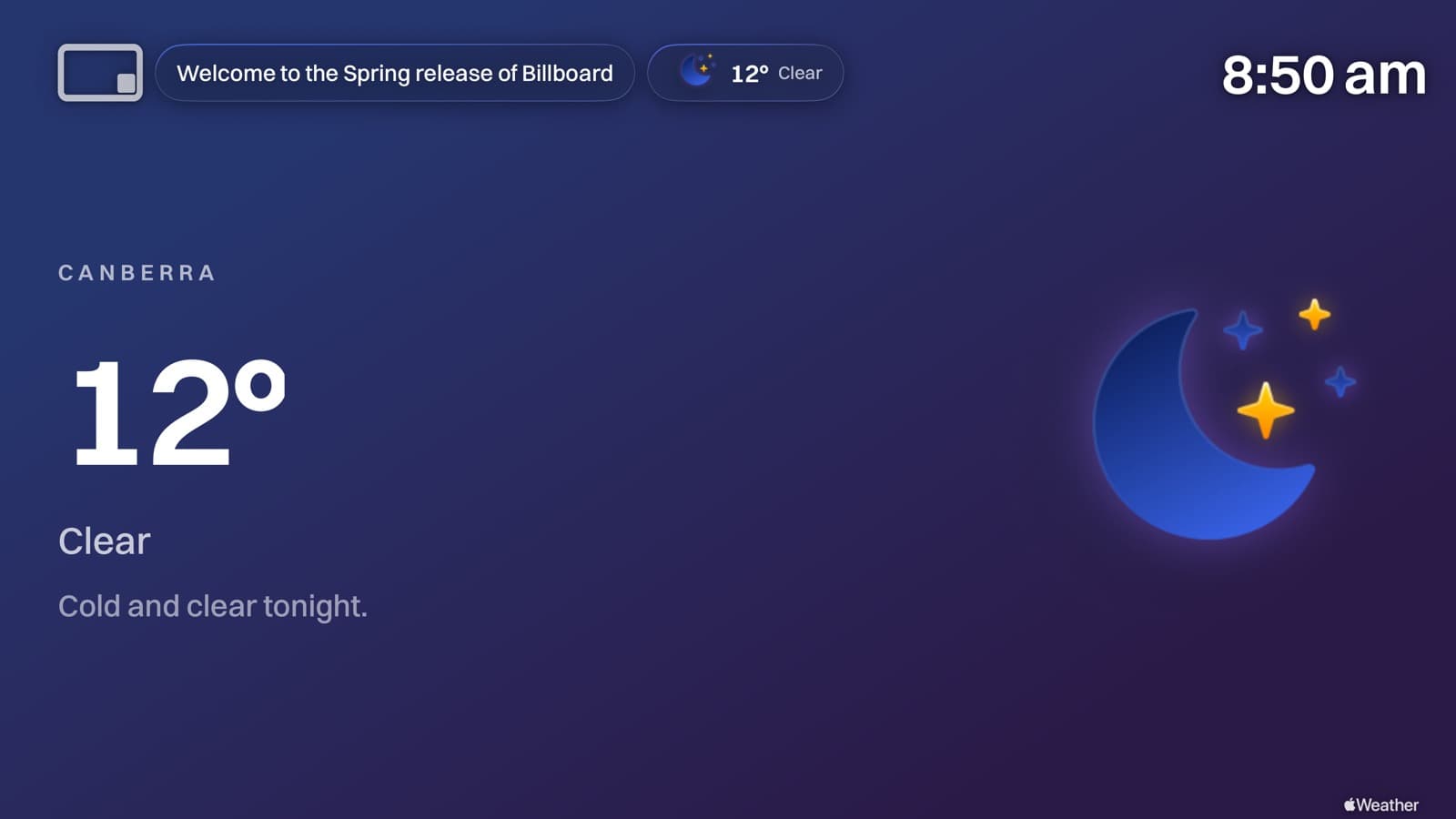
Apple Weather beside the clock or as a full slide, in the degrees your people read.
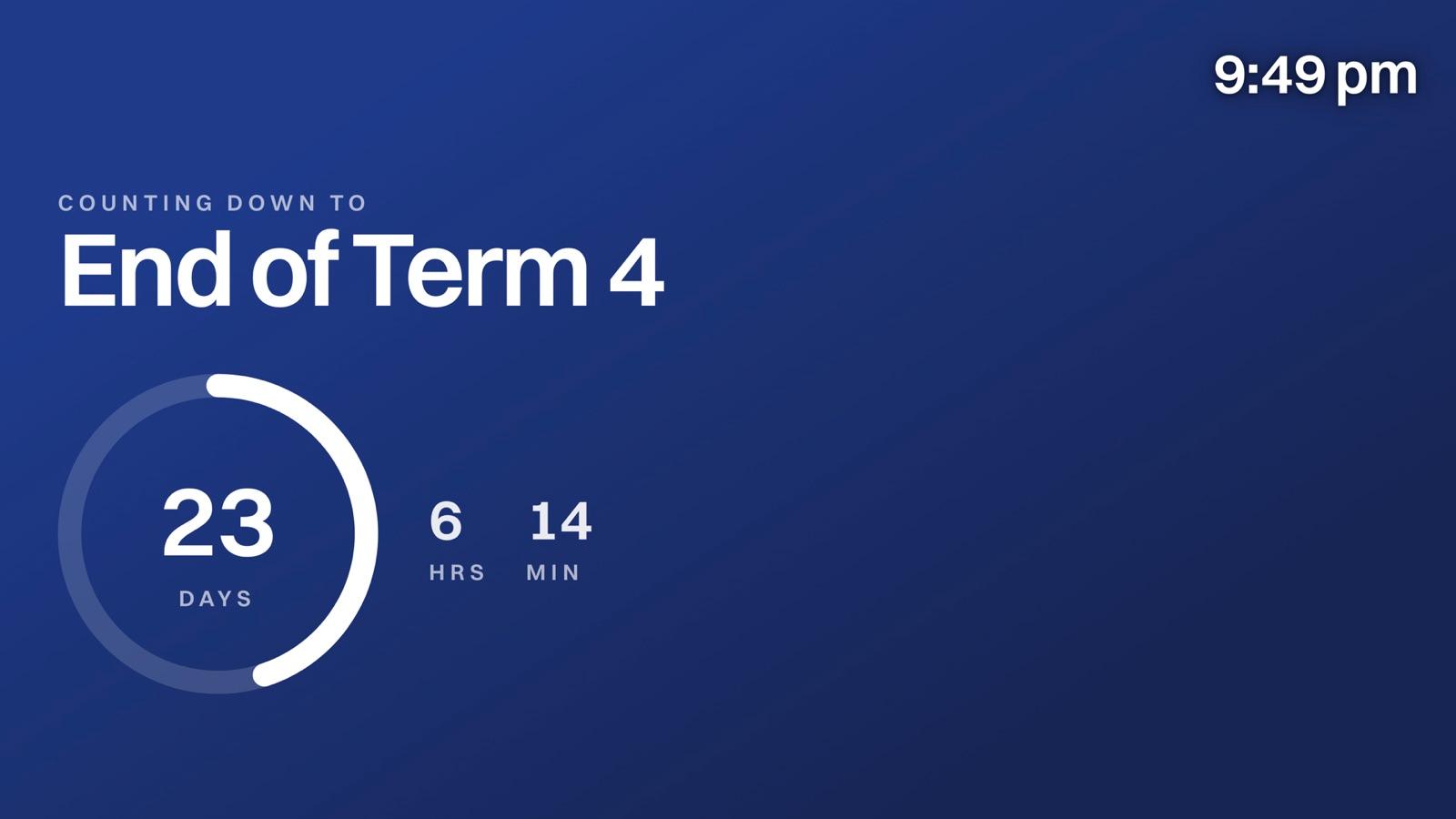
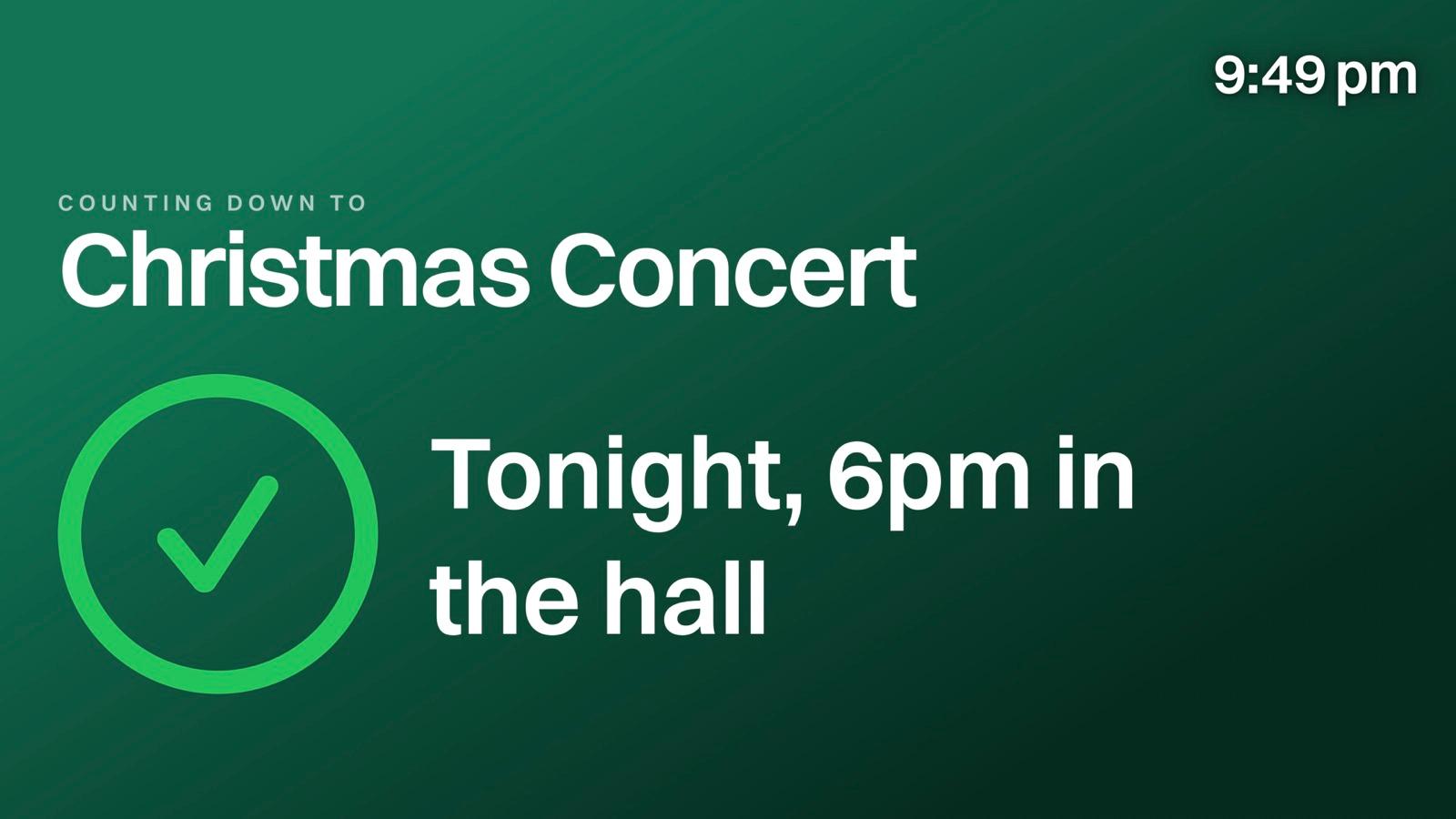
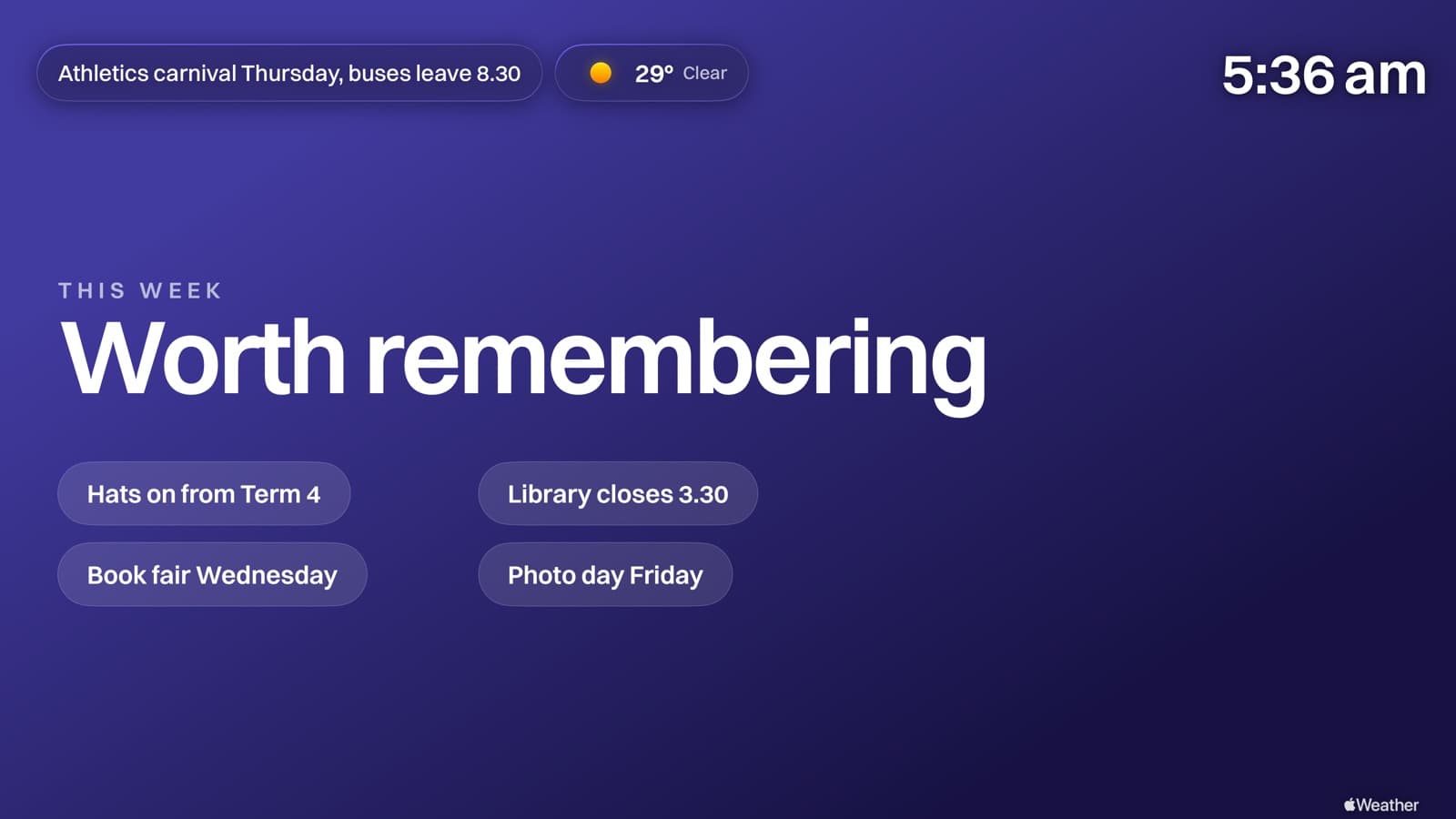
To the end of term, the carnival, open day. A ring fills as the day gets closer, in the corner or as a whole board.
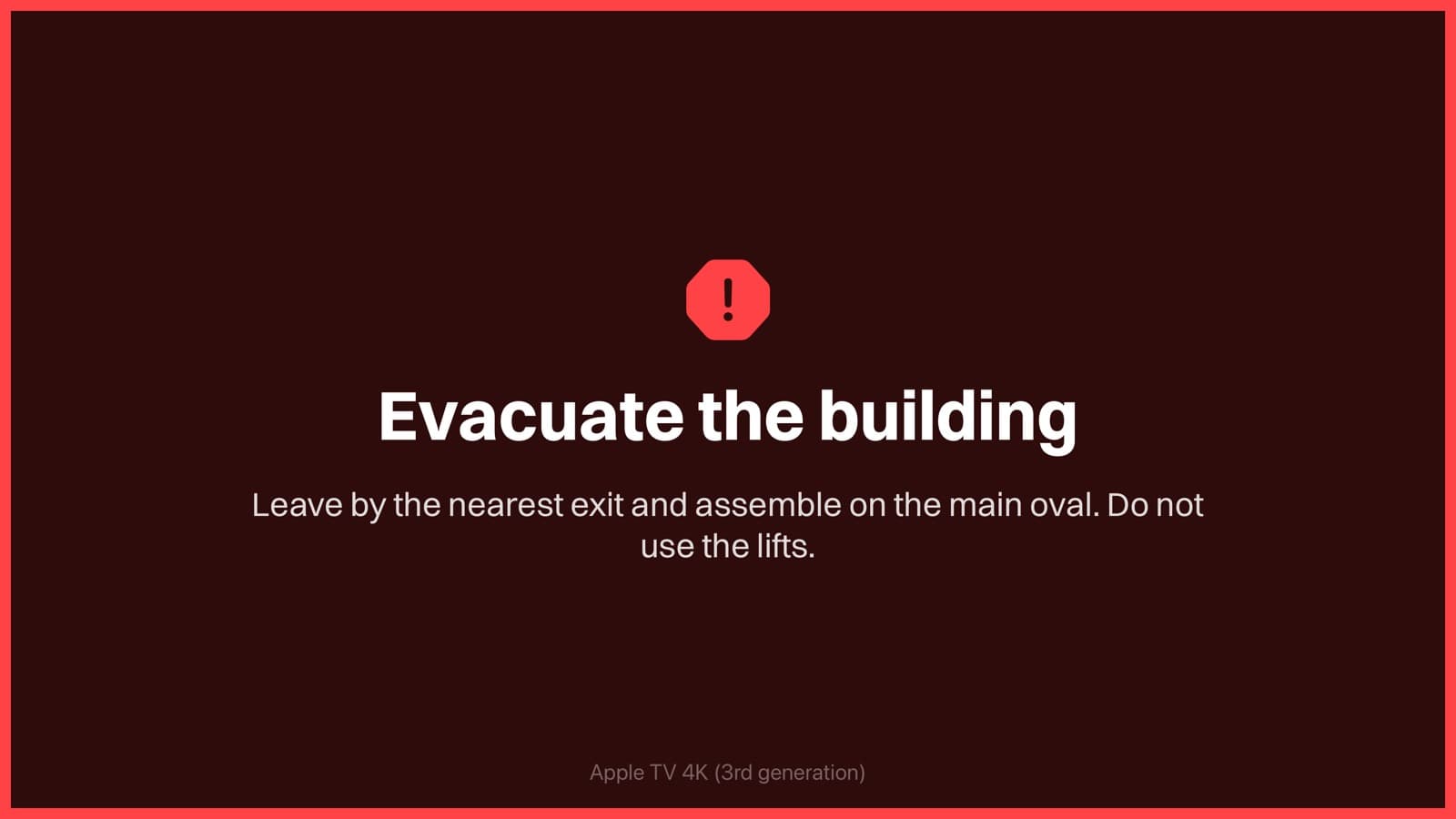
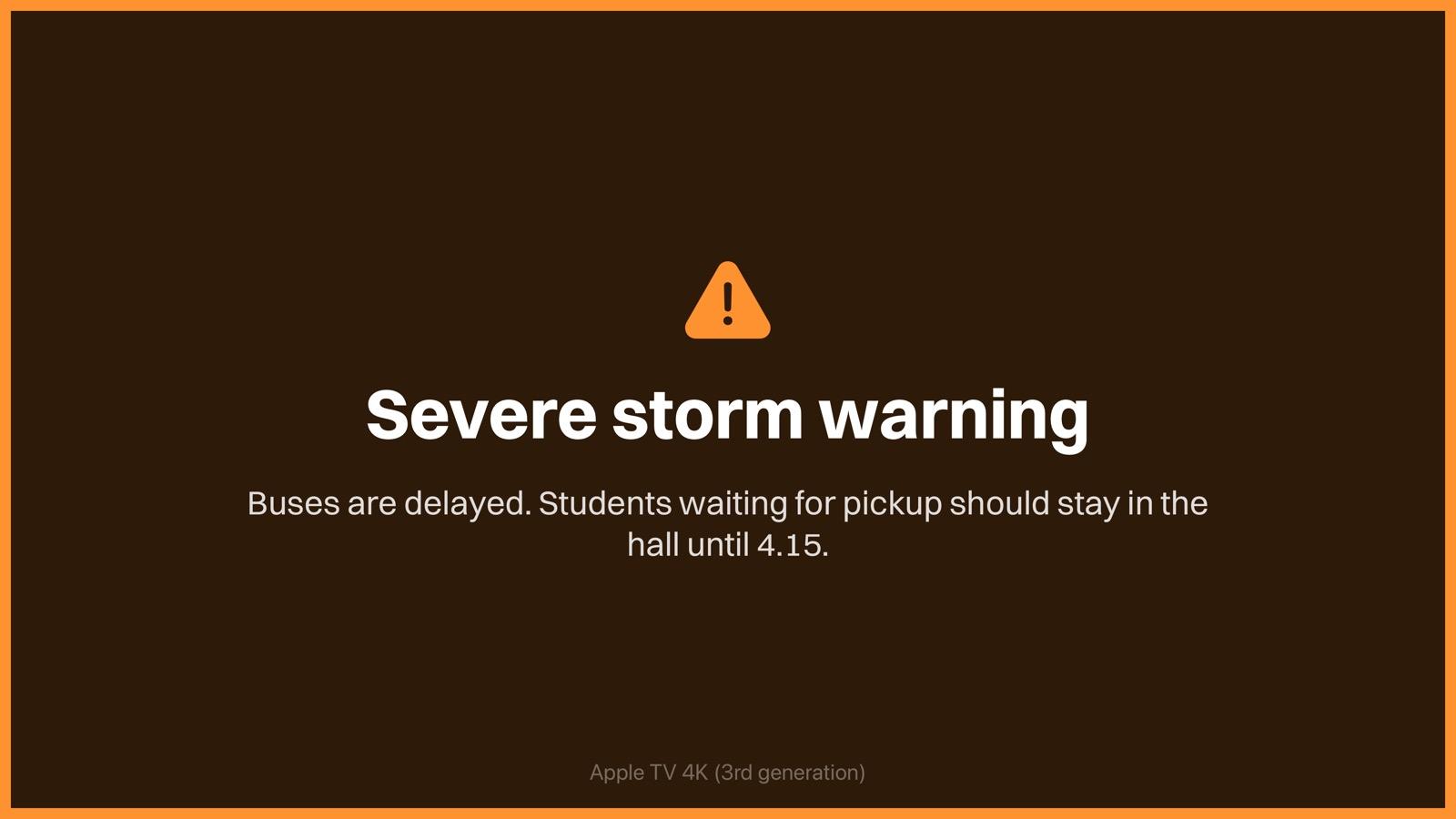
Red, amber or blue, over everything, on every screen at once, until you clear it.
One line across every screen from one box. A caption under a photo as it comes up, then it fades.
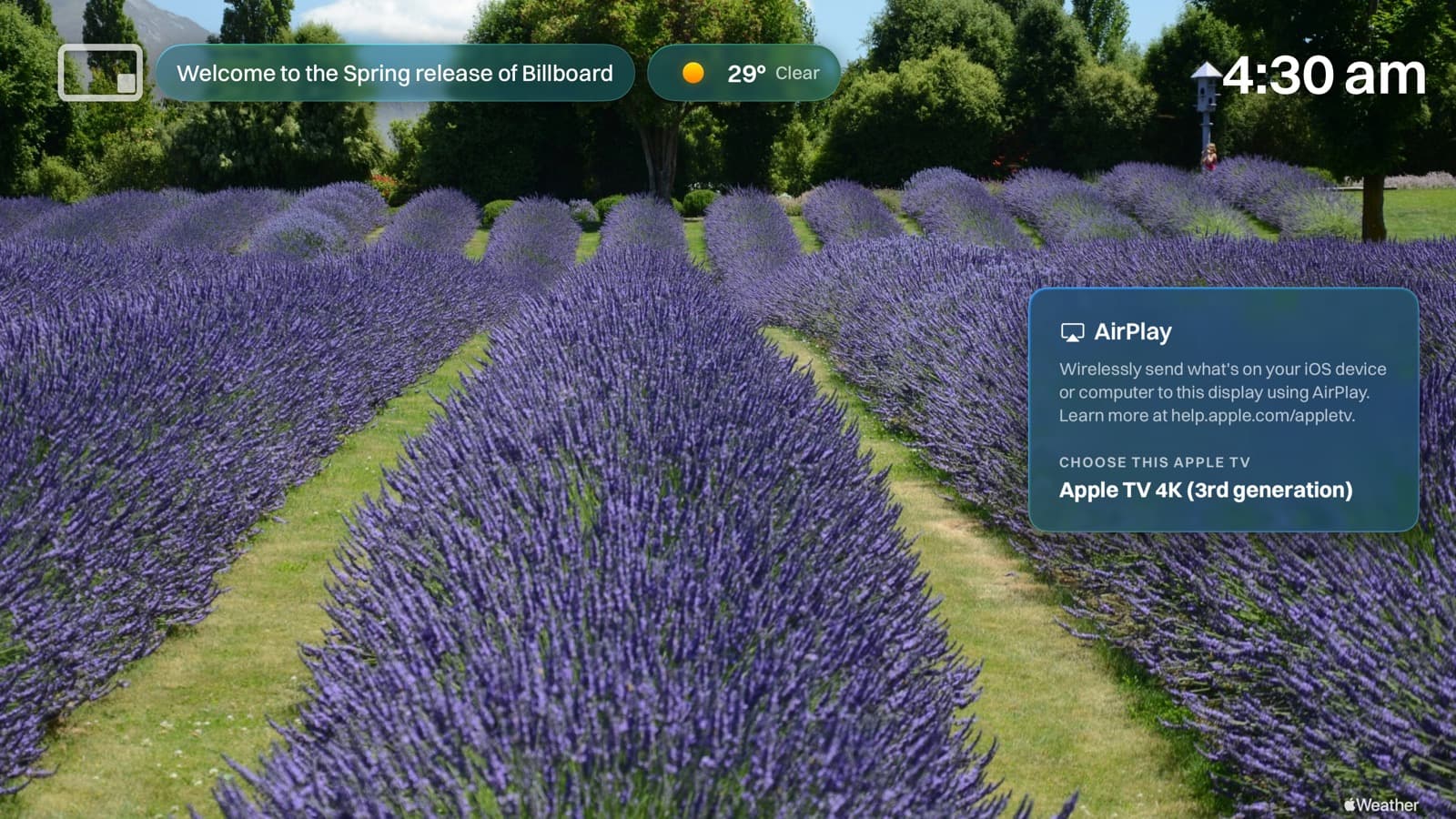
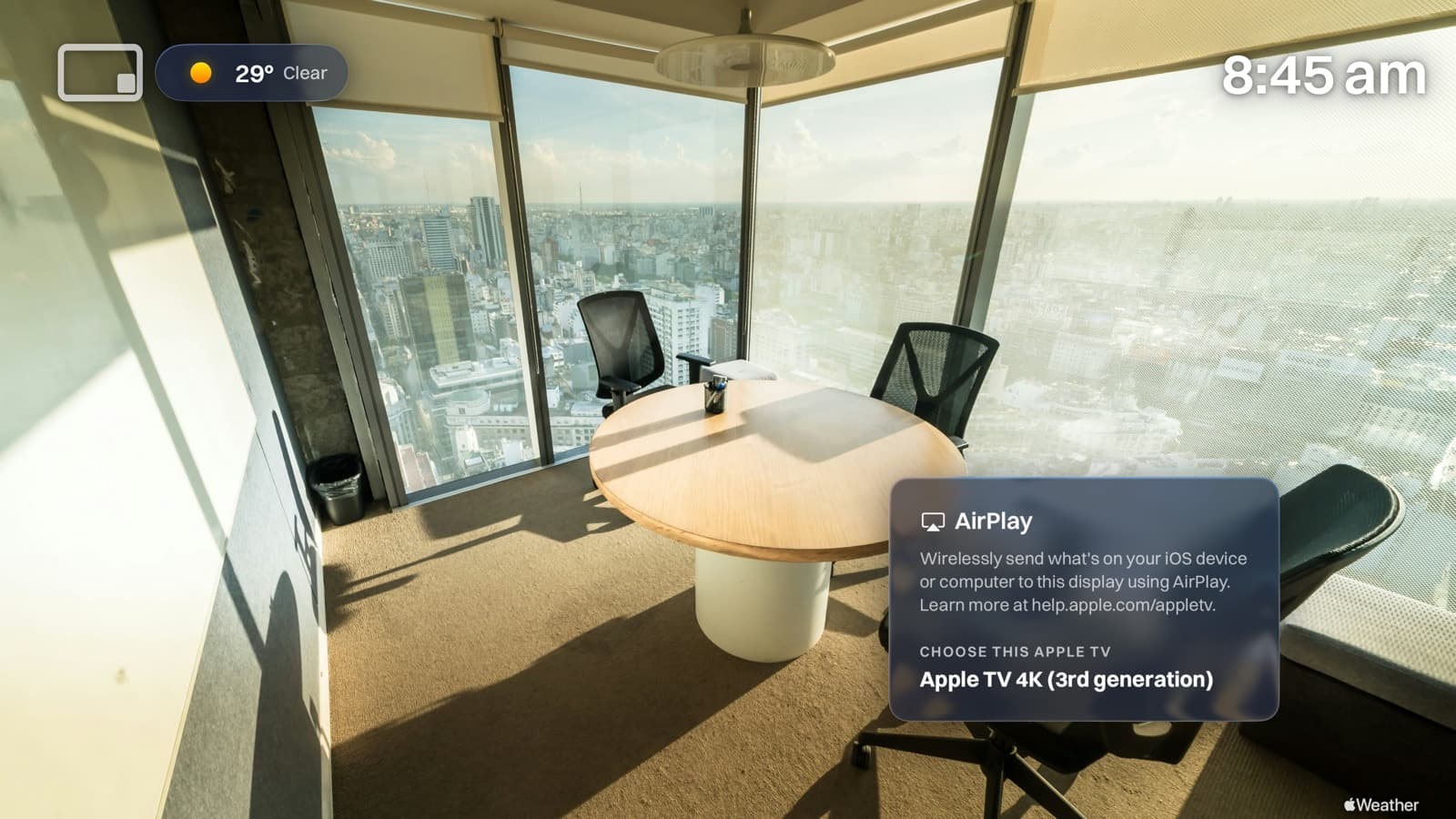
AirPlay
Conference Mode shows a blank screen so people can cast. Billboard shows your content and keeps the same one-tap panel. When someone connects, your content steps aside. When they stop, it comes back.
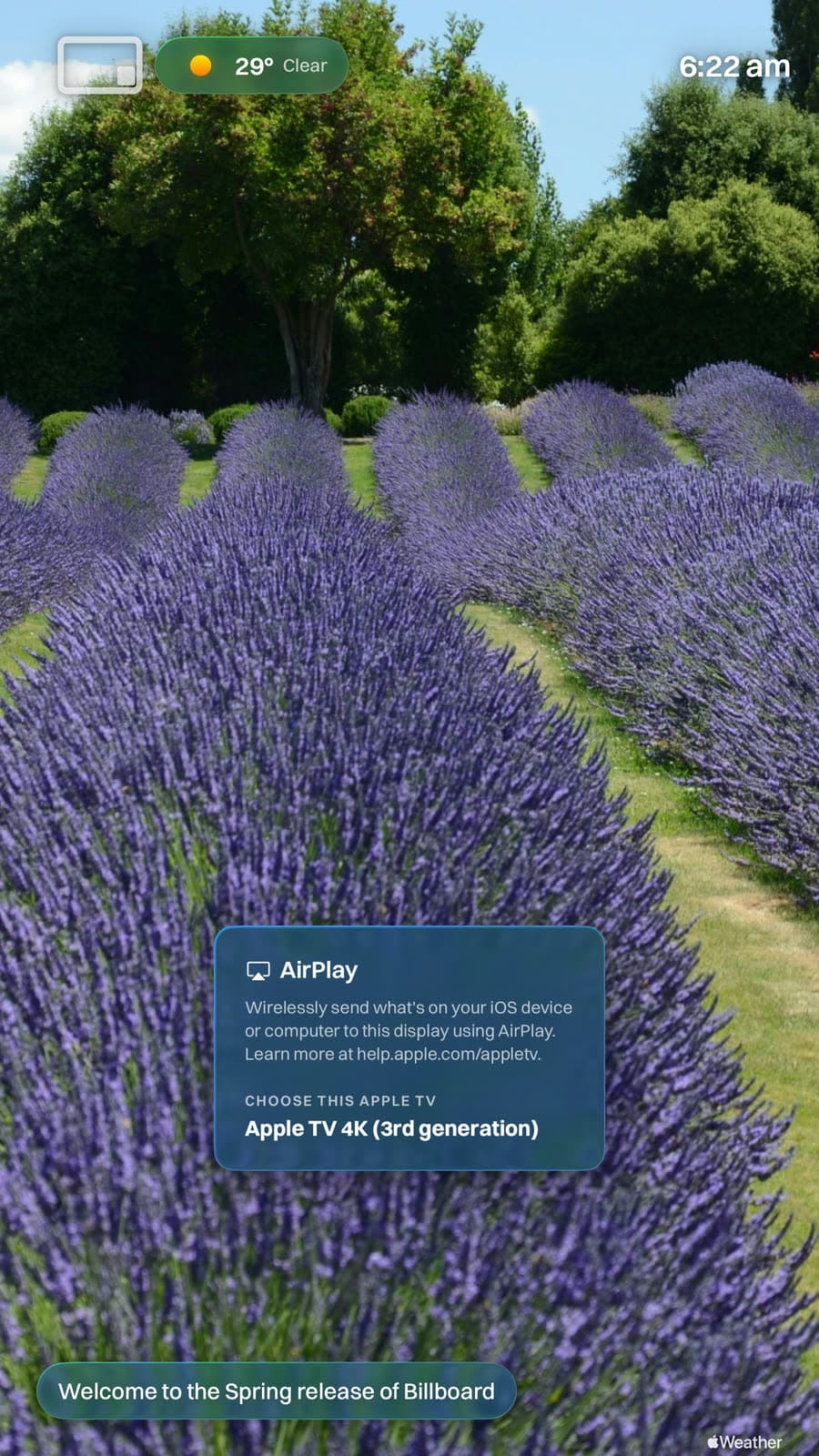
Word it how you like: the device name, a line of help, the guest Wi-Fi. It drifts between corners so nothing burns in.
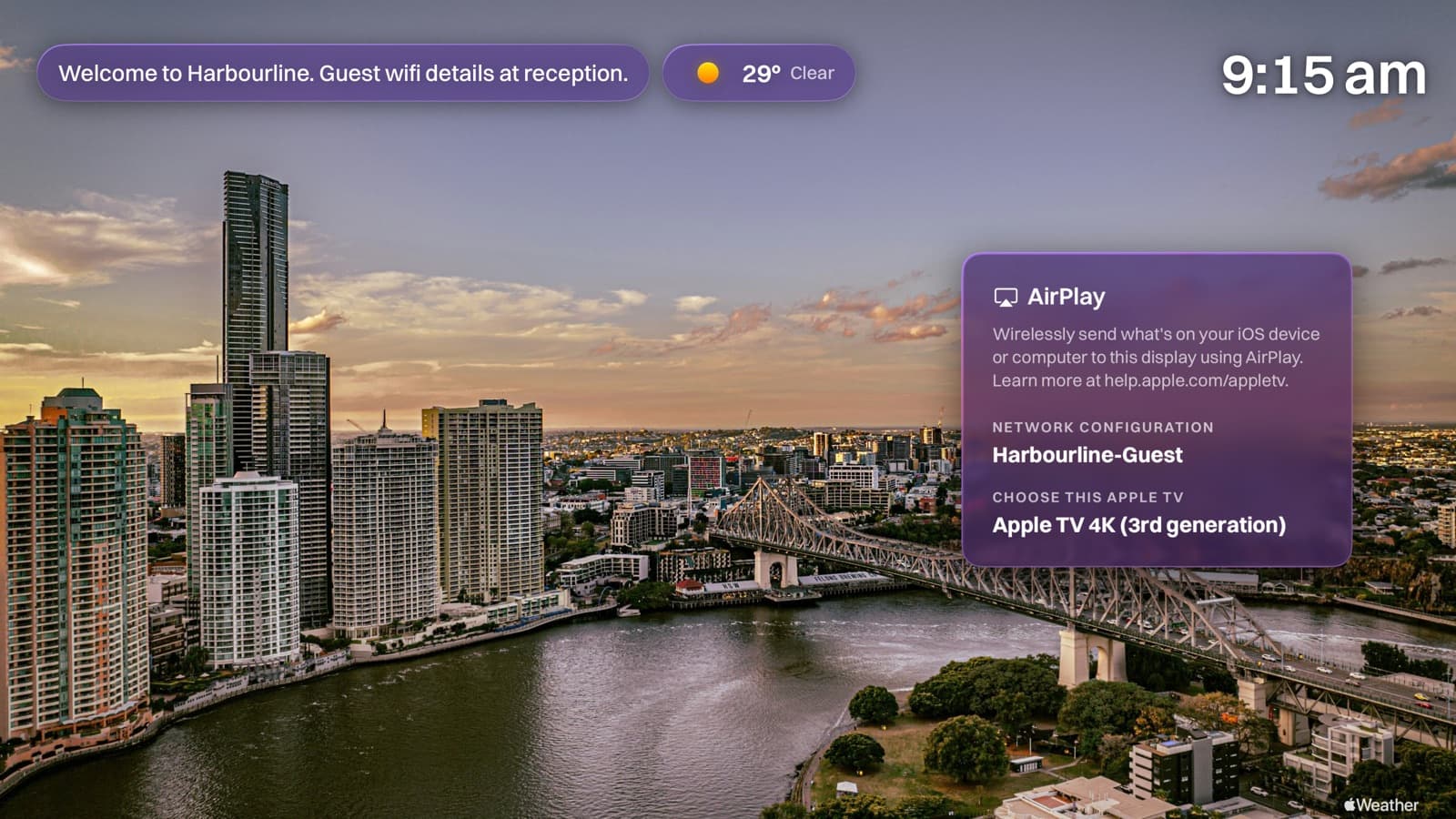
Wirelessly send what's on your iOS device or computer to this display using AirPlay.
Choose this Apple TV
Apple TV 4K
Tint the panel any colour, pick how see-through it is, set one of twelve fonts, and put your logo on every screen. Turn a screen on its side and the layout follows.
Navy panel
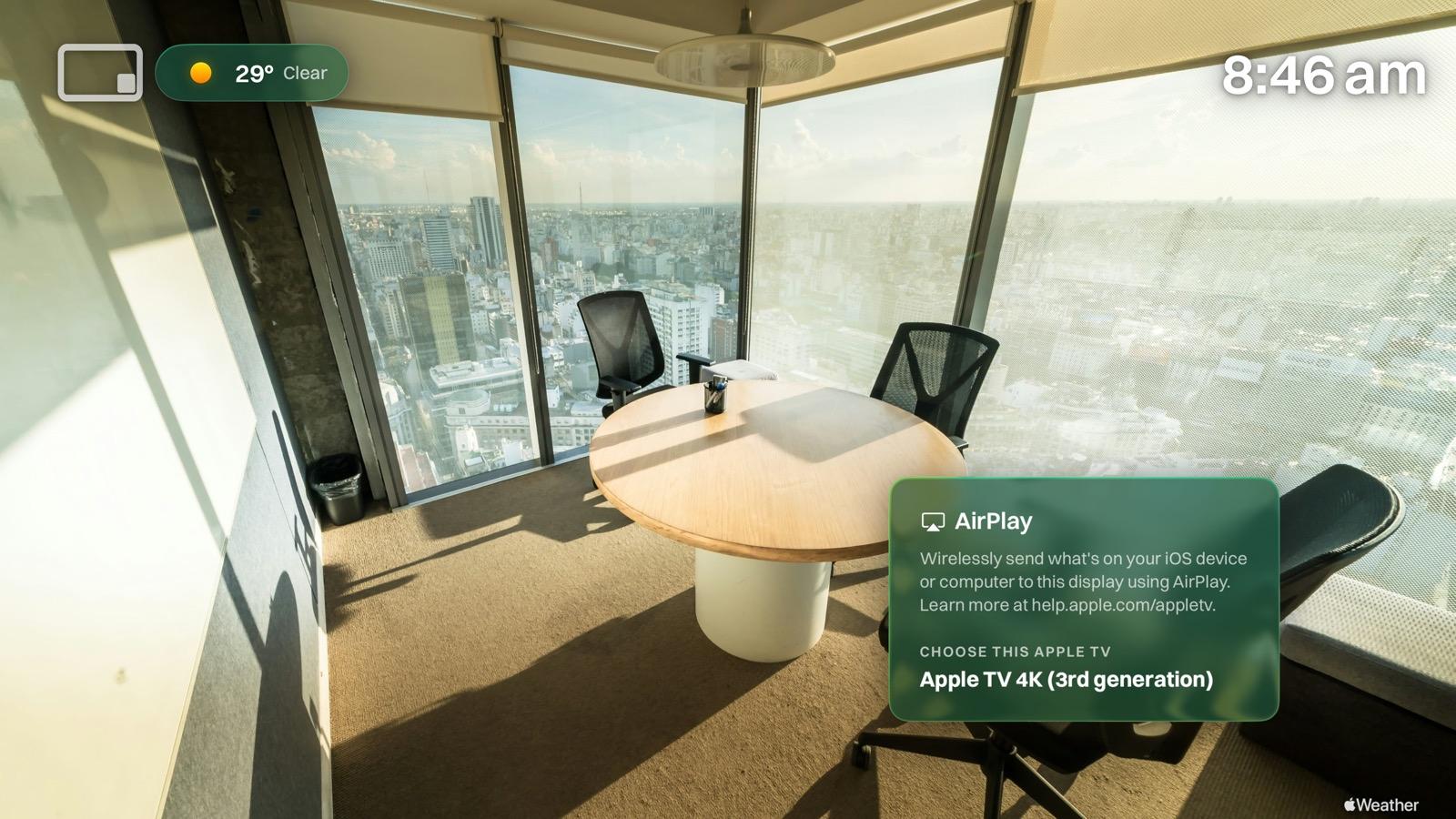
Emerald panel
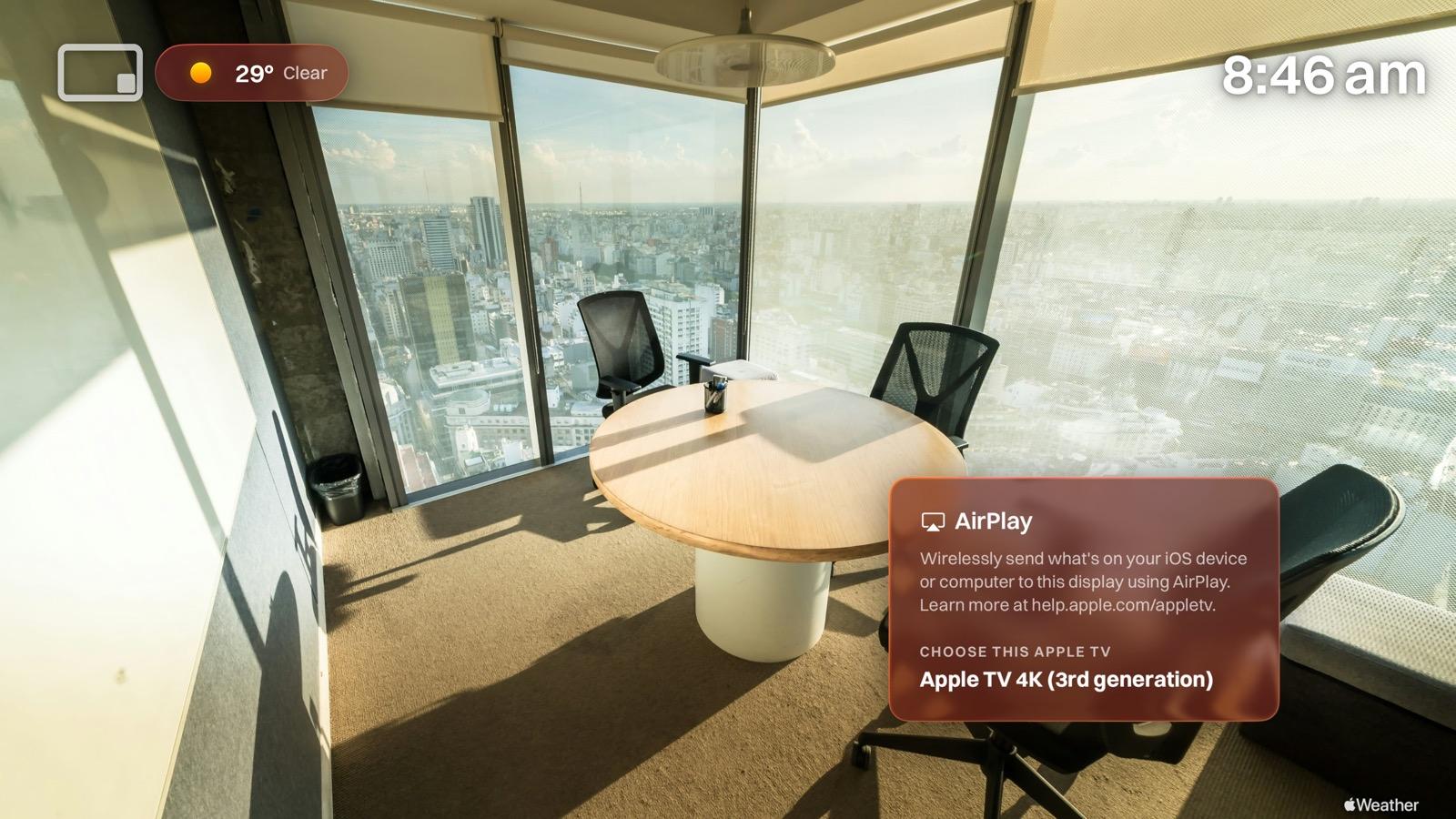
Crimson panel
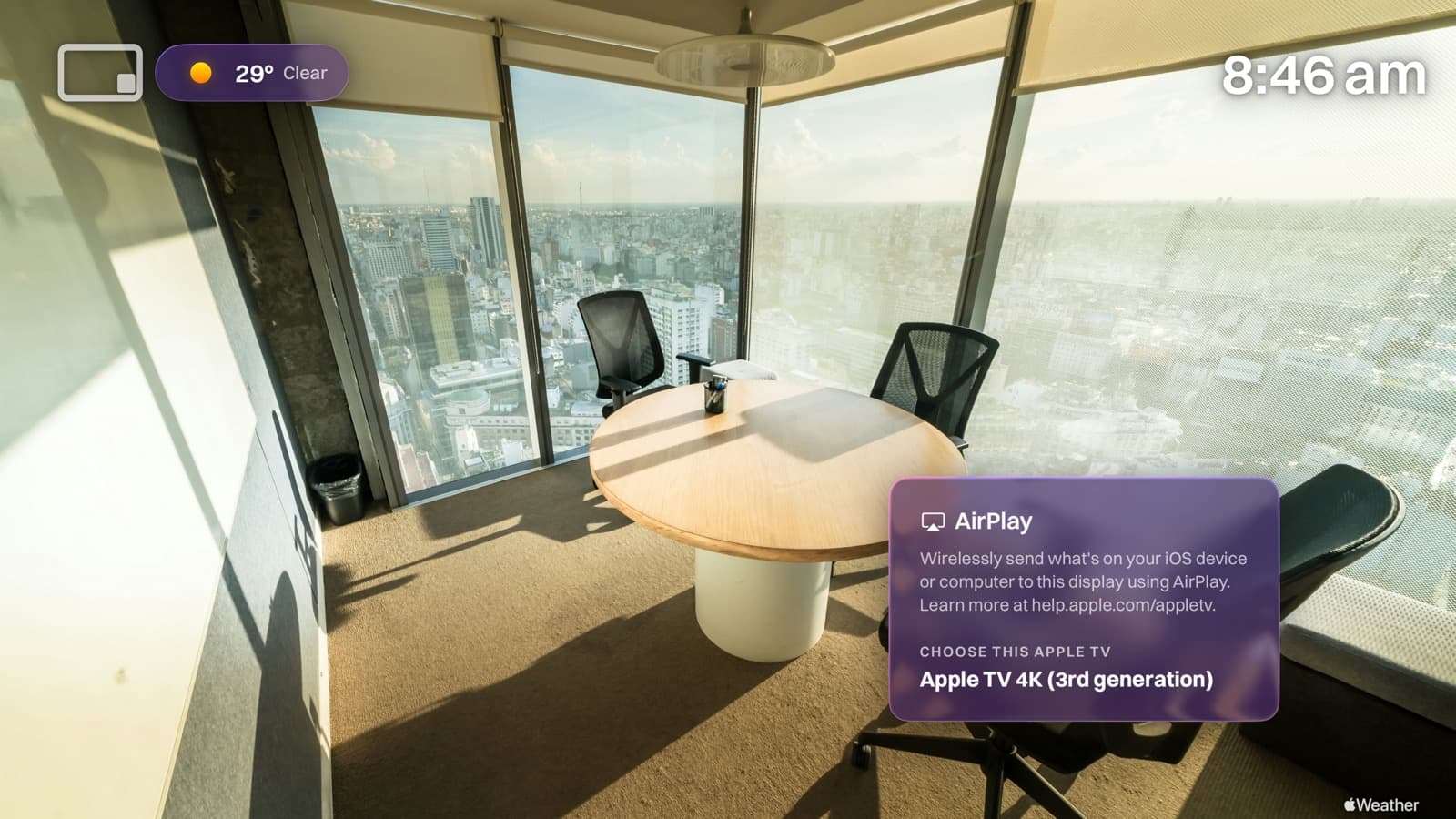
Violet panel
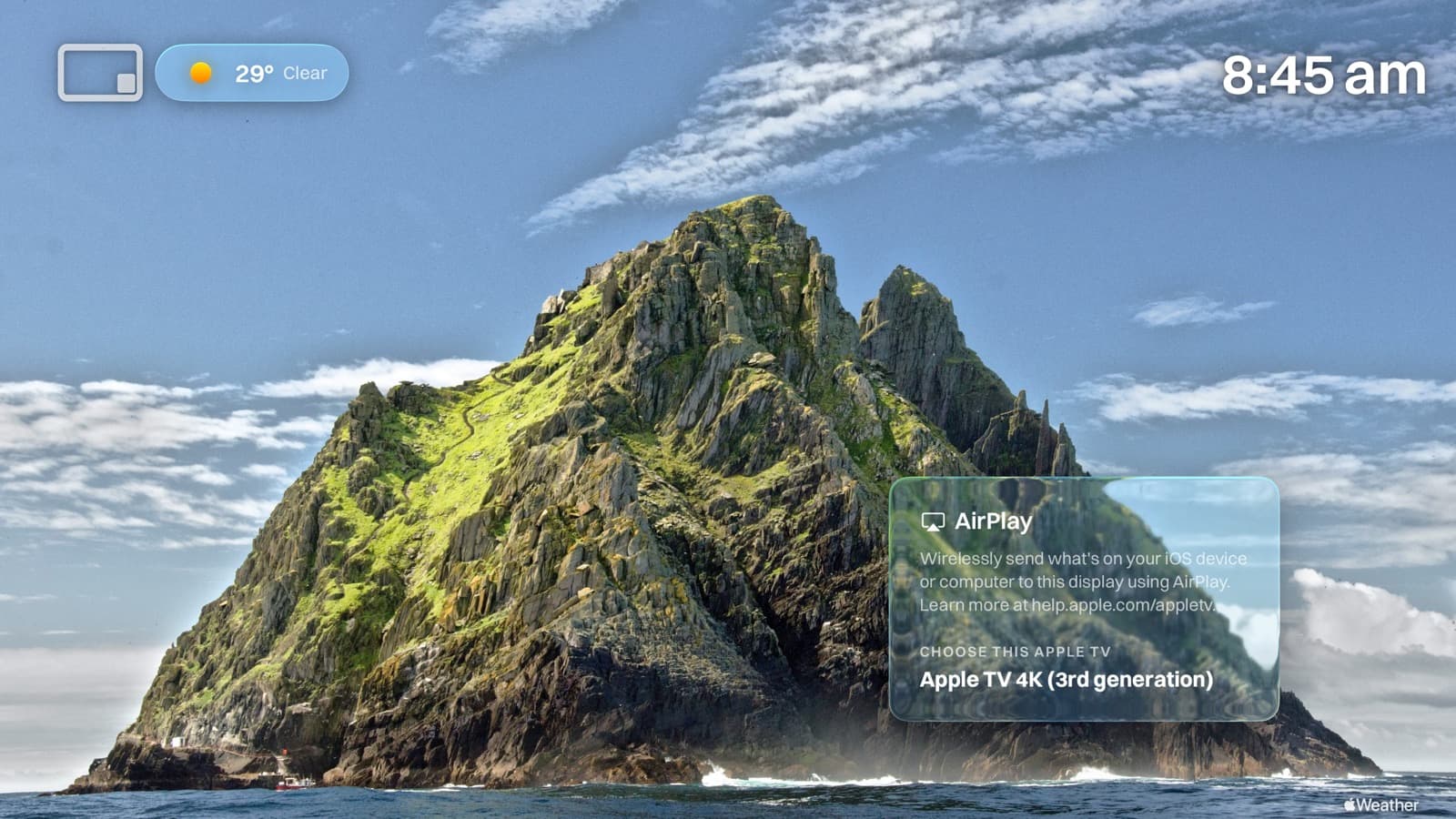
Glass
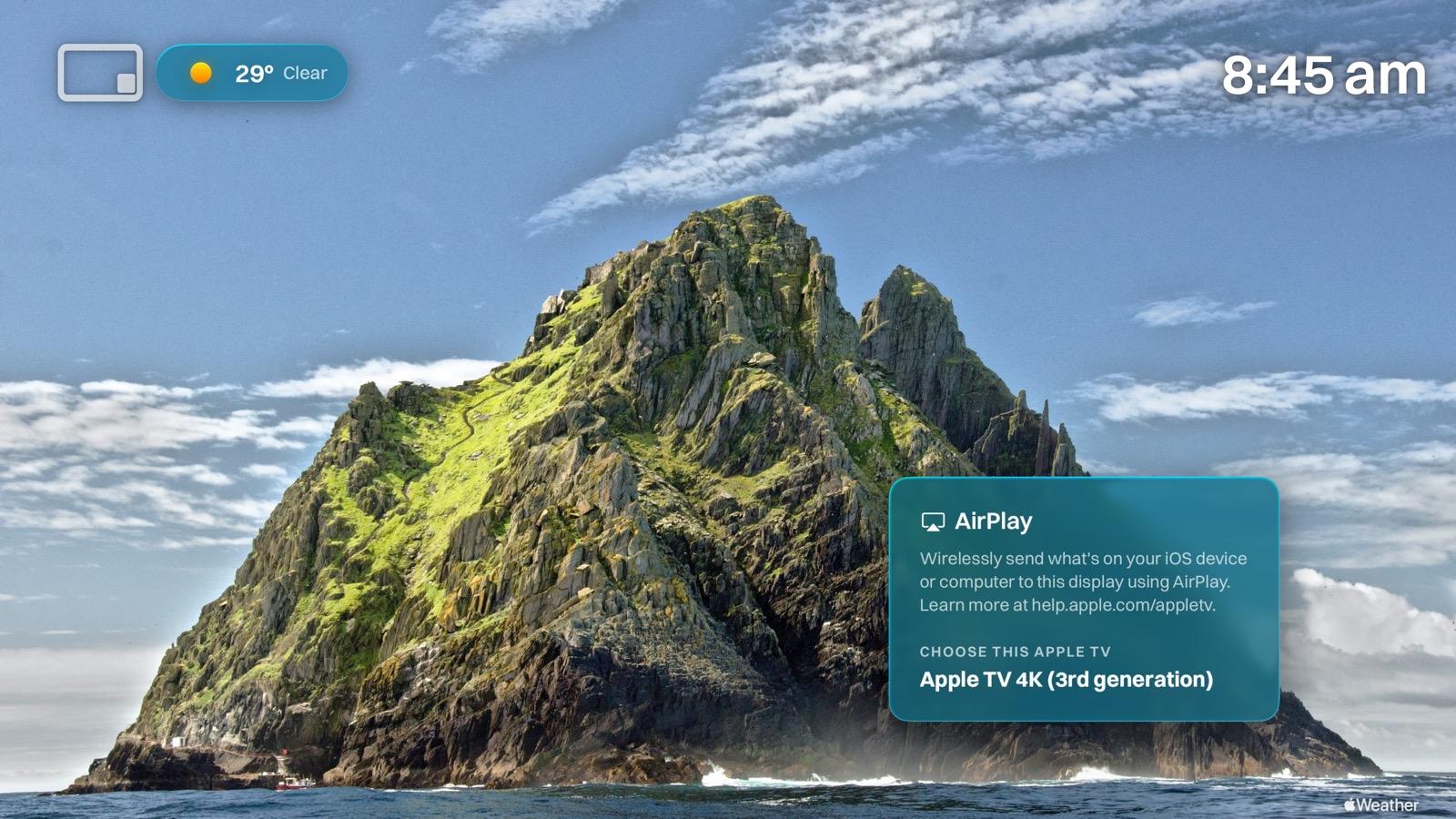
Frosted
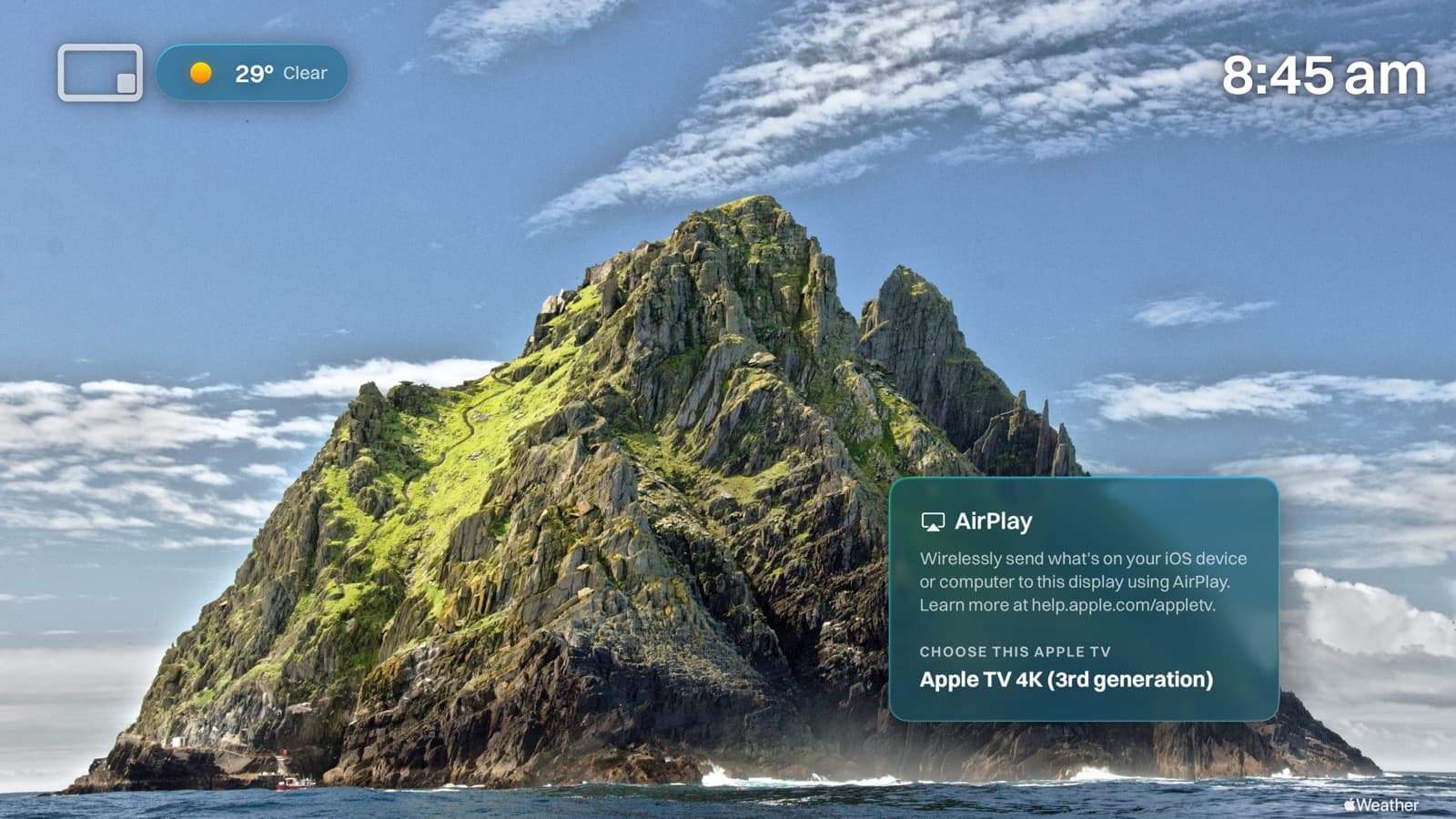
Solid
Everything beyond photos is an app. An admin turns one off and it leaves every screen and every editor at once, so a feature you've decided against is never a thing anyone has to be told not to use.
 Live
Photos & video
Upload anything, crossfaded and cut to fit.
 Live
Boards
Menus, timetables, notices and listings you type.
 Live
Weather
Apple Weather as a chip or a full slide.
 Live
Countdowns
Days to go, as a ring in the corner or a board.
 Live
Alerts
Full-screen messages on every screen at once.
 Live
Notice
One line across every screen in the building.
 Live
Clock
The time in the corner, from each Apple TV.
 Live
Unsplash
Free photography, searched inside the dashboard.
 Live
Rooms & calendars
Google and Outlook calendars, and room panels.
 Coming soon
Canva
Bring a design in, a page per item.
 Coming soon
Google Drive
Play a shared Drive folder.
 Coming soon
OneDrive
Pull media from a OneDrive folder.
Scheduling
Give anything start and end dates and it comes down by itself. Pick the days of the week and the hours it plays: the breakfast menu until 11, the Friday notice only on Fridays.
A countdown runs until its moment, shows your message on the day, and is gone the next morning.
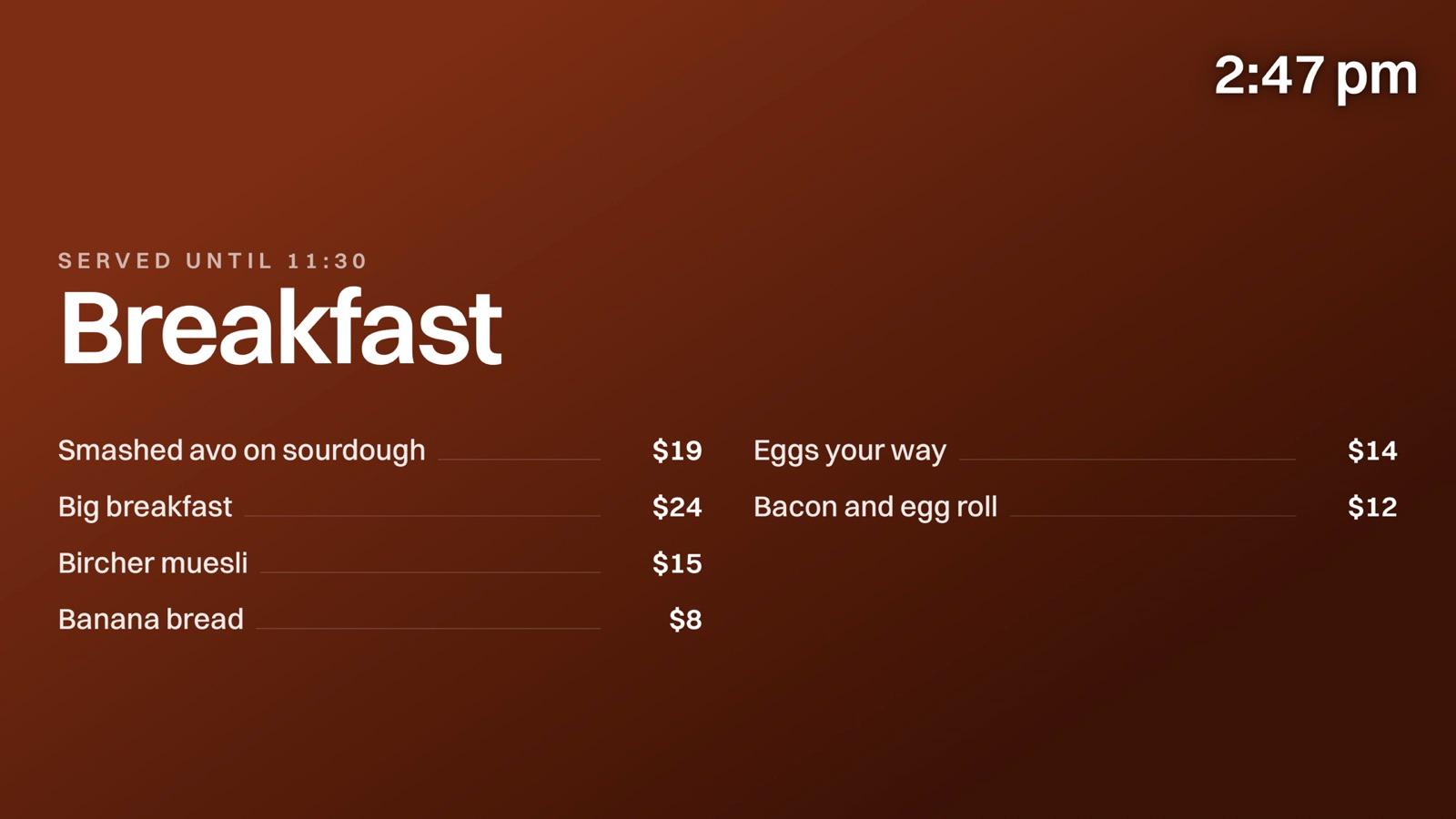
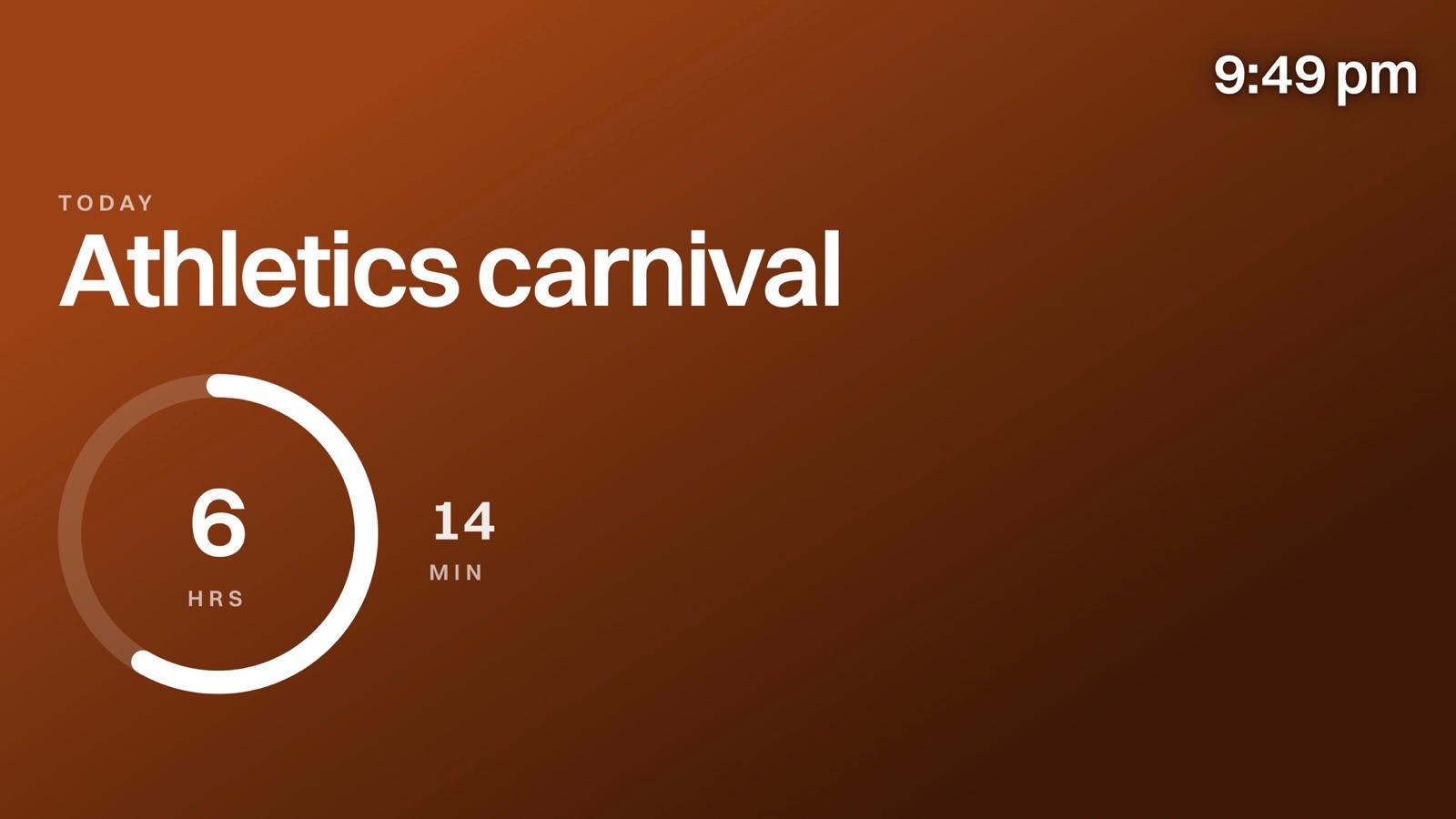
Play an item only on chosen days, between set times, on each screen's own clock.
Notices and specials expire themselves instead of going stale on the wall.
Screens check in from every 3 minutes to weekly. Alerts go out straight away.
Dashboard
A gallery per space, each with its own code. Drop in images and video and they are resized on the way in. Change something here and the screens catch up on their own.
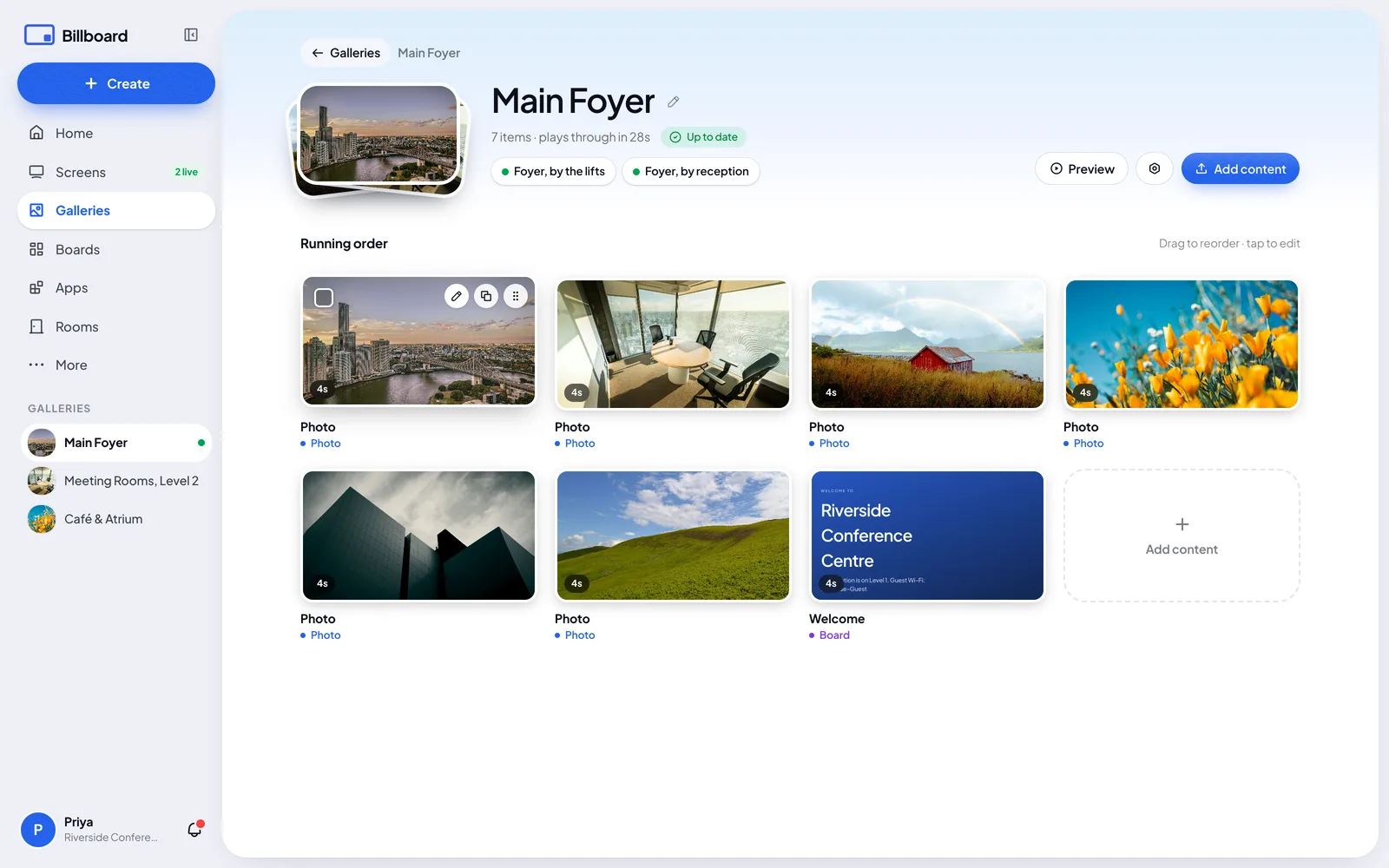
A gallery per space, lobby to library, and galleries inside galleries.
Marketing, the office, the tuck shop. Each looks after its own screens.
See which screens are live right now, before anyone else notices.
Members edit what they're given. Deleting a gallery is an admin's call.
A screen on a wall is only useful if nobody has to think about it.
A dropped connection leaves the screen showing what it has. It catches up when the network returns.
Guards against accidental exit, hides settings, stays awake, resumes after a restart.
Through the App Store, overnight, like any other app. The panel drifts so nothing burns in.
Deployment
Billboard is an ordinary tvOS app with managed app configuration, so your MDM installs it and tells each screen which gallery to play, what to call itself and which network to name. Unbox, enrol, done. Nobody walks a remote around the building.
Most MDMs substitute per-device variables, so a single configuration gives every Apple TV its own name while sharing everything else. Point a whole site at one gallery, or a different gallery per building.
<dict>
  <key>dataURL</key>
  <string>https://getbillboard.app/m/XHA8TKJH</string>

  <key>deviceName</key>
  <string>$DEVICENAME</string>

  <key>airplayWifiNetwork</key>
  <string>Riverside-Guest</string>

  <key>airplayTint</key>
  <string>#1E3A8A</string>

  <key>screenRotation</key>
  <integer>0</integer>

  <key>showClock</key>
  <true/>
</dict>Managed config outranks whatever is set on the device, so a screen that someone has fiddled with comes back into line on its next check-in.
Buying through Apple Business or School Manager works the same way. Add Billboard to Volume Purchasing and your MDM installs it like anything else.
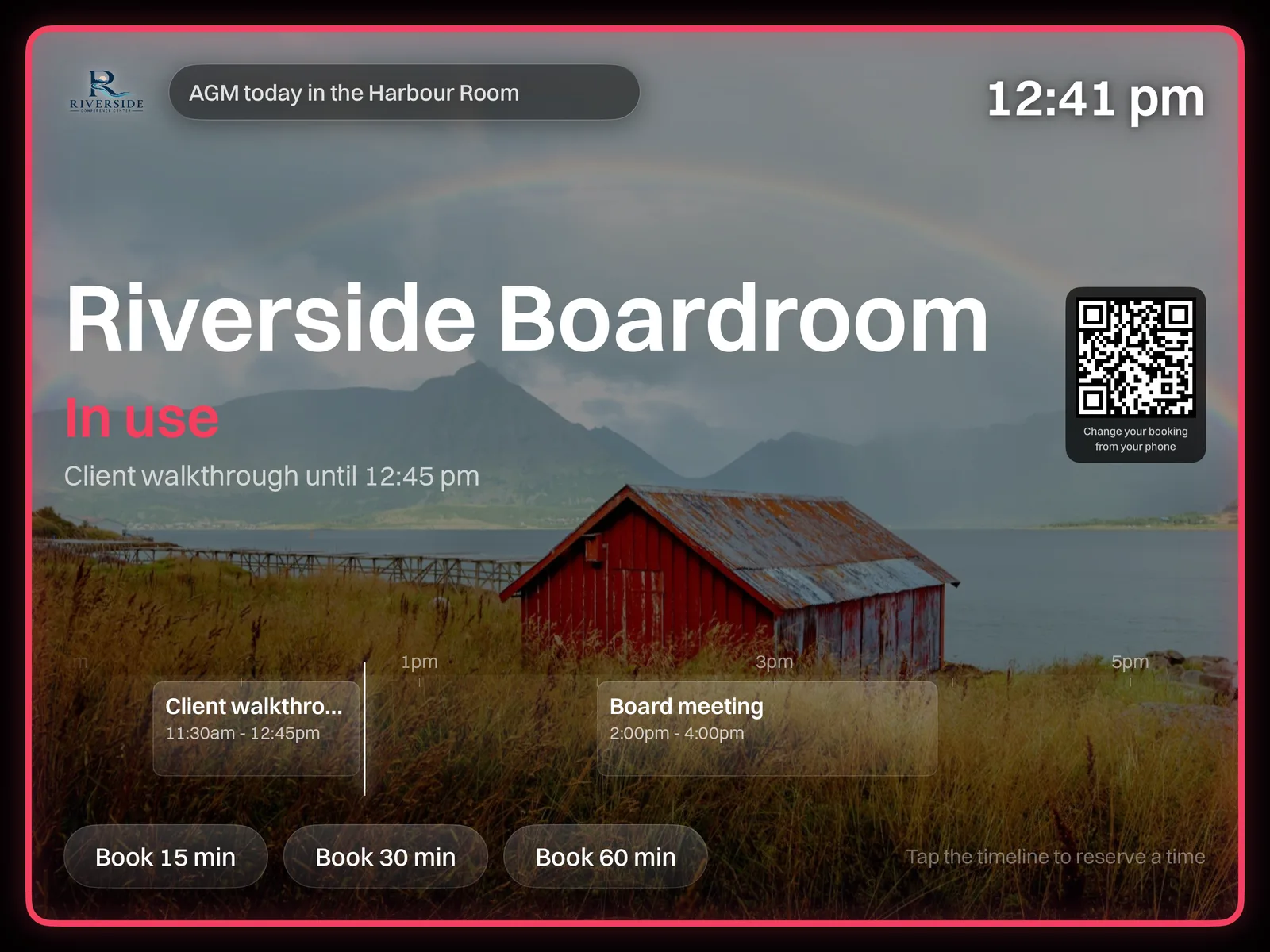
An iPad outside every meeting room, synced to Google or Outlook. Book at the door, with a code only you can change.
See Rooms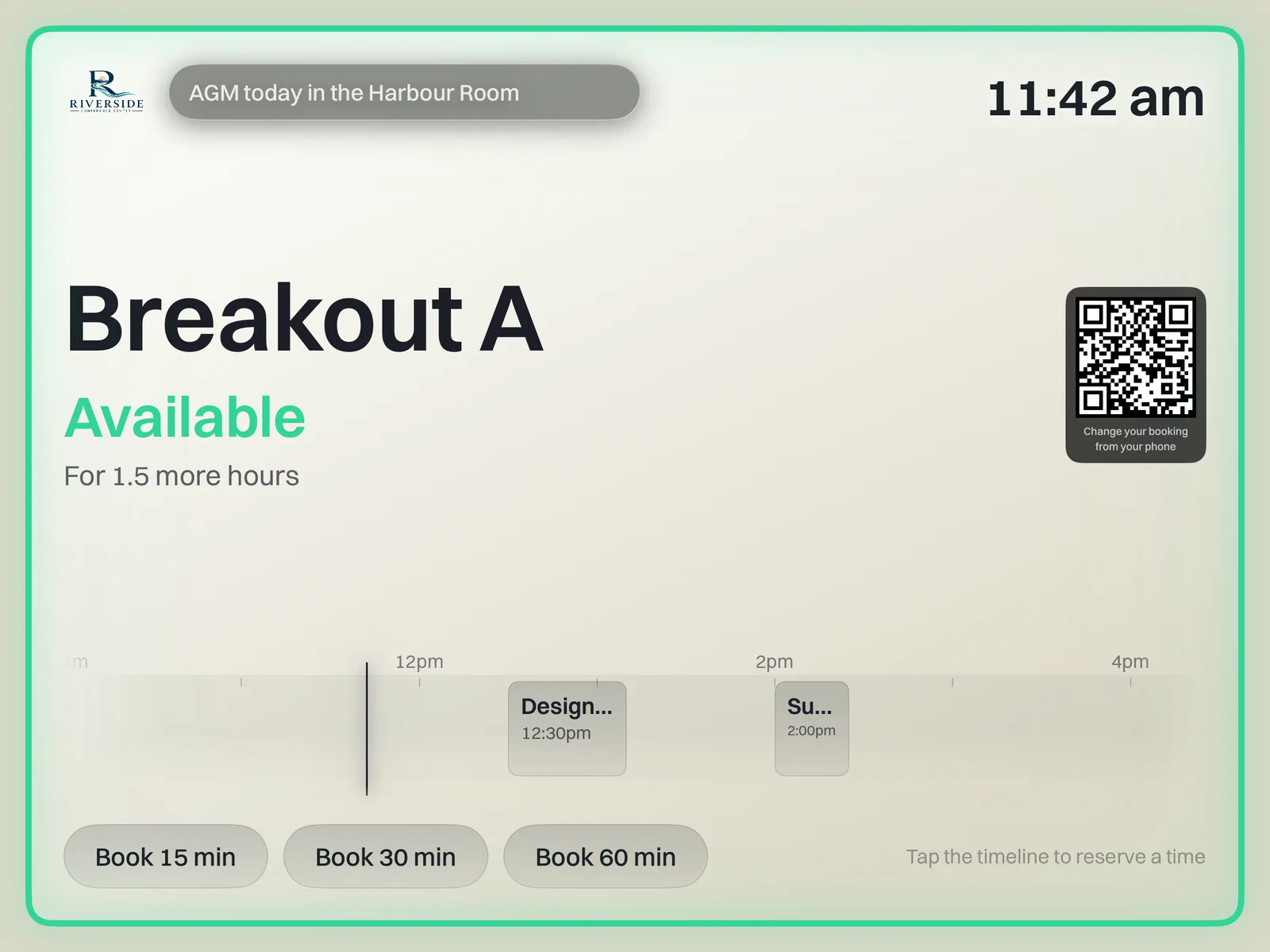
Free on two screens. No card needed.
No. It runs on the Apple TVs you already own, HD or 4K, on tvOS 17 or later.
Yes. Upload anything and it is resized and compressed on the way in. Or search Unsplash from inside the dashboard.
A slide you type rather than upload: a menu, a timetable, a notice, a listing or a countdown. The TV draws it in your font and colours, and you edit it in seconds.
On a schedule you set per gallery, from every 3 minutes to weekly. Alerts go out straight away.
No. They put a message on your own screens. They are not a substitute for a fire alarm, a PA or any life-safety equipment. In an emergency call 000.
Billboard alerts put a message on your own screens. They are not a substitute for a fire alarm, a public address system or other life-safety equipment. In an emergency call 000, or your country's emergency number.